5 things I learned after vibe coding my first app
Affiliate links on Android Authority may earn us a commission. Learn more. Vibe coding is easier than ever thanks to the diversity of tools available for developers and novices alike. While it would take hours or even days for a beginner to get a simple app up and running withou
Affiliate links on Android Authority may earn us a commission. Learn more.
Vibe coding is easier than ever thanks to the diversity of tools available for developers and novices alike. While it would take hours or even days for a beginner to get a simple app up and running without AI, vibe coding allows you to do this in minutes.
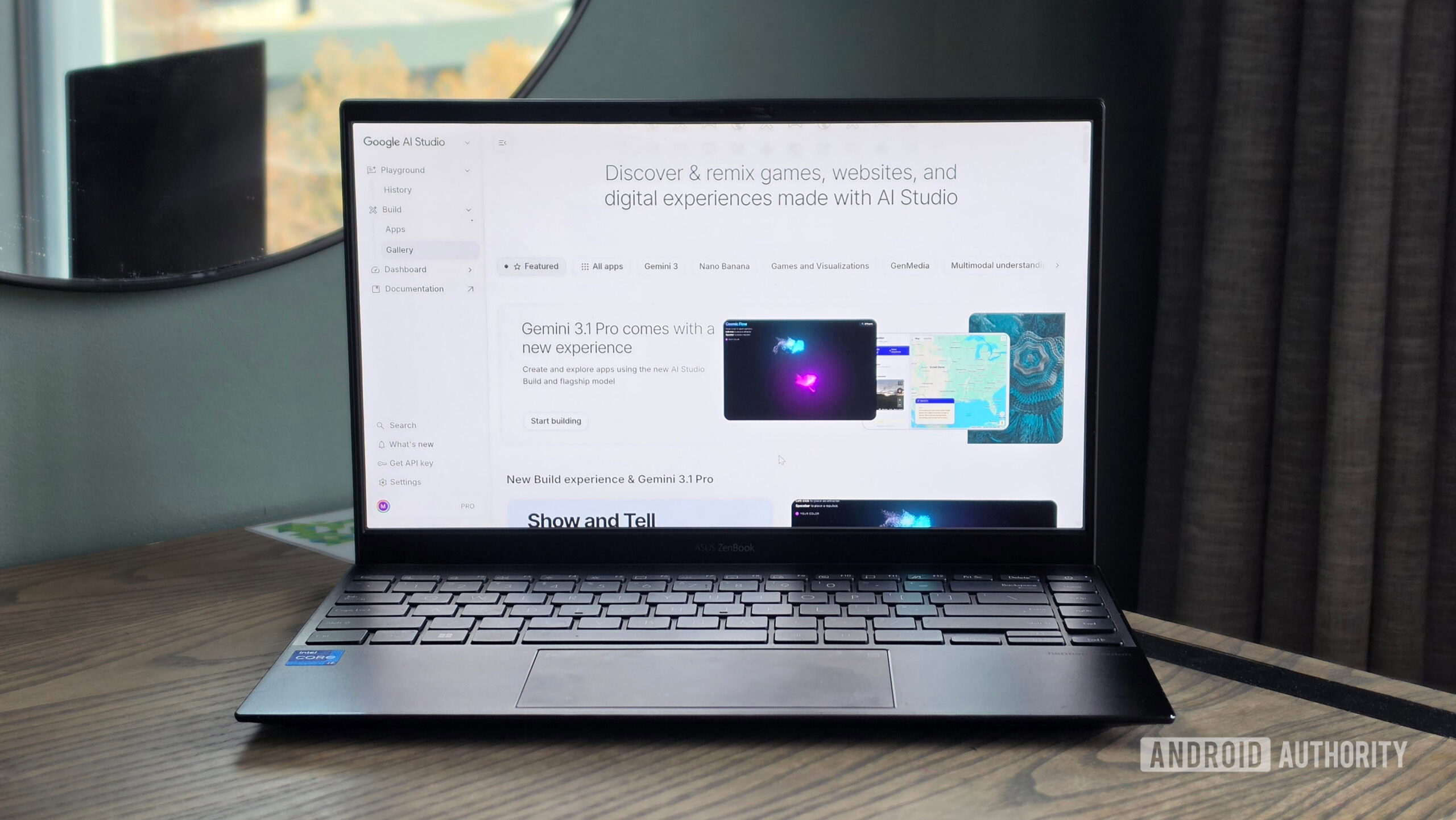
I dived into the world of vibe coding by completing a Google AI course, which covered the essentials of using Google AI Studio. And after I got my first app up and running, I realized that the experience was different from what I’d envisioned.
I expected some sort of learning curve with vibe coding, but the simplicity of tools like Google’s AI Studio caught me by surprise. I had some help in terms of the course, which included lessons that gave me example prompts and showed off different tools. But these weren’t in-depth or complex lessons. Most weren’t even more than five minutes and just provided a demo to follow. When I then had to create my own app from scratch, it took me less than 30 minutes to get it up and running.
The app I created is relatively simple — a spreadsheet analyzer. It lets me upload spreadsheets of my article performance, visualizes the data, and uses AI to identify trends and potential new ideas. It even adapts to the different spreadsheet data available. For example, it provides views and filters for the important metrics for different sites. For one site, that may be pageviews. For another site, that may be time spent on the article.
I had the app up and running within a few prompts. I knew that vibe coding made apps much easier to create, but I didn’t realize just how effective it was.
When you read about vibe coding online, most tools people refer to are used to create web apps. Even in my course on vibe coding, only web apps were covered. You can create mobile apps with vibe coding, but the process is usually more involved and often requires the use of additional tools. For example, you can use Android Studio with Gemini to create Android apps.
However, this is changing. Google recently introduced the ability to create Android apps in AI Studio, which will make the process significantly easier for newcomers who aren’t familiar with tools like Android Studio.