5 things to know before you ditch Google Photos for a NAS
Affiliate links on Android Authority may earn us a commission. Learn more. Earlier this year, I bought the Synology BeeStation Plus. Since then, it has become the digital hub of my home — it stores thousands of my photos and videos, keeps important documents in one place, and ev
Affiliate links on Android Authority may earn us a commission. Learn more.
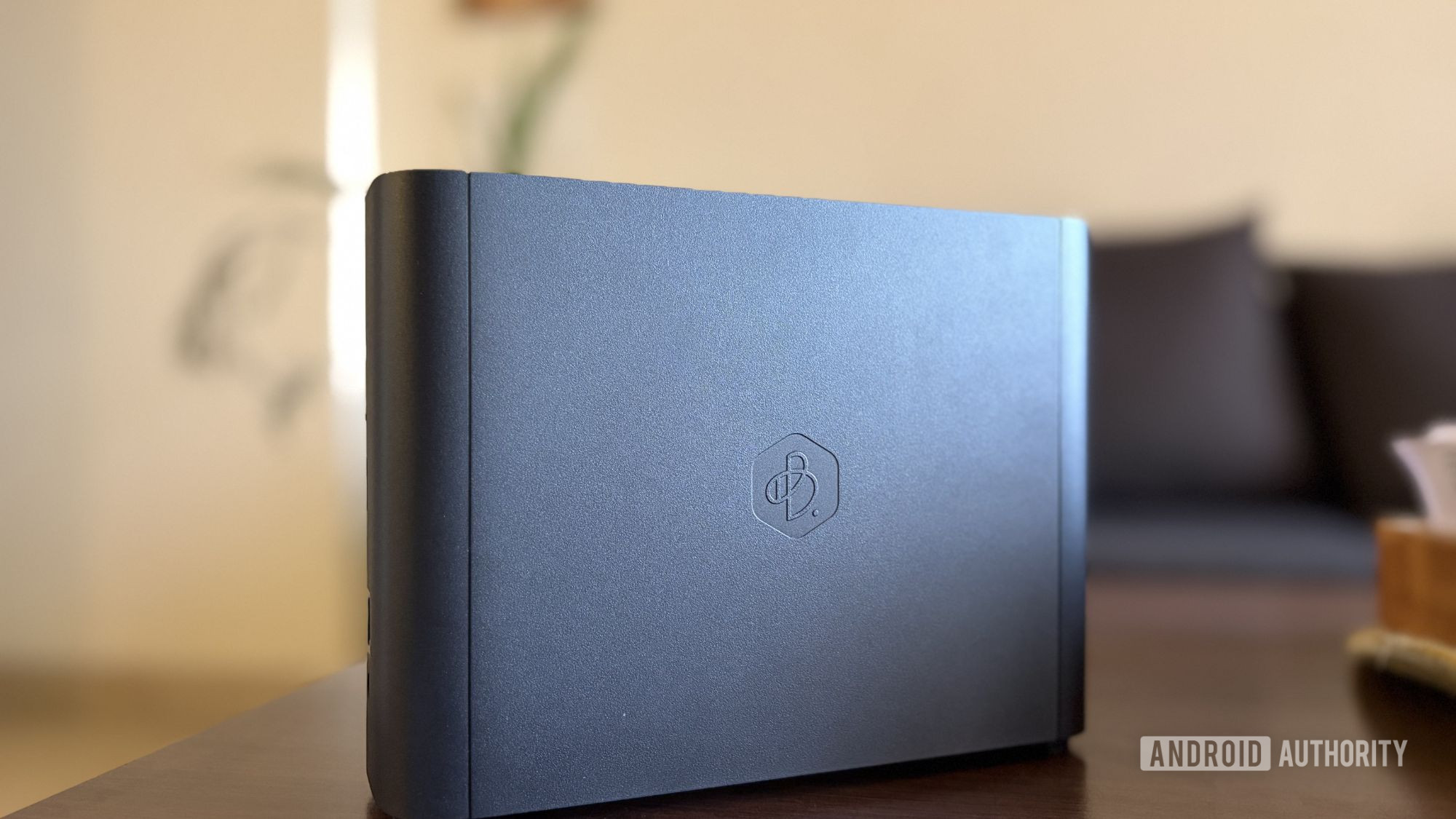
Earlier this year, I bought the Synology BeeStation Plus. Since then, it has become the digital hub of my home — it stores thousands of my photos and videos, keeps important documents in one place, and even doubles as a Plex Media Server . In fact, I’ve reached a point where I rarely open streaming apps like Netflix anymore because most of what I watch is already sitting on my server.
My family has started using it, too. Today, we all rely on it, and we’ve gradually moved away from services like Google Photos . That said, replacing it entirely is a much bigger decision than simply buying a NAS. While owning your data comes with plenty of advantages, you also leave behind a few conveniences when you step away from cloud storage.
I’ve been living with this setup for a while now, and if you’re considering taking the same route, there are a few things worth knowing beforehand.
The biggest reason I went for the Synology BeeStation Plus is simple — it’s plug-and-play. And honestly, it really lives up to that promise. I unboxed it, plugged everything in, went through the setup process, and before long, it was up and running without any complicated tinkering or technical headaches.
But it didn’t take long for me to realize that an easy setup doesn’t mean zero responsibility. Once you move to a NAS , a lot of the work that a cloud provider handles in the background suddenly becomes your job. Software updates, occasional system checks, power protection, and even basic physical maintenance all become part of the experience.
That shift also changed my relationship with storage. When I was using Google Photos, I’d upload my pictures and videos and never really think about them again. Everything just worked in the background. With a NAS, that “set it and forget it” attitude largely disappears.
Don’t get me wrong — it’s not difficult, it’s just more hands-on. You’re no longer simply using a storage service; you’re managing your own storage system. And because all of that data is sitting on hardware you own, there’s a natural sense of responsibility that comes with it. The last thing you want is to lose years of data because you ignored an update or skipped a routine check.





