8 free Android productivity apps I can’t live without in 2026
I use a bunch of apps on my phone and computer every day. Aside from essential ones, such as Bitwarden and Google Authenticator, these include plenty of productivity apps that help me get things done…
Affiliate links on Android Authority may earn us a commission. Learn more.
I use a bunch of apps on my phone and computer every day. Aside from essential ones, such as Bitwarden and Google Authenticator, these include plenty of productivity apps that help me get things done — both at work and in my personal life.
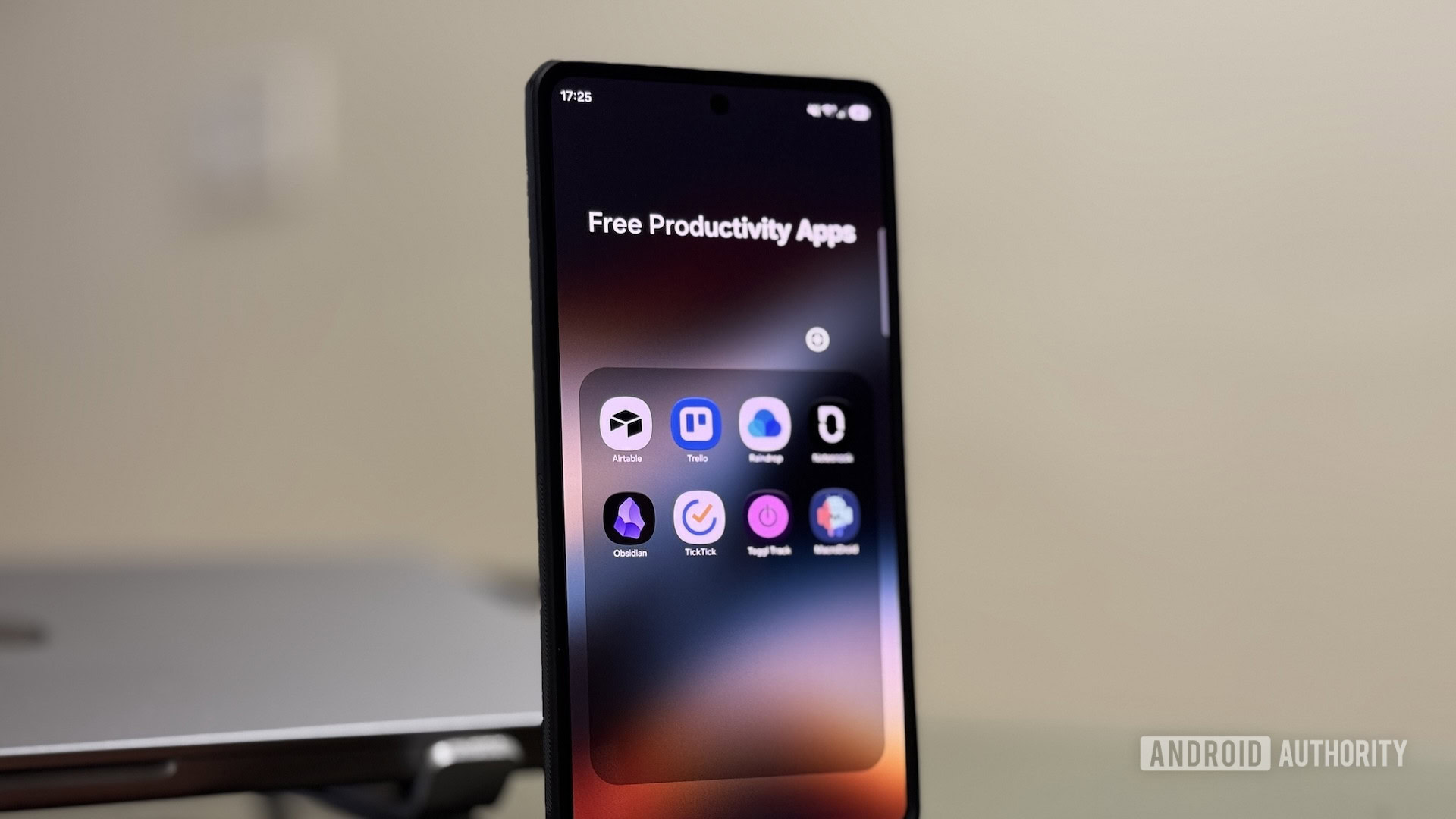
While I pay for a few of these apps, most are either completely free or offer a feature-rich free plan that serves my needs just fine. Here’s a look at my current favorite stack of free productivity apps that actually work and make my life easier — all of which are available on Android.
Notesnook is a free, open-source note-taking app that uses end-to-end encryption to protect your notes. I switched to Notesnook from Simplenote a few weeks back and use it for quick note-taking — jotting down information, thoughts, and ideas I frequently need. And it keeps my notes synced across all my devices so I can view or edit them on any device.
What I like most about Notesnook is its comprehensive free plan. It has all the features I need in a note-taking app, such as a rich-text editor and support for attachments, tables, and checklists. Plus, there are organizational features such as notebooks, folders and subfolders, tags, and colors to help organize notes more effectively.
Obsidian is another popular free note-taking app I use. It’s my go-to app for storing structured and permanent notes. In other words, I use Obsidian as a personal knowledge base , where I research my personal projects, take notes on new skills I’m learning, track books and blogs to read, and keep tabs on my supplements, among other things.
I’ve set up Obsidian to sync notes across all my devices using the free Remotely Save plugin. Speaking of plugins, that’s where Obsidian’s true power lies; you can find plenty of useful plugins to extend the app’s functionality. Some of my favorite plugins include Bases, Graph View, Slash Commands, Advanced Tables, Excalidraw, QuickAdd, Templater, and Linter.
TickTick is one of the best to-do apps for keeping up with everyday tasks. I’ve been using it for several years now, and I have nothing to complain about. While it isn’t a completely free app, its free tier offers all the features I need, such as text formatting, attachments, checklists, subtasks, tags, and comments.
Read Full Story at Android Authority →