A weird Galaxy bug is making home screen folders spill onto other pages
Folders are something that’s nice to have, as they can help you clean up your home screen. They also work as a way to keep your home screen organized. However, a new bug is causing problems for Samsu…
Affiliate links on Android Authority may earn us a commission. Learn more.
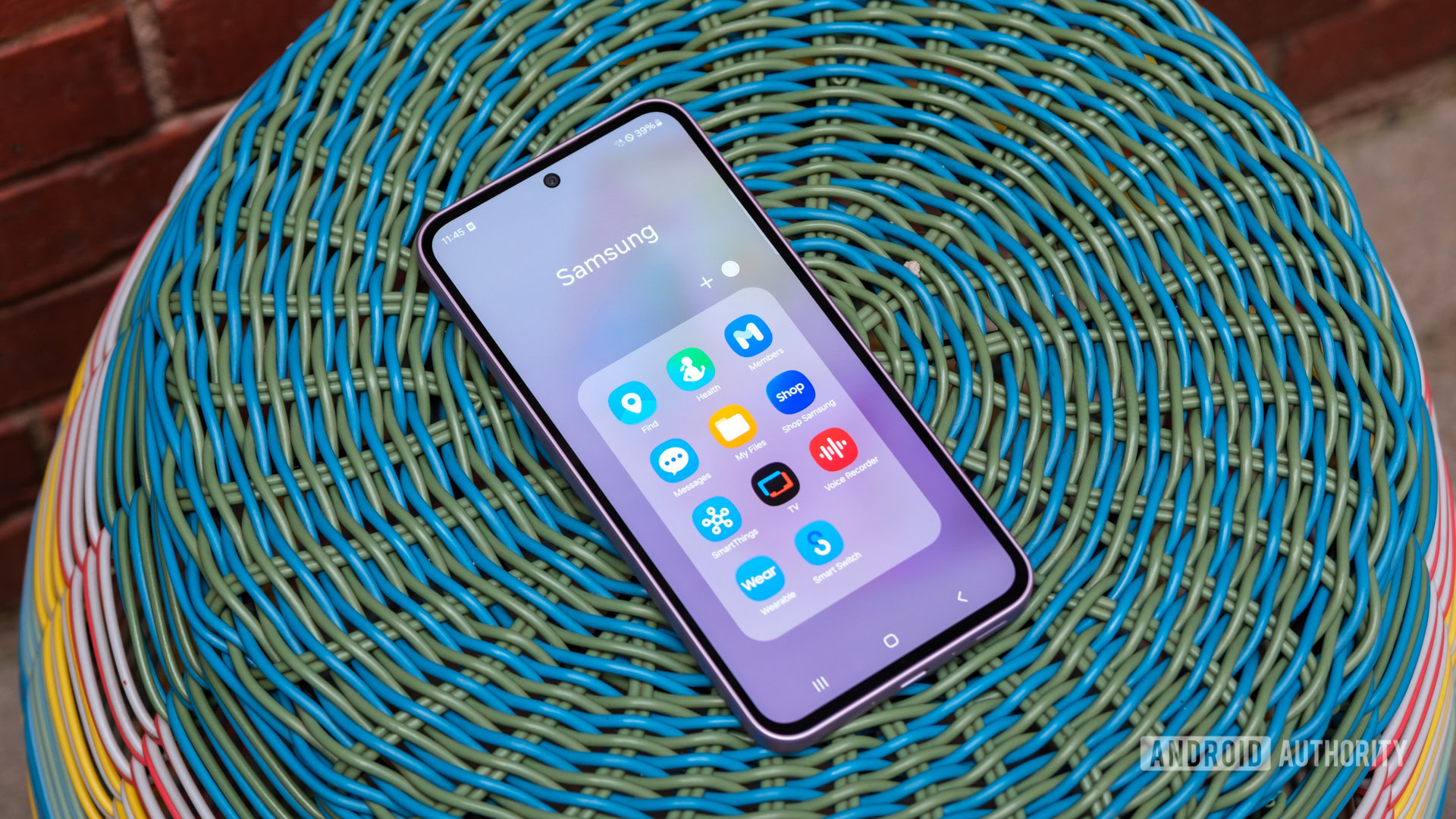
Folders are something that’s nice to have, as they can help you clean up your home screen. They also work as a way to keep your home screen organized. However, a new bug is causing problems for Samsung Galaxy users. And that problem is making home screens look like a mess.
The issue in question relates to folders on Galaxy devices, specifically large folders. It appears that a glitch is causing large folders to extend farther than they should. As one user points out on Samsung’s community forum , their large folders are spilling over to the next page after setting a custom folder size and reducing the screen layout settings by one space.
In the example the user shared, they have three long folders set up on one home screen page. When the user swipes to the next page, we see those folders extend beyond their boundary. Additionally, because the folders stretch over to a new page, which they shouldn’t be on, two of them are covered up by another folder.
The Good Lock Support team has responded, confirming that there is a problem with large folders. Fortunately, the moderator also confirms that the team is working on a fix for the issue. There is no timetable for when the patch will roll out. So it’s unclear how long you’ll have to wait for a fix if you’re also experiencing this glitch.
Thank you for being part of our community. Read our Comment Policy before posting.
Read Full Story at Android Authority →