Experts advise full format before discarding old USB drives
A full format overwrites every sector of a USB drive, making deleted files much harder to recover. If the drive contains highly sensitive data, physically destroying it ensures complete deletion.
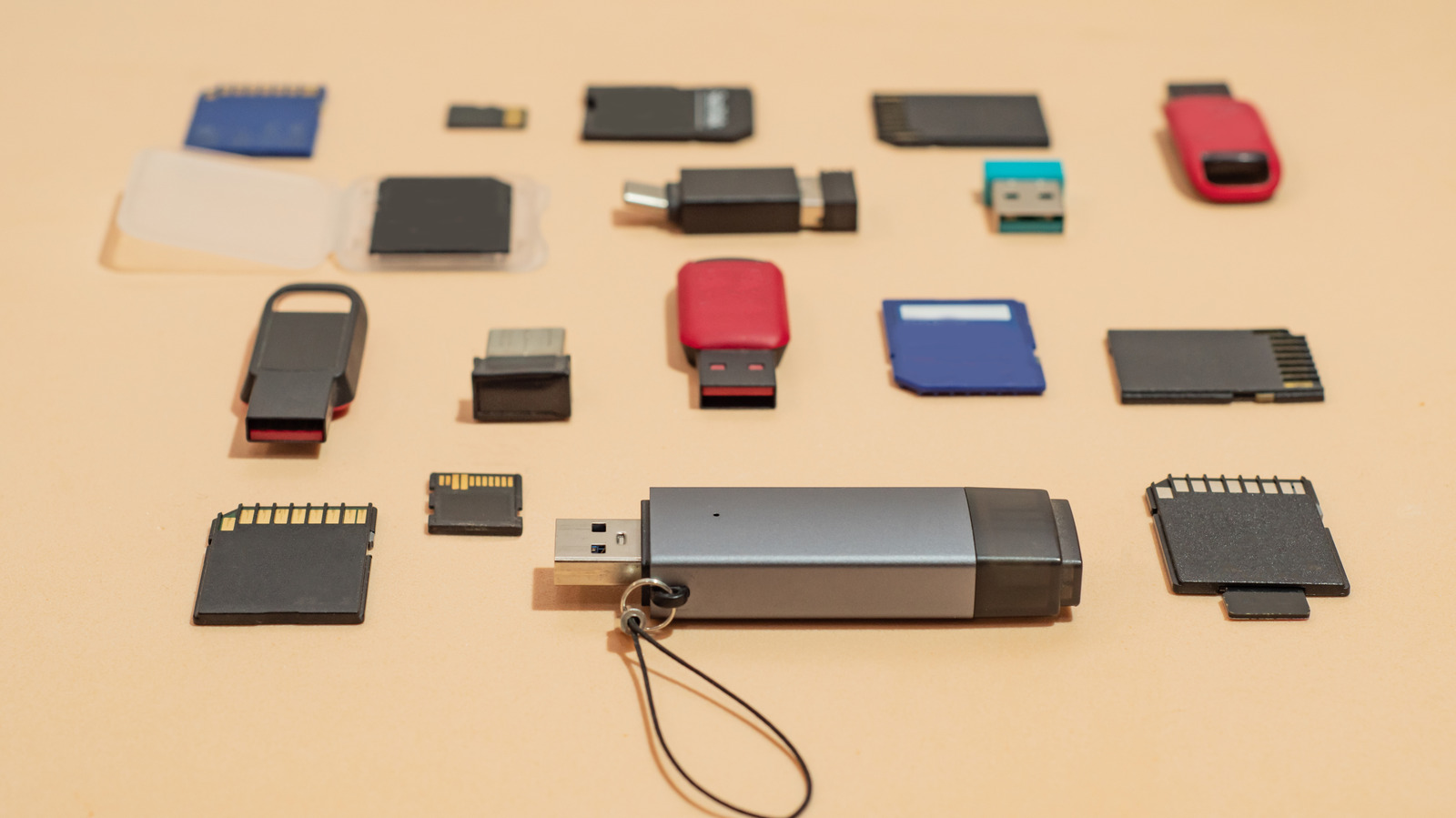
USB drives that still work but feel too slow or too small should not go straight in the trash. They need a proper wipe first. Otherwise, deleted files can often be pulled back by anyone who plugs the drive into a computer. Full formatting is safer than quick delete because it overwrites every sector and flags bad spots, making recovery much harder. If you plan to recycle or toss the drive, experts say do a full format and then physically destroy it so nothing sensitive remains.
Old flash drives often hold forgotten documents—tax files, copies of IDs, or old photos—that can become a privacy leak if the drive is lost or sold. Simply dragging files to the Recycle Bin only tells the system the space is free; it does not erase the data. A full format writes zeros across the entire drive, which takes longer but closes off most recovery tools. Cornell University’s IT security team advises three overwrites for recycled drives and outright destruction for those headed for disposal. If the drive isn’t even recognized by your computer, destruction is the only sure way to protect yourself.
On Windows, connect the drive, back up anything you want to keep, then open File Explorer, right-click the drive, and choose Format. Uncheck Quick Format so the drive gets a full scan and overwrite. Click Start and wait; the process can take minutes depending on size. On macOS, open Disk Utility via Finder’s Applications > Utilities, select the drive, click Erase, and—if available—use the Security Options to pick multiple overwrite passes. Confirm and let the wipe run; it will take longer but leave far less recoverable data.
Even a full format isn’t bulletproof. Tools like DBAN or ShredOS can push extra overwrite passes to further bury old files. If you’re dealing with highly sensitive data, physical destruction—drilling, crushing, or cutting the circuit board—is the surest route. It may feel drastic, but once a drive is broken beyond repair, there’s no software that can resurrect its contents.
Read Full Story at Engadget →