Digital Wellbeing could soon give you a weekly reality check
Google’s Digital Wellbeing app is the place you’d go to know exactly how much time you’re spending on your phone . The catch, however, is that it’s largely a passive tool that you need to manually op…
Affiliate links on Android Authority may earn us a commission. Learn more.
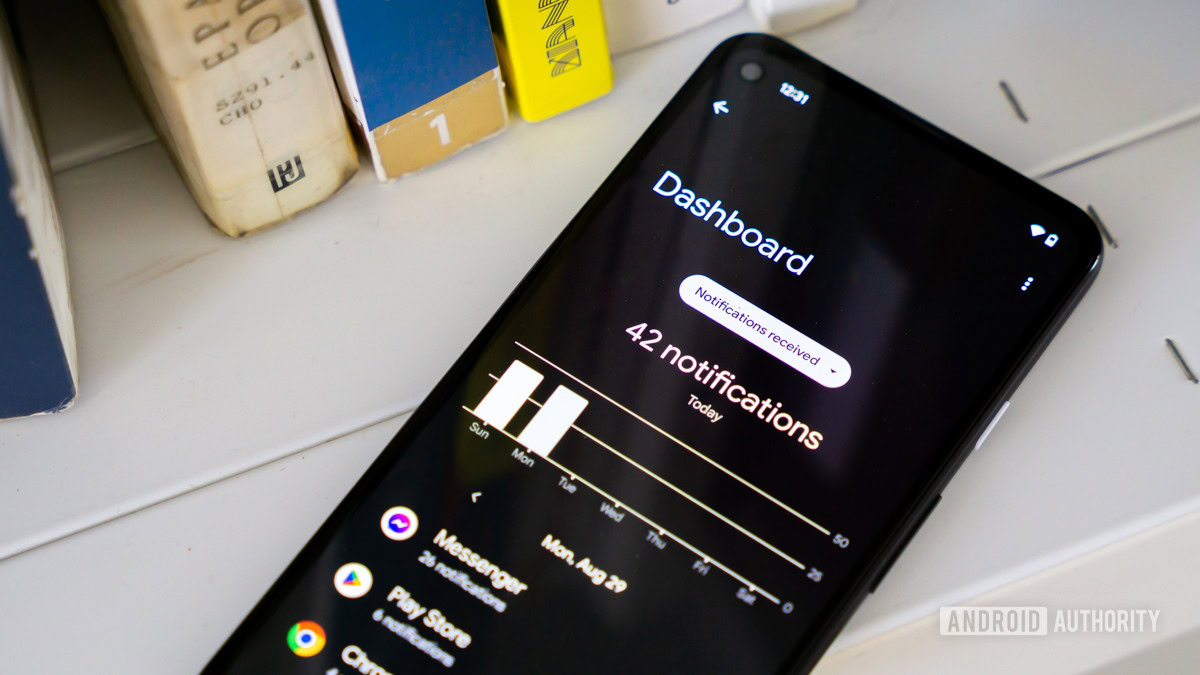
Google’s Digital Wellbeing app is the place you’d go to know exactly how much time you’re spending on your phone . The catch, however, is that it’s largely a passive tool that you need to manually open and dig through. The tool doesn’t take a proactive approach, though that might soon change.
Digital Wellbeing could soon add a new Weekly wrap feature that, exactly as it sounds, would give you a weekly recap of your phone usage.
You’re reading an Authority Insights story. Authority Insights brings you all the latest exclusive reports, app teardowns, leaks, and in-depth tech coverage from the Android Authority team that you won’t find anywhere else.
We found clues hinting at the change in version 1.47.964183037.beta of the app. According to newly added code strings, Weekly wrap would generate insights based on your phone activity throughout the week. It would then proactively alert you about the recap with a notification.
There doesn’t appear to be any new information being generated here; the tool would likely use all the information Digital Wellbeing already tells you about your phone usage. What’s unique is that Weekly wrap would present all that information in a contextual manner, helping you understand the bigger picture when it comes to your phone usage.
You’ll likely be able to turn off the features directly from Digital Wellbeing’s settings. Alternatively, you’d be able to keep Weekly wrap on and just turn off its notifications, though that would then require you to manually navigate to the page to check out your recap, which somewhat defeats the “proactive” purpose in the first place.
If and when available, users would be presented with a personalized recap that not only highlights usage statistics, but also spotlights significant changes from the week before. And of course, the way it does that is by leveraging Gemini.
Read Full Story at Android Authority →