Does your iPhone's Safari browser privacy features actually make you safer?
Safari limits tracking by default, but private browsing still has limitations. The iPhone's default Safari browser has gained a reputation for being private, especially as an alternative to Chrome f…
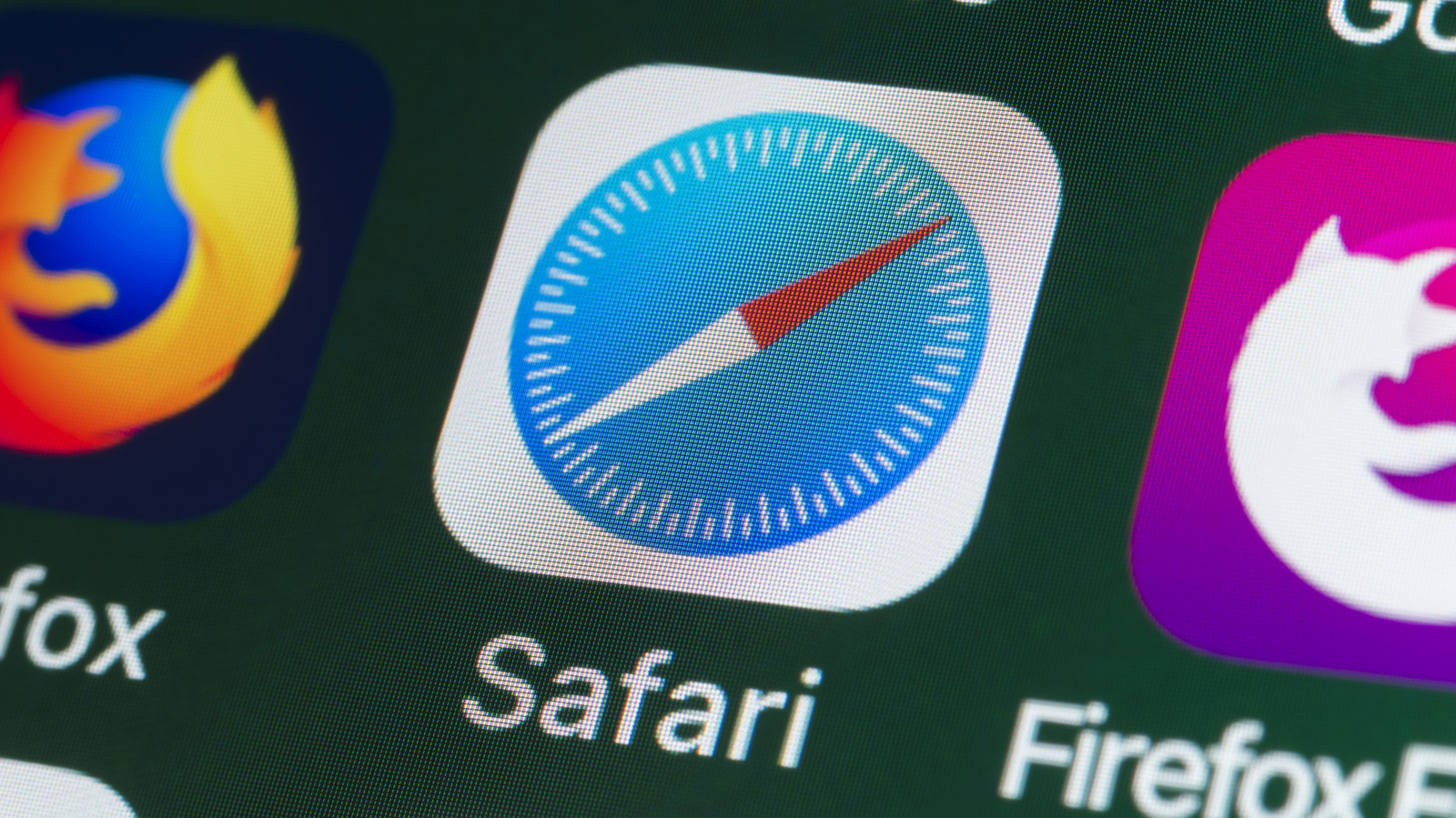
Safari limits tracking by default, but private browsing still has limitations.
The iPhone's default Safari browser has gained a reputation for being private, especially as an alternative to Chrome for those who don't want to turn over their entire life history to Google. According to the Safari info page , the browser blocks third-party cookies by default, uses machine learning to limit cross-site tracking, hides your IP address from known trackers and removes identifying info from certain URLs. In 2019, Apple published a white paper covering the full range of Safari's privacy capabilities if you're interested in the details.
All these features are important because advertising and data-broker networks (and by extension, the FBI) are itching to gobble up your private data. Tracking info often follows you throughout unrelated sites, searches, purchases and profile visits. Safari helps by cutting most of these data leeches off at the knees, limiting the data shared with those networks and making it more difficult for advertisers to build an infrastructure based on your behavior.
However, "private" doesn't place Safari on the same pedestal as a quality VPN . Websites can still see info that's required to serve the page you're on, including a general idea of your location. Safari's defaults mean the average iPhone user is unknowingly handing over less data, but the browser is far from an impenetrable shield.
Privacy and security are distinct concepts, though they're closely related. Privacy focuses on how your personal info is collected and used, while security refers to ways your data is protected from attack. Insecure data cannot be private, but a secure website can have poor privacy practices. Thus, we should consider features of Safari that cover both areas.
Safari's strongest privacy tools tackle address tracking as well as account security and unsafe website behavior. Its cross-site tracking protections try to stop advertisers and third parties from recognizing you as you move from site to site. Private Browsing adds a few layers, including blocking trackers, masking your IP address from known trackers and automatically removing some tracking info from links.
Safari also supports passkeys , which let you sign in with Face ID or Touch ID instead of a traditional password. Passkeys are phishing-resistant by design because creating one is tied to a certain website; they won't work on a fake lookalike page. Apple Pay is also integrated into Safari, so you can avoid entering your card numbers and authenticate with Face ID to use your saved cards stored privately in Apple Wallet .
But for all the good Safari does, it still has limits (as all browsers do). While it will warn you about dangerous sites, it can't verify that every page you visit is legitimate and won't stop you from entering your credentials on a convincing phishing site. It will warn you about poor passwords, and while Apple Intelligence in iOS 27 will be able to automatically set stronger passwords for you, this feature isn't out yet.
Read Full Story at Engadget →