Gemini wants to turn your boring spreadsheets into interactive ones
What started out as a relatively simple spreadsheet web application 20 years ago has since transformed into one of the most used productivity tools out there. We’re talking about Google Sheets , whic…
Affiliate links on Android Authority may earn us a commission. Learn more.
What started out as a relatively simple spreadsheet web application 20 years ago has since transformed into one of the most used productivity tools out there. We’re talking about Google Sheets , which is now a lot more than just rows, columns, and formulas, and thanks to Gemini’s smarts , it’s about to become a lot more versatile.
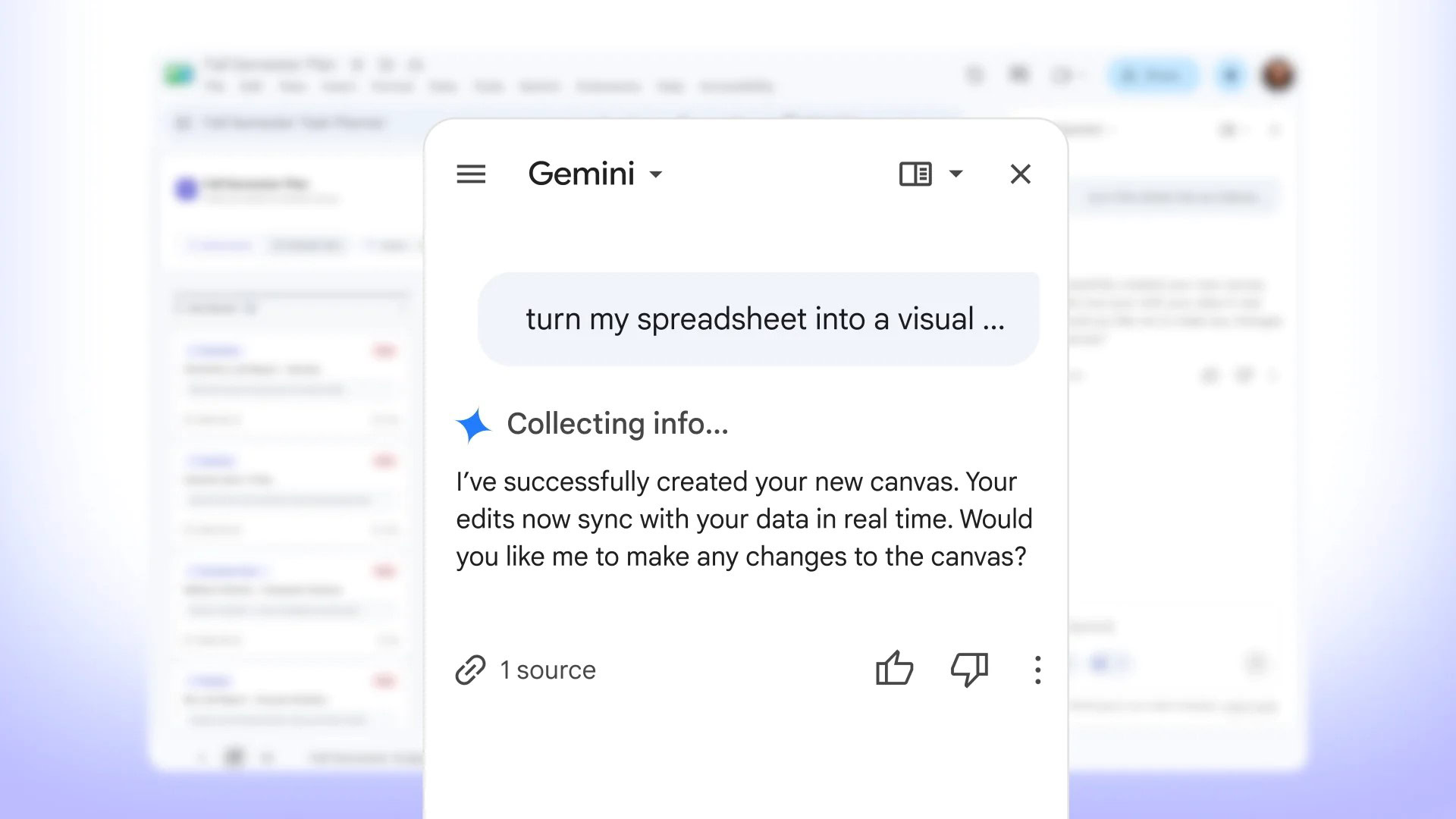
The tech giant is rolling out a new Gemini-powered feature that can turn your Google Sheets spreadsheets into “custom, interactive mini-apps.” It’s called Sheets canvas, and it’s designed to help you turn raw data into something easier to interact with.
Sheets canvas is a prompt-based feature, so everything happens right within the Gemini side panel. And the best part is that you don’t need to know even the basics of coding or Google Sheets formulas — you simply describe what you want to create, and Gemini does the heavy lifting.
Google explains that at its core, Sheets canvas is a read-write layer that sits on top of your Sheets data. You tell your canvas what you want, and it builds an interactive experience by leveraging the data on your Sheet.
According to Google, here’s what makes the feature truly powerful:
The company shared some examples of Sheets canvas in action, and they give a pretty good idea about how the feature works.
A student, for example, will be able to feed their list of school assignments, due dates, priority, and other relevant information into a Sheet. Subsequently, a simple prompt like “turn my spreadsheet into a visual dashboard sorted by status, task name, subject priority, and due date” will turn the static data into a dynamically-presented dashboard.
Read Full Story at Android Authority →