Google updates AI Mode to allow 10 photo attachments at once
Google's AI Mode now allows users to attach up to 10 photos at once, enhancing the efficiency of sharing images in messaging and collaboration tools. This update responds to user demand for streamlin…
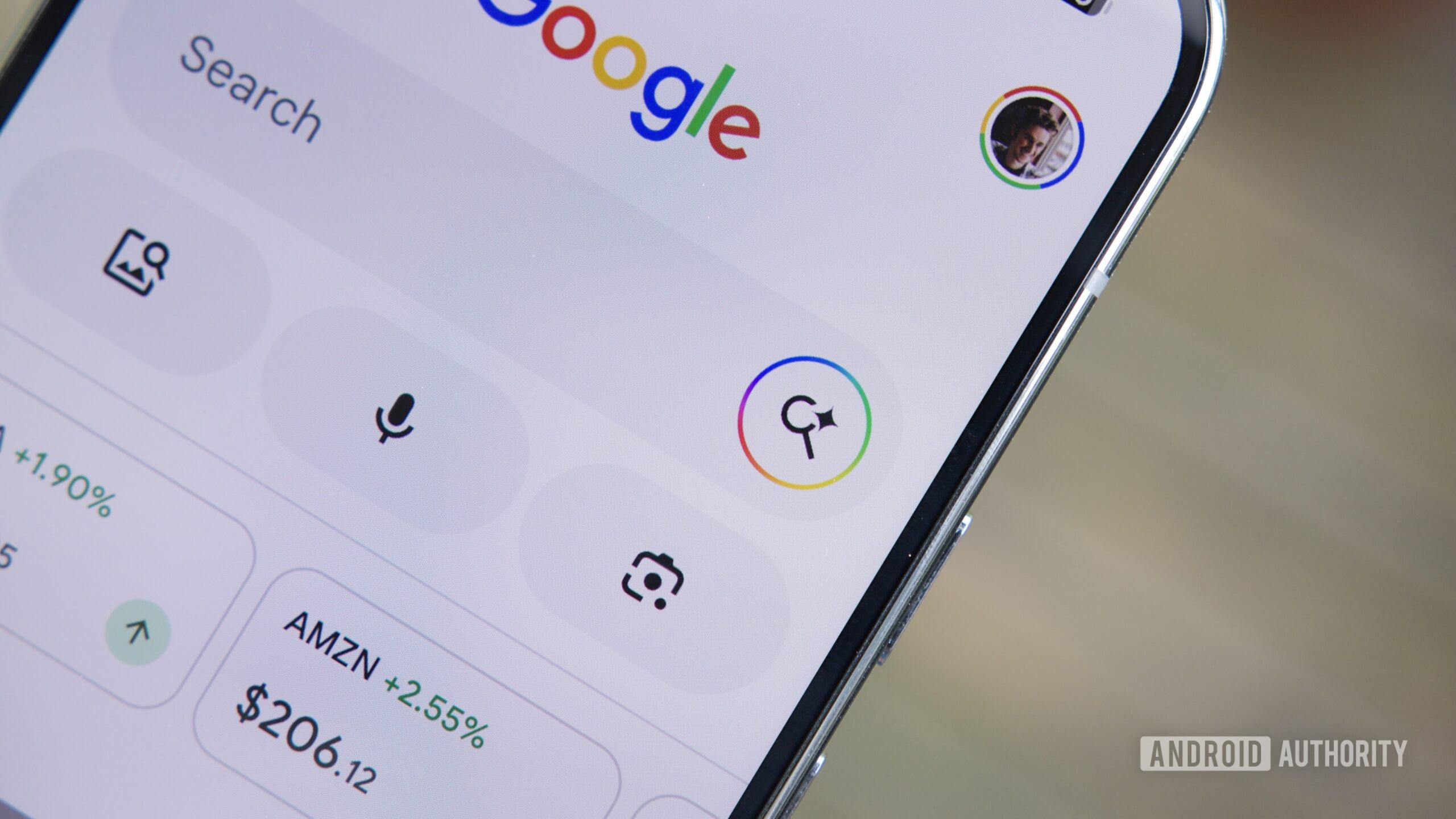
Google's AI Mode now allows users to attach up to 10 photos at once, streamlining the process of sending images without needing to open the camera each time. This update, announced on Monday, is part of Google's ongoing efforts to enhance user experience in its suite of applications, particularly in messaging and collaboration tools.
The move comes in response to user feedback and the growing demand for more efficient ways to share content. As people increasingly rely on digital communication, the ability to send multiple images at once has become essential. This feature is particularly valuable in contexts like social media, messaging apps, and email, where visual content plays a crucial role in engagement and communication. By improving AI Mode, Google aims to keep pace with competitors who have already implemented similar features.
The new functionality is designed to minimize interruptions in workflow. Users can now select and attach multiple images in a single step, which is a significant improvement over previous versions that required repetitive actions. This change is expected to enhance productivity for both casual users and professionals who rely on visual communication for work. In addition to the photo attachment feature, Google is also focusing on refining its AI capabilities, which could lead to further innovations in how users interact with their devices.
Looking forward, this update could set the stage for more advanced features in Google’s AI Mode. The ability to manage multiple images effortlessly may pave the way for enhancements in image recognition and editing capabilities. As Google continues to integrate AI into its products, users can expect more tools that not only simplify tasks but also enrich the overall digital experience. The shift reflects a broader trend in technology toward creating more seamless and intuitive user interactions.
Read Full Story at Android Authority →