Here's why retro games look better on old CRT TVs
Your favorite games did look better when you were a kid, but it's not just nostalgia talking. If you've ever tried to use your favorite childhood game console with a new TV or monitor, you were like…
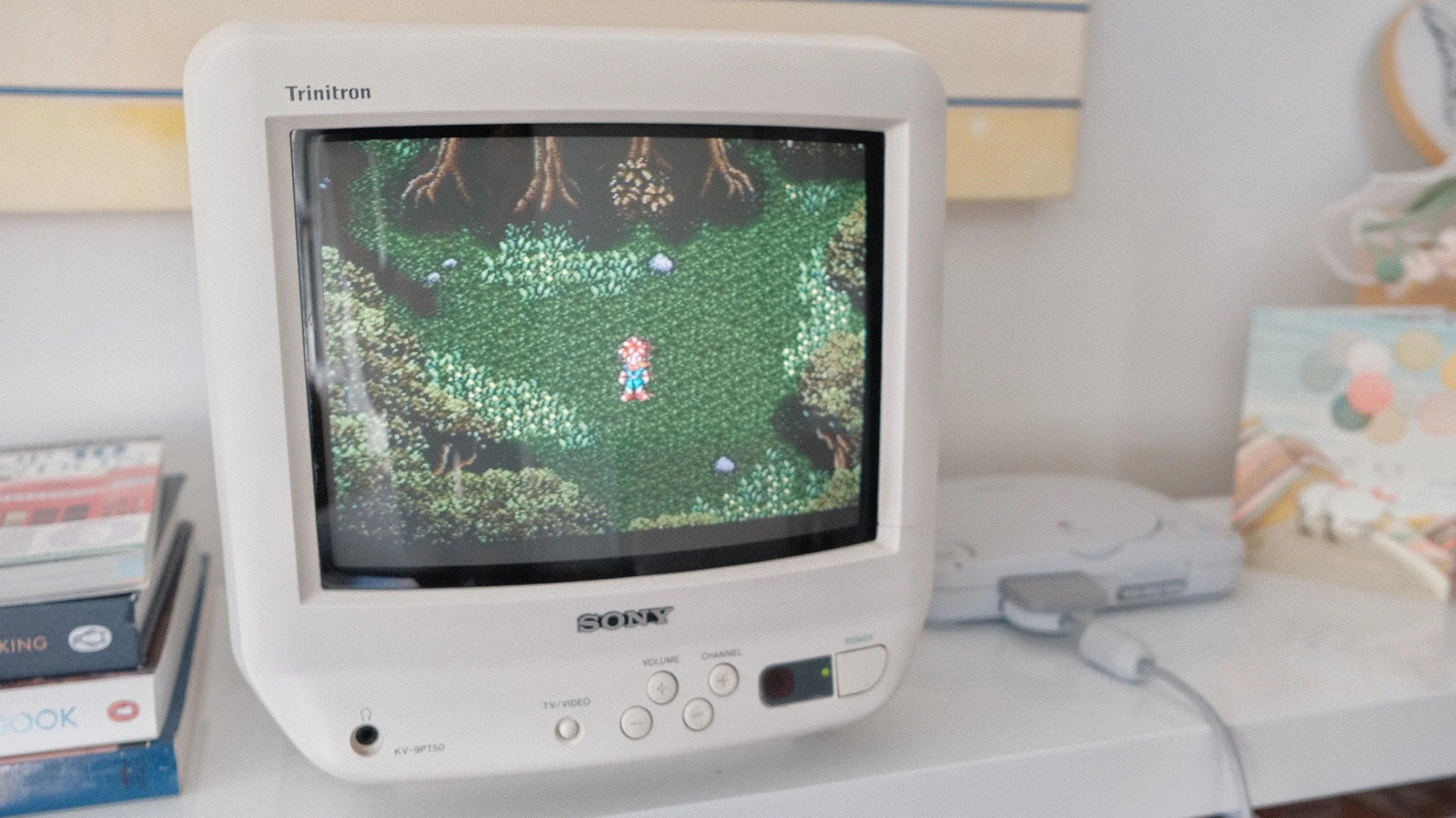
Your favorite games did look better when you were a kid, but it's not just nostalgia talking.
If you've ever tried to use your favorite childhood game console with a new TV or monitor, you were likely disappointed by what you saw. This isn't an issue when playing a version ported to modern systems, but is immediately obvious on the original hardware. While it's easy to blame nostalgia, the reason your favorite retro games don't look the way they do in your memory is more complicated.
The short answer is those games weren't meant to viewed on modern flat-panel displays. Games from the '80s, '90s and early 2000s were instead designed for the dominant display technology of their time: the humble cathode ray tube (CRT). It's an example of how technology and its shifts can shape an art form.
The mismatch you find when you revisit a favorite game is the result of playing it outside of the context you originally experienced it in.
When most of us think of CRT TVs and monitors, we tend to remember their disadvantages relative to modern flat panels. They were big, noisy and, most of all, heavy. Yet for all their faults, they represented an amazing bit of technology.
Inside every bulky CRT display is a sealed vacuum tube with one or more electron guns pointed at a phosphorescent screen. CRT TVs and monitors don't display individual pixels like their modern counterparts. Instead, they draw many horizontal "scanlines" each time their electron guns fire and ignite the phosphors at the front of the screen. Those lines are drawn from left to right, top to bottom, for every frame the display renders. Yet to the human eye, that process appears instantaneous.
This is quite different from how LCD and OLED screens work. They instead use a technique called sample-and-hold, meaning they display a full frame and hold it until they refresh. Due to this technical difference, CRTs offered far greater motion clarity than their LCD counterparts for many decades. It was only recently, with the introduction of high refresh rate displays, that LCD and OLED screens have come to match CRTs on that front. This is apparent when you revisit a game like The Legend of Zelda: Ocarina of Time. Its frame rate was low (20FPS) and inconsistent when you were a kid, but it was less noticeable because of how CRTs handled motion.
Motion is only one part of why retro games don't look right on modern TVs; resolution is the second major factor. CRT displays don't have "native" resolutions like their LCD and OLED counterparts. They can render many different resolutions without the smearing that happens when you try run a flat-panel screen at a resolution lower than its native one. The console gaming industry standardized around two resolutions prior to the PlayStation 3 and Xbox 360 era: 240p and 480i.
Read Full Story at Engadget →