Here’s your first look at Google Photos’ customizable Collections tab
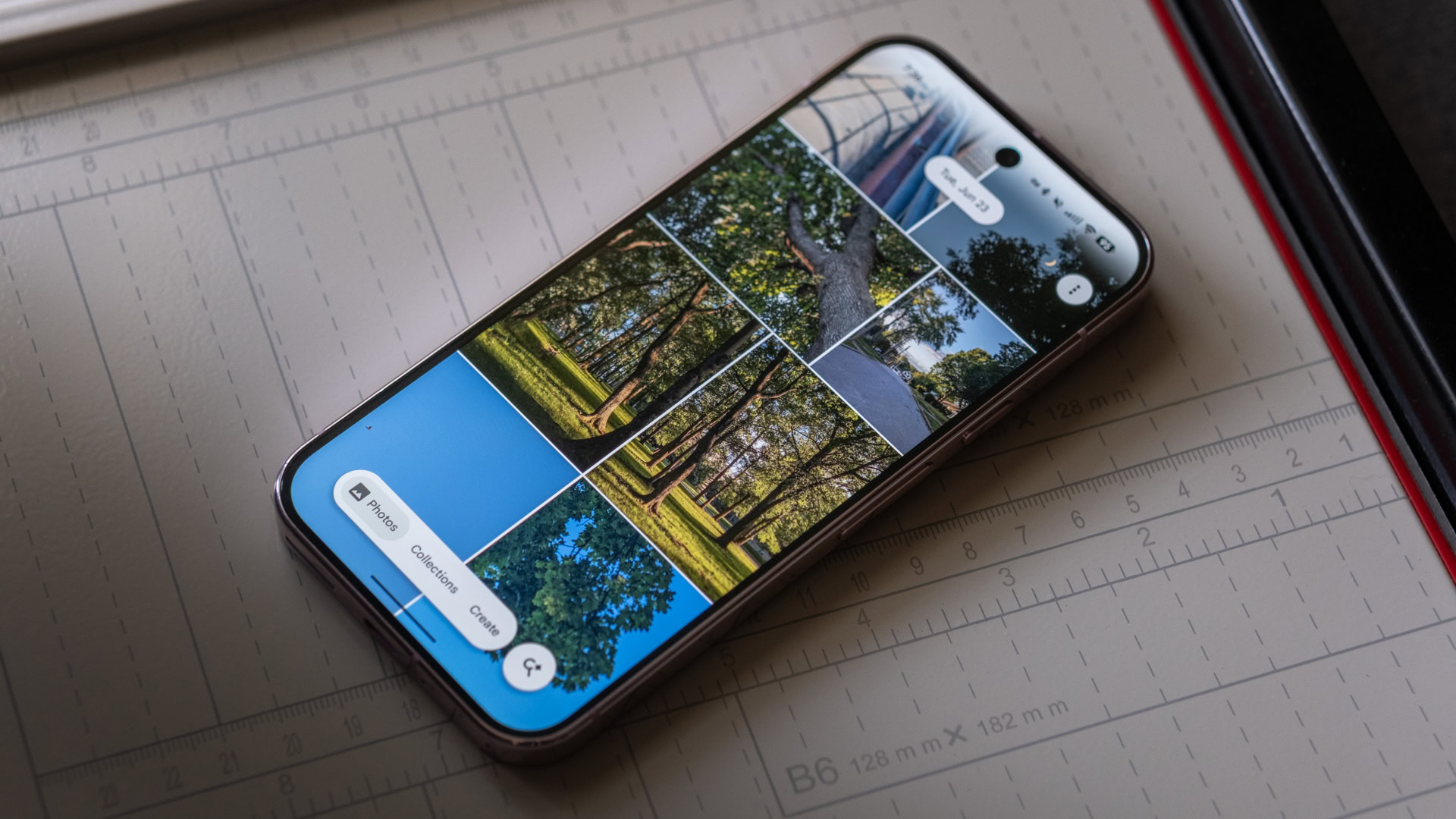
Google Photos has undergone a wave of design changes over the past several months. We saw the app’s revamped bottom bar widely roll out to Android devices this July. Then last month, we found evidenc…
Affiliate links on Android Authority may earn us a commission. Learn more.
Google Photos has undergone a wave of design changes over the past several months. We saw the app’s revamped bottom bar widely roll out to Android devices this July. Then last month, we found evidence in the Photos app suggesting users may soon be able to reorder items in the Collections tab . However, we couldn’t get the tool to appear back then. That’s changing today, as we can now provide a first glimpse of how it works.
You’re reading an Authority Insights story. Authority Insights brings you all the latest exclusive reports, app teardowns, leaks, and in-depth tech coverage from the Android Authority team that you won’t find anywhere else.
In version 7.90.0 of Google Photos, we found a dedicated Customize button appear toward the bottom of the Collections tab. It sits just above the floating bottom bar, separated by the “Send feedback” option. Tapping this button opens up a simple interface where you can drag and rearrange the folders (On this device, Places, People & pets, etc) to your liking.
There’s also the option to completely hide some of these albums from view, which is a great addition in my opinion, as it lets you reduce clutter from the Collections tab. While users will be able to move around practically any folder in this tab, the pinned section, another feature we recently discovered , cannot be moved. Pinned items can be completely hidden using this interface, however.
While we found an onscreen toast with the Customize button in our previous discovery, the button wasn’t active at the time. It appears that Google Photos has progressed further with this feature since then. We found this customization tool appearing on a Pixel 9, and only on one Google account. Unfortunately, the new option disappeared after we cleared the app’s data.
Given these factors, it’s hard to say whether Google Photos will roll it out soon or if we may have to wait a while to see it implemented. As with such feature discoveries, there’s never a guarantee it will make it to the app, even though the framework for this customization tool appears to be in place right now. That said, this is definitely one of those tools that we’d love to see on the Photos app.
Thank you for being part of our community. Read our Comment Policy before posting.
Read Full Story at Android Authority →