How I freed up 20GB of Google Photos storage with 5 simple steps
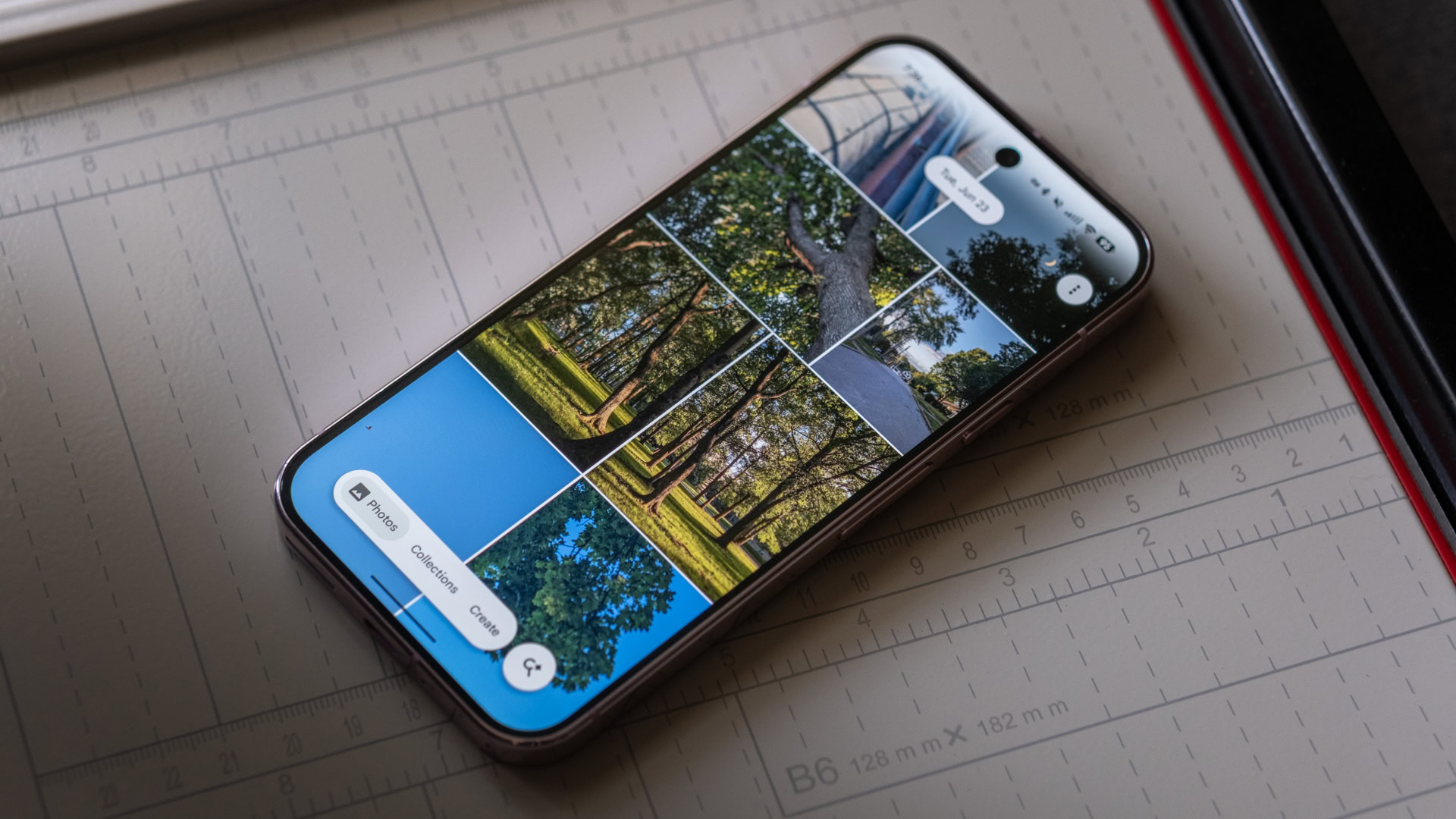
I have a Google One subscription , so I get more than the standard 15GB of free storage on my Google Account. However, this doesn’t mean I want to spend even more on a service I only started using be…
Affiliate links on Android Authority may earn us a commission. Learn more.
I have a Google One subscription , so I get more than the standard 15GB of free storage on my Google Account. However, this doesn’t mean I want to spend even more on a service I only started using because Google promised unlimited free storage for compressed images. As I watched my storage quota pass the halfway mark for my current 100GB plan, I decided it was time to take action.
But Google doesn’t exactly make it easy to manage your Google Photos images and videos. Besides bulk deletion and compression, you mostly have to sort through your files yourself.
So, I set up a process to make it easier to do — and by following these steps, I cleared out thousands of items from my storage and freed up over 20GB of space.
With over 47,000 items backed up in Google Photos , I knew I had to set my priorities before jumping in. Luckily, I knew there were a bunch of items I could ignore — those that don’t count towards my account storage.
While Google pulled a bait-and-switch by ending its free storage promise after getting people like me hooked on the product, there was some consolation. Items added before the June 1, 2021, deadline using the Storage Saver option would not count towards my Google Account storage.
Clearing some of these images may make my account neater and make searches less overwhelming, but it would do nothing to help my goal of clearing up storage. So from the get-go, I ignored anything uploaded before that date. This helped me prioritize what was actually important for freeing up storage.
Rather than manually scrolling through my gallery and deciding which images to delete, I started with my screenshots folder. This presented an easy win — most of my screenshots were for articles I completed years ago or memes I had sent to friends. This folder was particularly packed for the years I did a lot of software tutorials or mobile game reviews.
Read Full Story at Android Authority →