How to add an intro to Apple CarPlay using Shortcuts
If you want your car to greet you every morning, the Shortcuts app can make it happen. Adding an intro to Apple CarPlay isn't complicated, and it can add a nice little touch of personalization to yo…
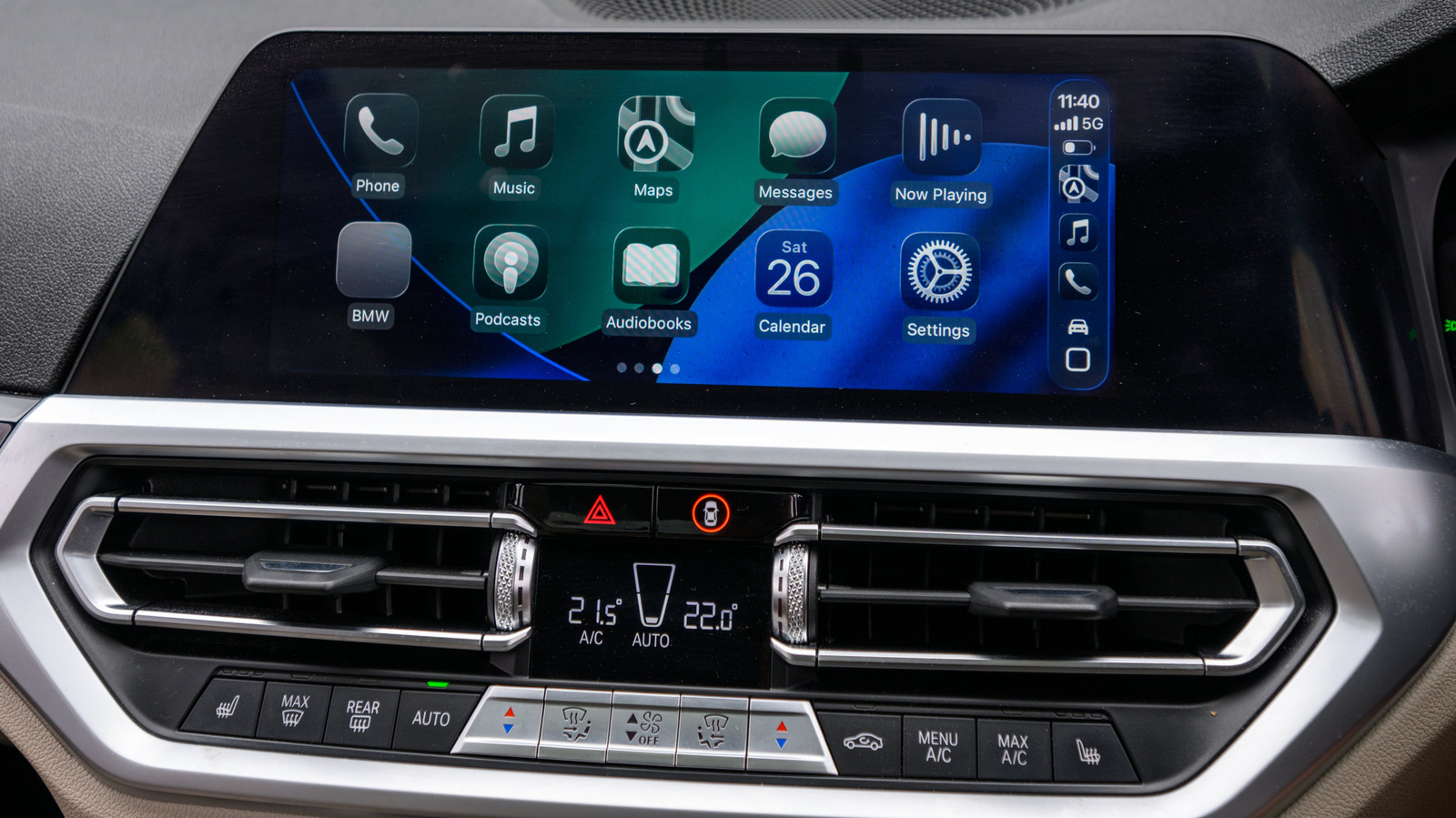
If you want your car to greet you every morning, the Shortcuts app can make it happen.
Adding an intro to Apple CarPlay isn't complicated, and it can add a nice little touch of personalization to your morning commute. "Intro" meaning Siri greeting you with a cheerful good morning as you climb in, a main theme clip from Back to the Future blaring through your speakers or Siri telling you to get your coffee mug off the car roof and don't forget your wallet. It's not exactly tech that'll blow your socks off, but it can liven up your trip all the same.
To get the ball rolling, all you need to do is set up a CarPlay automation that runs the moment your iPhone connects. Of course, this won't replace your vehicle's factory startup chime, infotainment welcomes and animations or the super-annoying seat belt chime. It's just an iPhone-triggered action that plays through the audio system. Since it depends on your iPhone, results can vary a bit with wired versus wireless connections and the speed of connection with your car.
For the best result, keep the custom startup sound short and sweet. A two- to five-second clip is enough to convey what you want without interfering with navigation instructions or other important details. All you will need for this setup is an iPhone, the Shortcuts app and an audio file saved in your Files.
Before you do anything, you need to download the audio file for the sound or clip you want to play. Create a folder in the Files app on your iPhone (not in iCloud Drive) with a name that's easy to locate from the Shortcuts app and save your file to that folder.
Tap the "Automation" icon at the bottom center of the screen.
If you have no previous automations, select "New Automation" or tap the + icon at the top right of the screen.
Tap CarPlay (usually in the middle of the list, but you can search for it in the search box).
Read Full Story at Engadget →