How to block and unblock a number on your Android phone
Has someone been trying to reach you about your car's extended warranty? It's not a stretch to say that the modern smartphone is one of humanity's greatest inventions; there's so much packed into th…
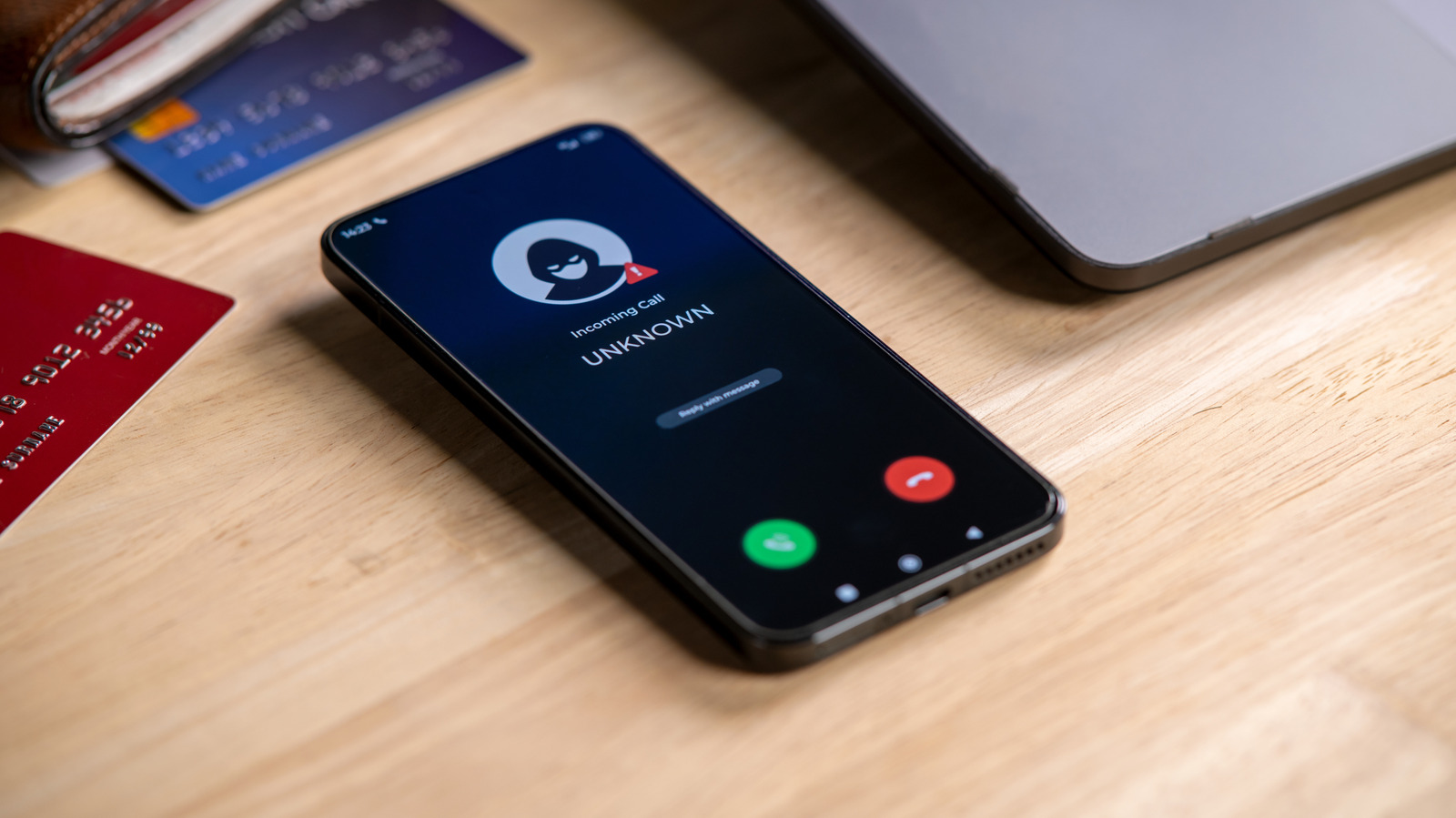
Has someone been trying to reach you about your car's extended warranty?
It's not a stretch to say that the modern smartphone is one of humanity's greatest inventions; there's so much packed into that pocket-friendly supercomputer. But even the greatest of inventions has its cons. For smartphones, one of those bitter cons is unwanted calls.
With all the benefits, convenience and interconnectedness smartphones allow you to enjoy, unfortunately, they also allow scammers, spammers and all sorts of annoying people to conveniently connect with you either through texts or, worse, constant calls. Thankfully, you can easily block unwanted callers on your Android phone. Android is a vast ecosystem, so the exact process for blocking numbers may differ based on your Android device. But for the majority of Android phones , the Phone or Contacts app is the first step in blocking those annoying scam texts . And if you ever change your mind about a number you banished to the block list, you can also unblock it right from the Phone or Contacts app.
If you're using a Samsung phone , there are two ways you can block calls from unwanted people: with the Contacts app and with the Phone app for numbers that aren't saved.
Tap Add phone number and paste or type the number you want to block
If the number called you recently, then you can easily block it from the Recents section in the Phone app. Navigate to the number you want to block and tap Details > More Options > Block number.
Blocking a number on a Pixel phone or a device running stock Android is just as straightforward:
Once you do this, anytime the number tries to call you, your Android phone will automatically decline it before it even rings or pops up on your screen, and texts will usually be filtered into a blocked or spam folder. Do note that blocking a number is handled by your device, not your carrier. So, if you move your SIM to a different device, you'll likely have to block the number again.
Read Full Story at Engadget →