How to change and customize your Apple CarPlay display
CarPlay is great as it comes, but a few personalization tweaks make it even more convenient. If your vehicle supports the feature, one of the best quality-of-life upgrades you can make to your drive…
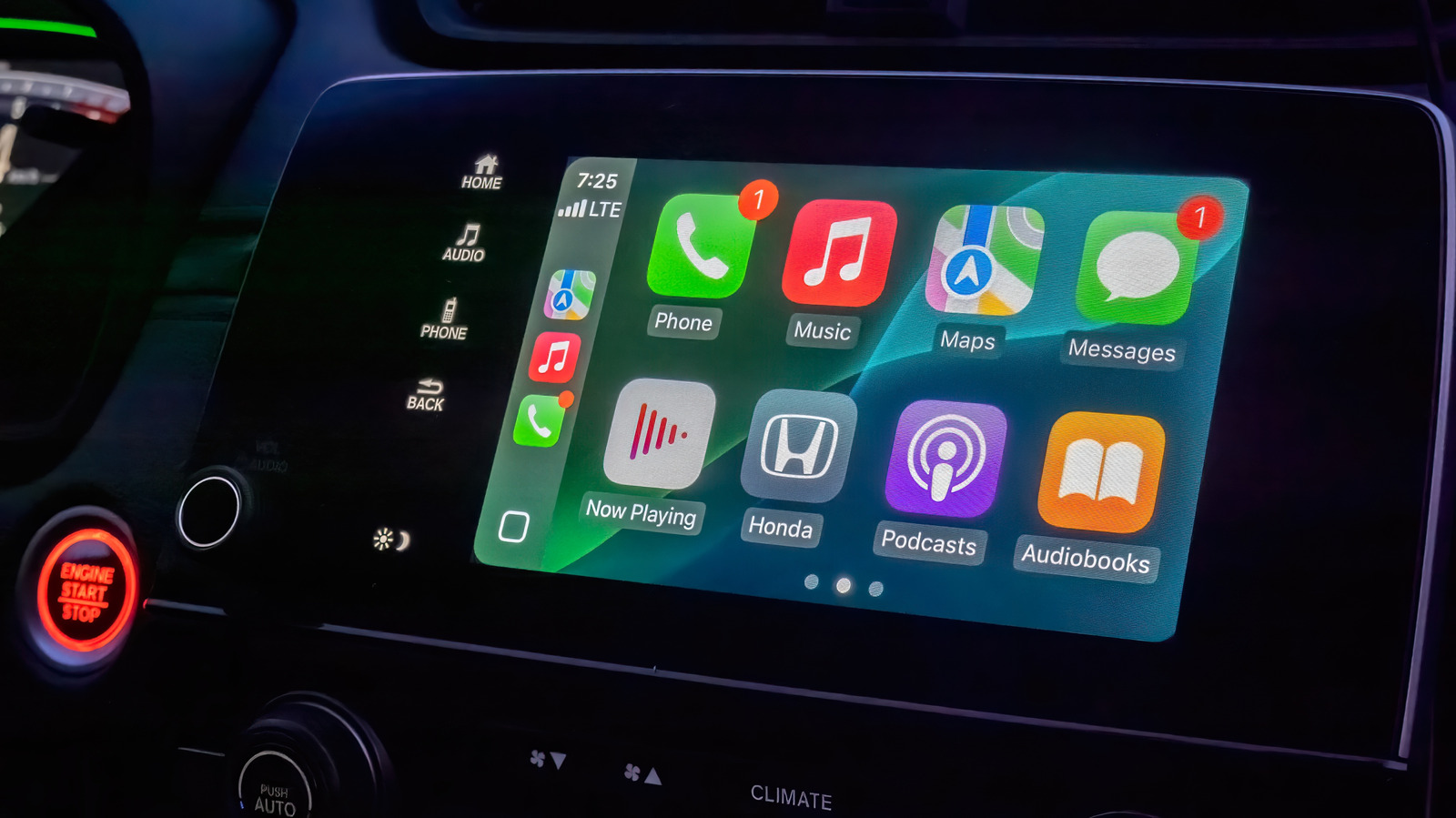
CarPlay is great as it comes, but a few personalization tweaks make it even more convenient.
If your vehicle supports the feature, one of the best quality-of-life upgrades you can make to your drives is setting up Apple CarPlay with a cable or wirelessly . This way, you don't need to deal with the clunkiness of a phone mount. Your navigation app of choice and essential media controls are displayed directly on your car's infotainment screen. Plus, with Siri receiving a major overhaul in iOS 27, interacting with your device completely hands-free should finally feel reliable while you're driving.
CarPlay's user interface uses a lot of bold text and large icons to make information easy to glance at and touch. It's solid by default, but making a few tweaks will put the most important items in front of you and make everything easy to process.
By default, CarPlay uses dark mode so your car's infotainment screen doesn't blind you in dim environments. If this makes readability during the day more difficult, you can switch to light mode by navigating to Settings > Appearance in CarPlay using the touch screen or your vehicle's controls. Here, select Automatic to have CarPlay switch between light and dark modes depending on the ambient lighting conditions.
The Settings app inside CarPlay ( Settings > Wallpaper ) is also where you can change the background that shows behind all your apps. Though you can't use a custom image from your phone's gallery, there are a handful of Apple-designed wallpapers with different color and pattern options to choose from.
Similarly, visit Settings > Customize Icons to pick a dark icon pack or switch to clear icons that follow Apple's Liquid Glass design philosophy . In the Accessibility submenu, you can alter the text size to improve readability.
One of the best ways to personalize the display in CarPlay is rearranging the apps on the home screen. Unlike the above, this customization happens on your iPhone. Navigate to Settings > General > CarPlay and select your vehicle, then tap Apps .
To bring your frequently used CarPlay apps to the first page, reorder the list using the handles. Your car's display size affects how many apps appear on each page, so keep that number in mind as you adjust the list. Tap the Remove icon for any apps you don't use; a few default ones can't be removed, so drag them to the bottom if you don't care about them.
Read Full Story at Engadget →