How to clear the cache on your iPhone
You don’t need to babysit the cache, but clearing it can help when apps start acting up. Your iPhone's cache is a collection of data stored to speed up operations instead of loading information fres…
You don’t need to babysit the cache, but clearing it can help when apps start acting up.
Your iPhone's cache is a collection of data stored to speed up operations instead of loading information fresh every time. For example, if a website has a huge banner image at the top, your browser may cache it. Then, next time you visit that page, it loads the banner from cache instead of wasting time downloading it again.
Cache usually doesn't use enough space to be concerning, and it helps apps run more efficiently because you aren't forcing them to reload repetitive elements all the time. However, you'll sometimes need to clear the cache to troubleshoot a problem or tidy up when these files are taking up too much space. While clearing cache isn't as straightforward on iOS as it is on Android, you can still remove those files when needed.
There's no need to do this all the time, however. Your iPhone will create new cache shortly after you clear it, so clearing cache constantly is counterproductive. If you're low on iPhone storage, even with the new base of 256GB , clearing your cache is a very short-term solution.
Let's start with erasing the cache in Safari, since it's the default iPhone browser. Open Safari, tap the three-dot (...) button next to the address bar, and choose Bookmarks (the book icon). On the resulting page, tap the clock icon to show your history, then hit the three-dot (...) button again and choose Clear . On the Clear History screen, select the period you want to remove website data for. If you have multiple profiles in Safari, you can choose which ones to clear data for. Enable Close All Tabs if you'd like, then choose Clear History .
For Safari, this option is all-or-nothing; it will clear your cache along with your browsing history, cookies, site permissions, and other related data. You'll need to sign back into anywhere you were logged in, you'll have to accept permission prompts (like showing notifications again), and pages will likely load slower the first time.
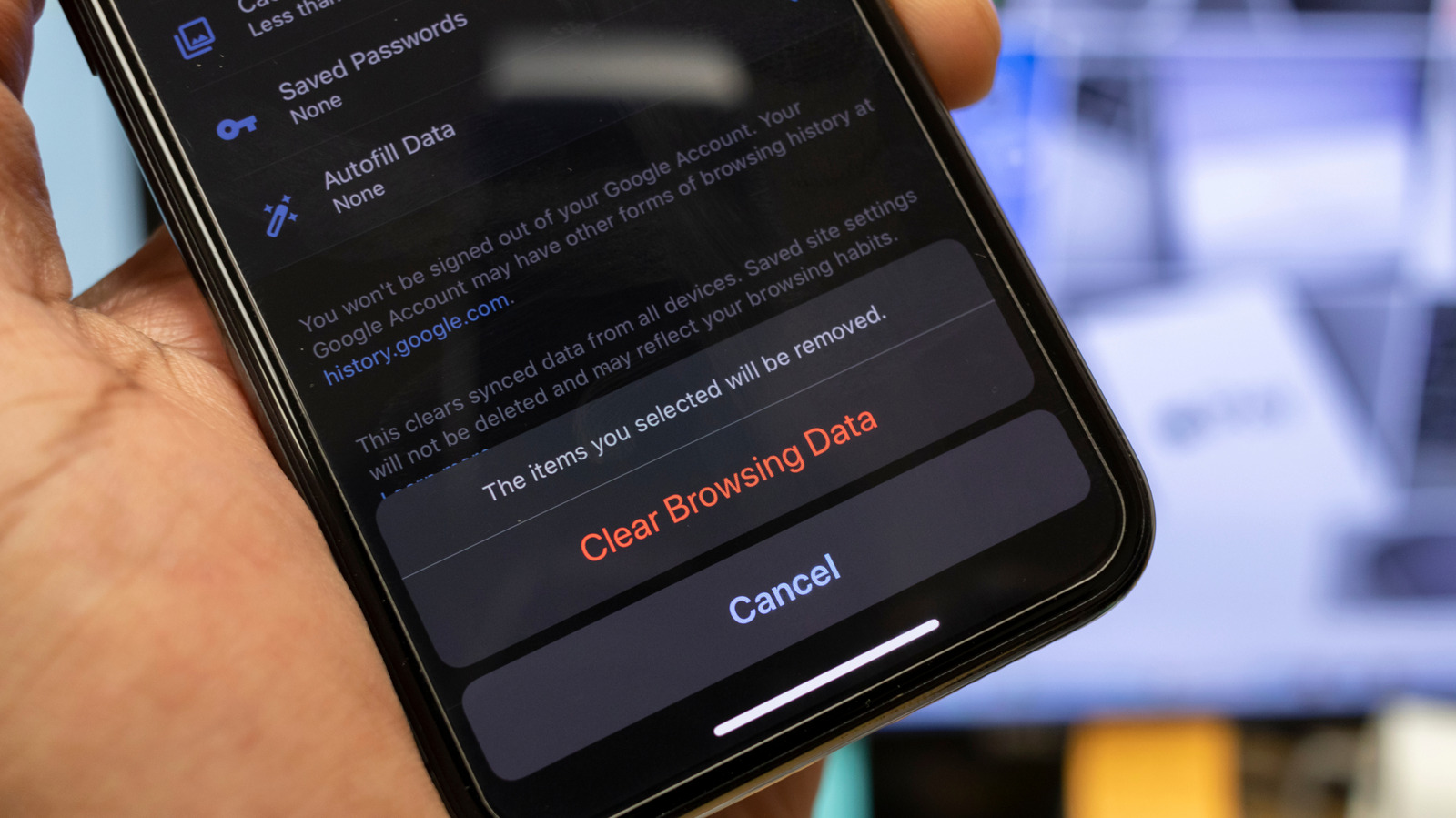
Other iPhone browsers follow a similar workflow for clearing cache but may give you more options. For instance, in Chrome, tap the three-dot (...) button, followed by Settings > Privacy and security > Delete browsing data . In the panel, select a Time range , then choose Browsing data to select exactly what you want to delete. Check only Cached images and files if you just want to remove cache; Chrome also highlights the size of these files here. To access this menu faster in the future, select Edit Menu from the three-dot (...) menu and move Delete Browsing Data to a convenient spot.
Like browsers and apps, iOS keeps its own system cache to work more efficiently, but there isn't a way to clear this directly. Instead, the only way to clear temporary files on your iPhone is to restart it. You probably don't reboot your iPhone as often as you do your desktop or laptop, and while this isn't something you need to do frequently, it's not a bad idea to restart every so often .
Read Full Story at Engadget →