How to connect Bluetooth headphones to your PS5
The PS5 may not support Bluetooth audio directly, but there are workarounds. We may receive a commission on purchases made from links. The PS5 is one heck of a console, yet despite it being able to…
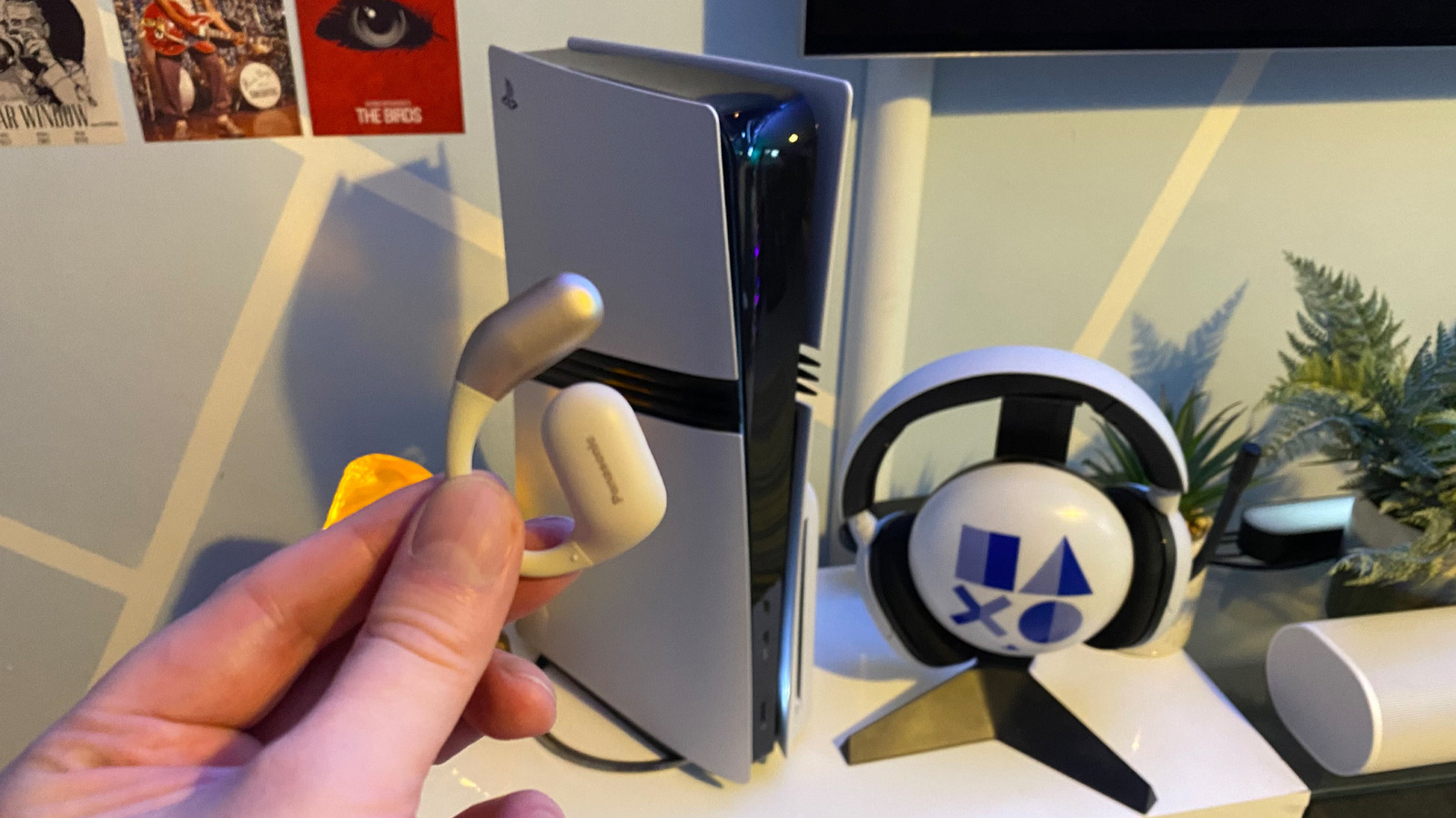
The PS5 may not support Bluetooth audio directly, but there are workarounds.
The PS5 is one heck of a console, yet despite it being able to handle high-end 4K gaming, it doesn't support Bluetooth audio. Well, not without a workaround method involving a third-party accessory. Folks who want the best audio experience possible should definitely buy one of the best gaming headsets . Yet if you're really set on pairing Bluetooth headphones with your PS5, there's a method involving an USB adapter that should get your cans playing ball with your console lickety-split.
Though your PS5 happily works with Bluetooth gamepads and accessories like Sony's first-party Media Remote, it doesn't natively support Bluetooth audio. Why is this? It's mainly because Bluetooth headphones were never designed to support low latency audio, despite enhancements with the tech over the years. Reducing latency is absolutely key in games. If your headphones can't keep up with the onscreen action, in-game immersion is immediately kiboshed. Imagine trying to play a high-octane, twitch-based online shooter and hearing that incoming headshot a split second too late. Boom! Their goes your virtual skull. Even the best Bluetooth headphones simply weren't designed for modern video games.
Regular connection dropouts and subpar mic quality are likely also reasons Sony doesn't offer support for Bluetooth audio out of the box. If you own a modern smart TV, you might be able to connect your Bluetooth headphones to your television, then enjoy PS5 audio that way. Even if that method does work out for you, you're still going to be left with high latency audio that really isn't up to snuff for enjoying fast-paced games.
Wondering why your wireless headset won't work on your PS5? It's probably because it doesn't have a dongle, and instead needs to rely on a Bluetooth connection. Though Sony's large and in charge console doesn't do native Bluetooth audio support, there is a workaround method if you're absolutely desperate to pair your headphones with your PS5. Said method involves buying a USB-C Bluetooth adapter, like this UGREEN transmitter.
Most of these adapters are easy to set up, but the exact methods might vary depending on the manufacturer. Generally speaking, the process should go as follows. Plug the adapter into one of your PS5 or PS5 Pro's USB-C ports. Next, press the pairing button on the adapter (though many models will start to pair automatically). It's then time to turn your attention to your headphones, where you should press the pairing button to get your cans talking to the transmitter. If you can't hear any audio after you've completed pairing, go to Settings > Sound > Audio Output on your PS5 and ensure the output device is set to your Bluetooth adapter.
If the PS5 is your main entertainment device and you regularly find yourself engaged in stupidly late play sessions, you really should pair Sony's console with a dedicated gaming headset. Picking up a quality headset will ensure low audio lag, more stable mic support, with models that support wireless dongles also offering rock-solid connections and plug-and-play convenience. In short, you'll be getting a superior, more reliable audio experience than if you pair Bluetooth headphones with your PS5 via an adapter.
Ideally, you should opt for a model that supports PS5's ultra immersive Tempest 3D AudioTech. Trust us, your ears haven't lived until you've listened to the hypnotic downpours in Returnal (still the best showcase for spatial audio in a video game in our book). The $170 SteelSeries Arctis 7P+ Wireless is one of the best PS5 accessories , in part because it so capably supports Tempest 3D. Another good first-party option is Sony's stylish PlayStation Pulse Elite.
Read Full Story at Engadget →