How to safely dispose of your old TV
What you should take into consideration before getting rid of that old panel. A TV isn't something that you can just throw into the trash once you're done with it. They're too big, too bulky, often …
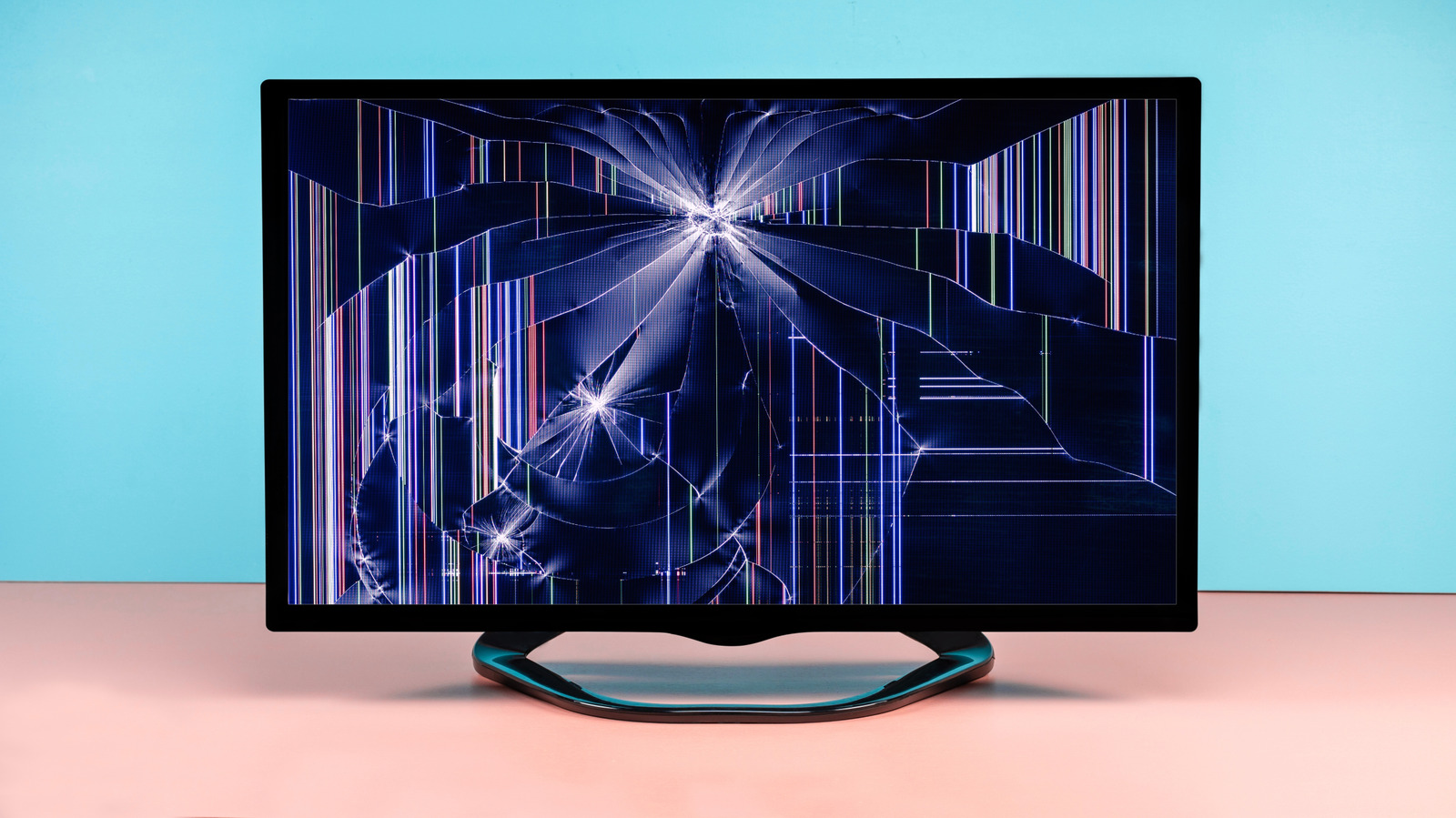
What you should take into consideration before getting rid of that old panel.
A TV isn't something that you can just throw into the trash once you're done with it. They're too big, too bulky, often awkward to transport and almost certainly packed with materials that shouldn't end up in landfill. Safely disposing of a TV might be a bit of extra work, but it's definitely worth it. It could even get a whole new lease of life with a new owner, and if all else fails, you should at least have it carefully recycled.
How you dispose of a television really depends on its condition and age, but you'll also need to remember to follow local guidance on dealing with e-waste. If the TV is still working, it's a good idea to give it a reset, just to make sure that your accounts are no longer accessible once it leaves your hands.
There's a little bit of housekeeping you need to go through before you send your TV off to that big trash heap in the sky, especially if it's a smart TV.
Firstly, does it still turn on? Or is it destined to be another piece of e-waste? Give it a thorough test, just to be sure. Turn it on and check all the buttons work on the remote. If you've got a streaming stick or set-top box handy, plug it into the HDMI port and check that the panel works as it should. If the picture looks good and the sound is acceptable, you can think about giving it away or selling it.
Before you do, though, you'll want to double-check that it's been cleared properly. This is one of the most common smart TV problems . If you've signed in to apps like Netflix before, you'll need to sign out. The device might also remember your Wi-Fi network details and hold details about your viewing habits. Giving it a factory reset should remove your data. It'll be a setting typically buried deep in the system menu, but if you can't find it, make sure to check your TV's user manual for the correct steps to follow.
If you can't physically access the TV, most streaming services let you review and log out of specific devices remotely . Oh, and quickly make sure that any streaming sticks or USB drives haven't been left plugged in.
What do you do with a TV that still has some life left in it? While it might be surplus to your requirements, it isn't immediately useless, so you can try to find it a new home.
Read Full Story at Engadget →