How to set up HDMI-CEC on your Samsung TV
HDMI-CEC makes all the devices connected to your Samsung TV work together more efficiently, with a few quirks to know. Disable just one setting on your Samsung TV, and it can suddenly feel a lot les…
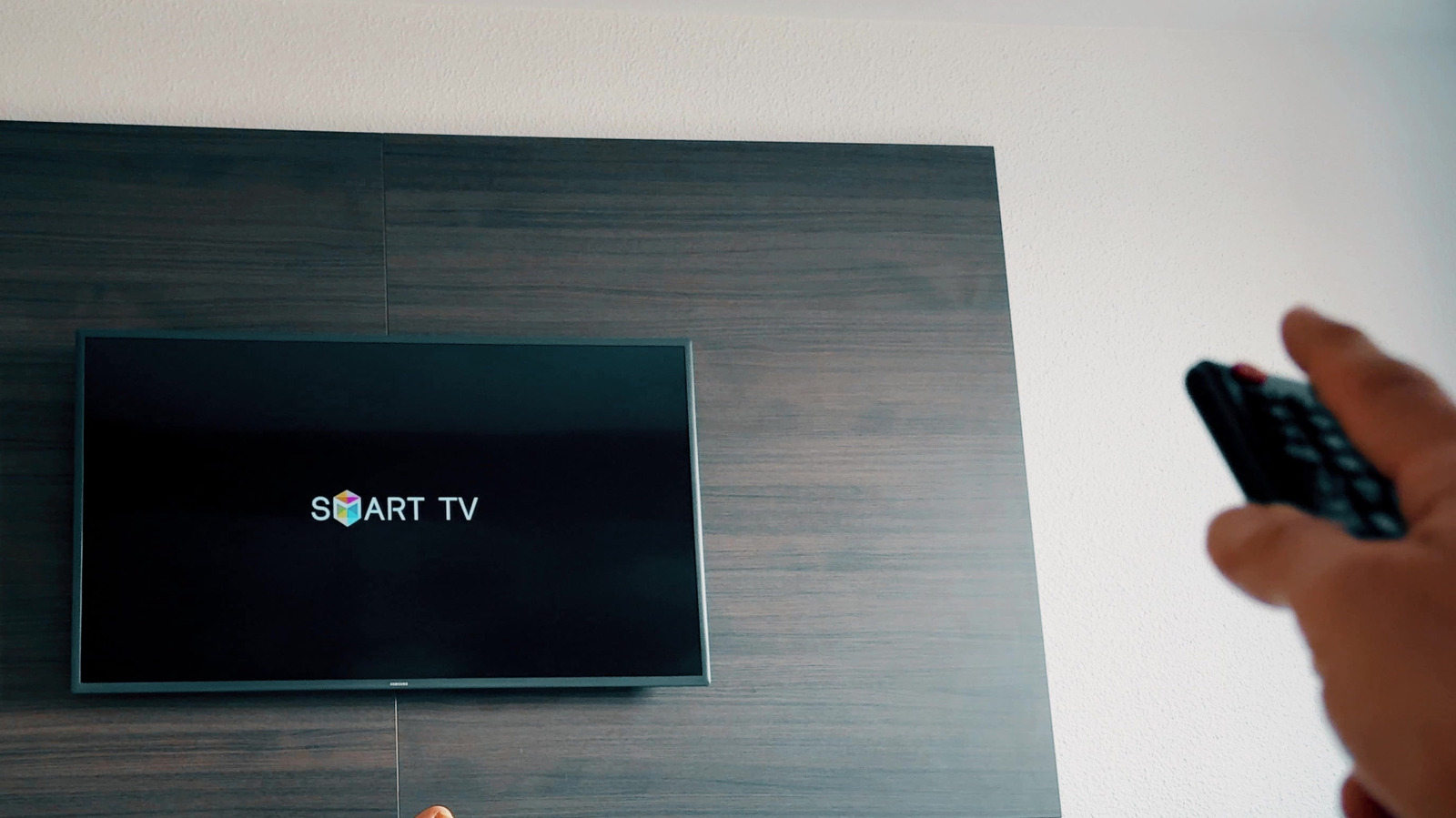
HDMI-CEC makes all the devices connected to your Samsung TV work together more efficiently, with a few quirks to know.
Disable just one setting on your Samsung TV, and it can suddenly feel a lot less smart. Turning on your game console will no longer wake the display, your soundbar won't respond to the TV remote, and changing inputs becomes a game of finding the last remote you left between the couch cushions. Much of this behavior is tied to Anynet+, which is Samsung's name for a feature call HDMI-CEC.
HDMI-CEC (Consumer Electronics Control) lets compatible devices send control signals over HDMI. This means your Samsung remote can control another device (like your soundbar), while turning on a streaming box will automatically turn on the TV and switch it to the appropriate input. HDMI still carries audio and video; CEC is just one feature that operates over it.
Most Samsung smart TVs made after 2008 support this functionality. Anynet+ is usually activated by default on newer Samsung TVs, so you might not have noticed it. It's also easy to turn off by mistake while exploring the Settings menu.
For newer Samsung TVs, press the Home button on your remote, then go to Settings > All Settings > Connection > External Device Manager. Make sure Anynet+ (HDMI-CEC) is turned on. If your TV doesn't have a Connection menu, look under Settings > General > External Device Manager . Samsung has moved this setting across models over the years, so it might be in another location. In case you still can't find it, check the TV's manual or support page.
That's the entire TV-side setup, but what's on the other end of the HDMI cable must cooperate as well. The connected device needs to support HDMI-CEC and, if it has its own CEC setting, that must be on. Unsurprisingly, manufacturers couldn't agree on what to call this "standardized" feature, so you'll see different names. LG uses SIMPLINK, Sony uses BRAVIA Sync or Control for HDMI and consoles or streaming boxes may give it yet another name. For instance, on PS5, the option is under Settings > System > HDMI > Enable HDMI Device Link .
For CEC to work properly, the connected device must be on or in standby mode. Samsung says it can take up to two minutes to establish the initial "handshake." Once this is done, you should be able to control the connected device with your TV remote and take advantage of automatic input switching. Turning a compatible device off (or putting it into sleep mode) will do the same for your TV.
Usually, yes. HDMI-CEC makes a collection of devices act more like a single entertainment system, reducing the number of remotes and manual input switching you need. A console can turn on the TV, a compatible soundbar can power on or off with it, and your Samsung remote can control supported playback or volume functions.
Read Full Story at Engadget →