I just used Gemini Avatar to make an AI clone of myself. Here’s how you can too
Affiliate links on Android Authority may earn us a commission. Learn more. Google announced a heap of new Gemini features at Google I/O last month, and one of them — Gemini Avatar — is finally rolling out. What is Gemini Avatar? Essentially, it’s an AI clone you can create of yo
Affiliate links on Android Authority may earn us a commission. Learn more.
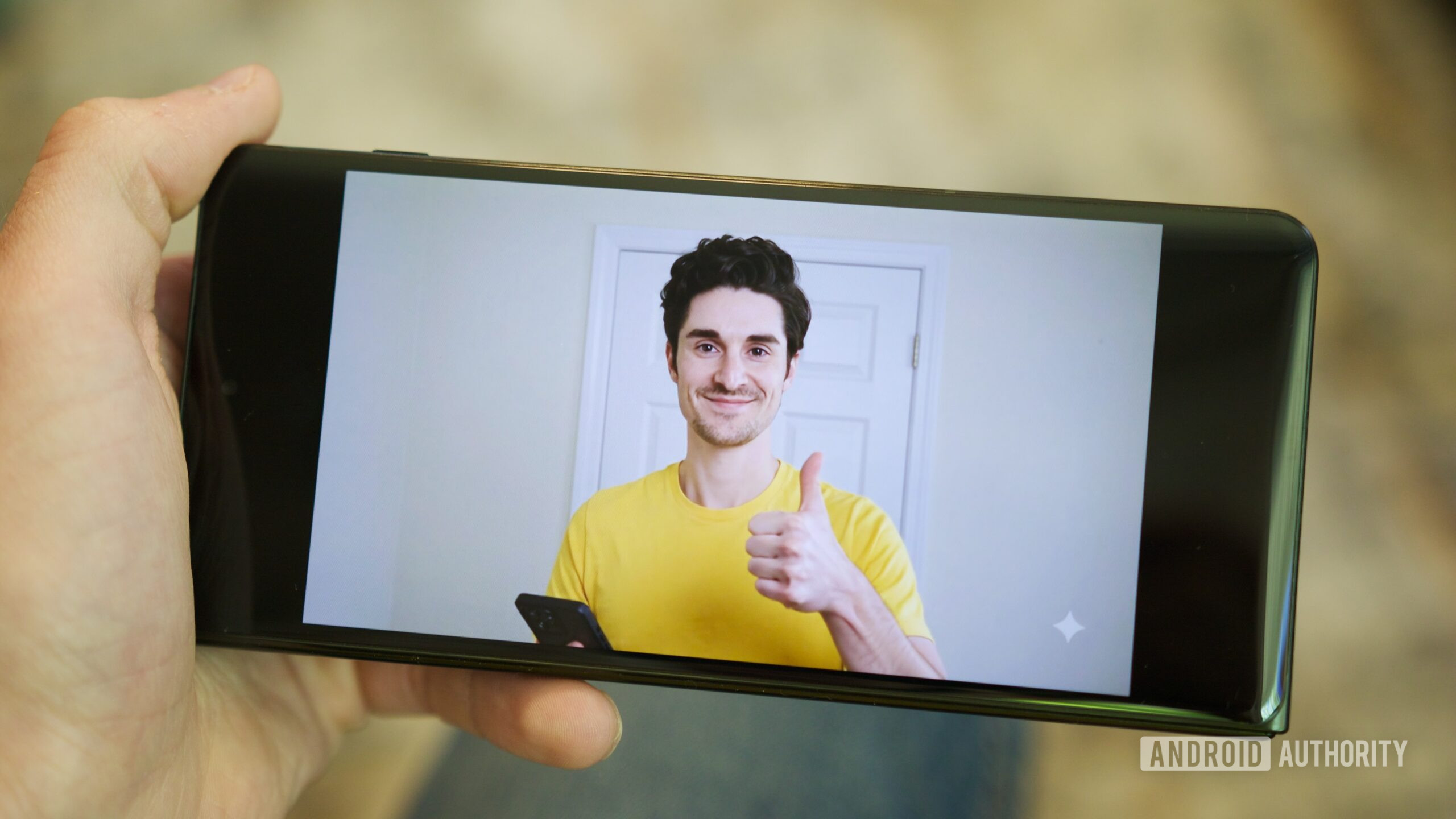
Google announced a heap of new Gemini features at Google I/O last month, and one of them — Gemini Avatar — is finally rolling out. What is Gemini Avatar? Essentially, it’s an AI clone you can create of yourself to use in AI-generated videos, capturing not only your physical likeness but even your voice. Welcome to 2026!
The whole concept of Gemini Avatar sounds like something straight out of a Black Mirror episode, and yet, it’s a real feature you can use right now. Should you? That’s up to you to decide. But if you’re curious and want to see what Gemini Avatar is all about, here’s how to get started.
In order to use Gemini Avatar, you’ll need to be subscribed to a paid Google AI plan . Specifically, any of the following:
While any paywalled feature is annoying, it’s at least nice to see Gemini Avatar being included in the cheaper AI Plus tier. With so many other Gemini features restricted to the Pro and Ultra plans, this is a breath of fresh air.
Assuming you have one of the above Google AI subscriptions, the next step is to create your Gemini Avatar. From the Gemini app on your phone, follow these steps:
The recording process starts with you reading a series of numbers aloud. After a few of these, you’re asked to look straight into the camera, then to turn your head to the right and left. The whole process takes just a couple of minutes, and when you’re done, you’ll see a photo of yourself on the “Your avatar” page.
Immediately after creating your Gemini Avatar, you can tap the Use avatar button to create a video that includes your avatar. Any time you want to create a video with your avatar in the future, include @me or @[Your name] in Gemini’s prompt box, tap your name from the pop-up, and it’s included just like that. Additionally, you can tap the plus icon (+) and select Avatar from the menu .