Android users save Google storage by adjusting backup settings
Many Android users unknowingly overload their Google storage due to default backup settings, leading to unnecessary costs. By adjusting a single setting and deleting redundant files, users can save s…
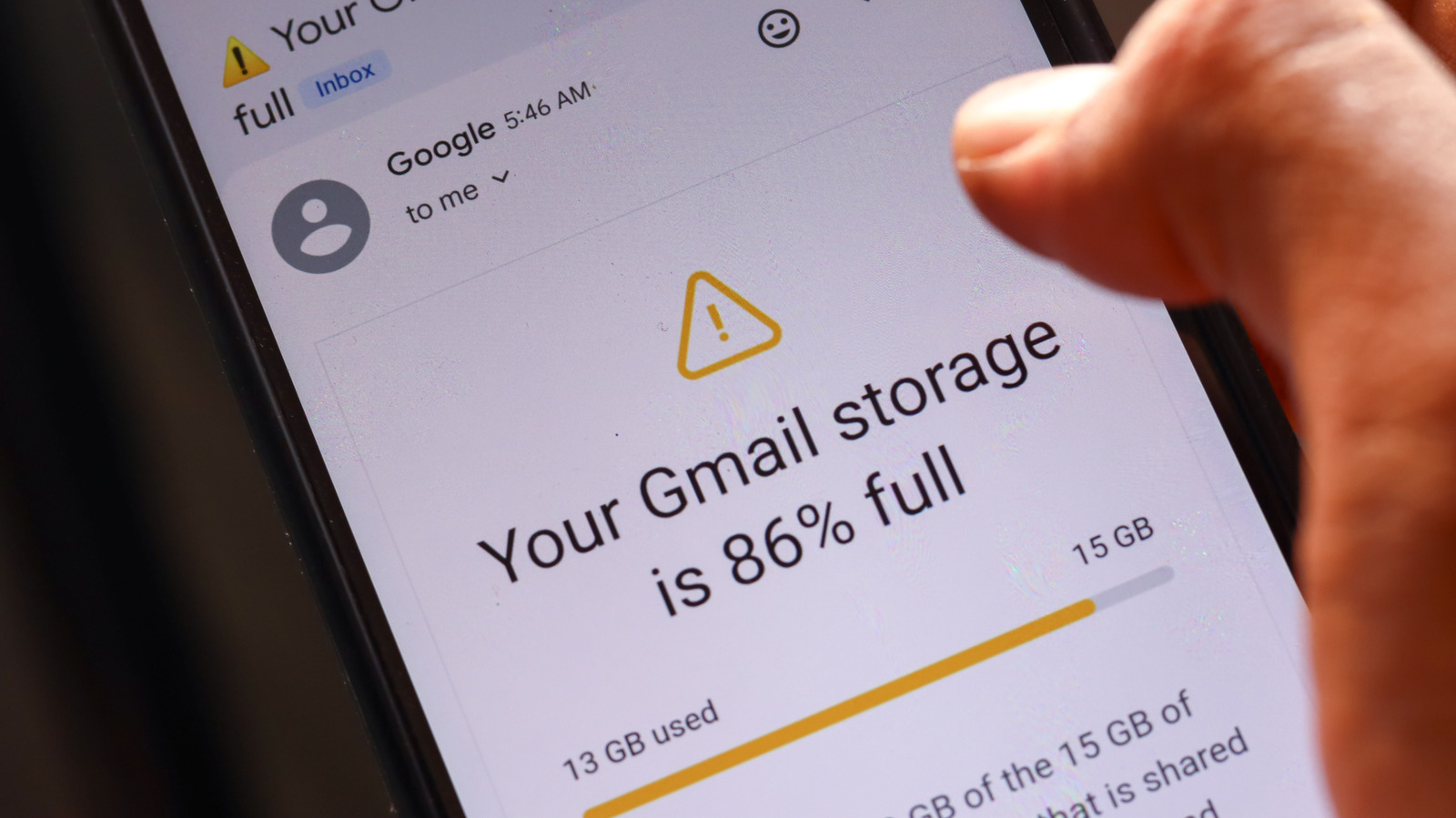
Many Android users may be overloading their Google storage without realizing it, thanks to default settings that back up unnecessary files. This could lead to a hefty monthly fee for additional storage when simple adjustments can save users money. By changing a single setting on their devices, users can reclaim valuable storage space.
The Android operating system, owned by Google, integrates device backups with Google account storage. Free users only receive 15GB, which is shared across all Google services, including Gmail, Google Drive, and device backups. For many, this limited space can fill up quickly, especially with the rise of cloud storage reliance as physical storage costs soar. Users often find themselves pushed toward premium plans, incurring extra costs for storage they didn't know they were wasting.
A major contributor to this problem is Google Photos, which automatically backs up media and counts against the same storage cap. Many users may not realize that their WhatsApp backups in Google Drive, for instance, could be duplicated in Google Photos, effectively consuming space in two places. This redundancy can happen with any app that stores media on the device and is set to back up elsewhere. Additionally, much of the media saved in messaging apps may be unnecessary, including outdated GIFs and excessive family photos. Deleting these files before they are backed up can significantly reduce cloud storage usage.
To alleviate storage concerns, users should review their backup settings and delete redundant files. By making these changes, users can save space and potentially avoid upgrading their Google storage plan, leading to substantial savings. Taking control of digital clutter not only optimizes storage but also streamlines the backup process across devices.
Read Full Story at Engadget →