The pros and cons of using wireless Android Auto
Ditching the cable can make life easier, but it does come with tradeoffs. Wireless Android Auto is easily one of the most convenient things for drivers, especially if they rely on their phones for n…
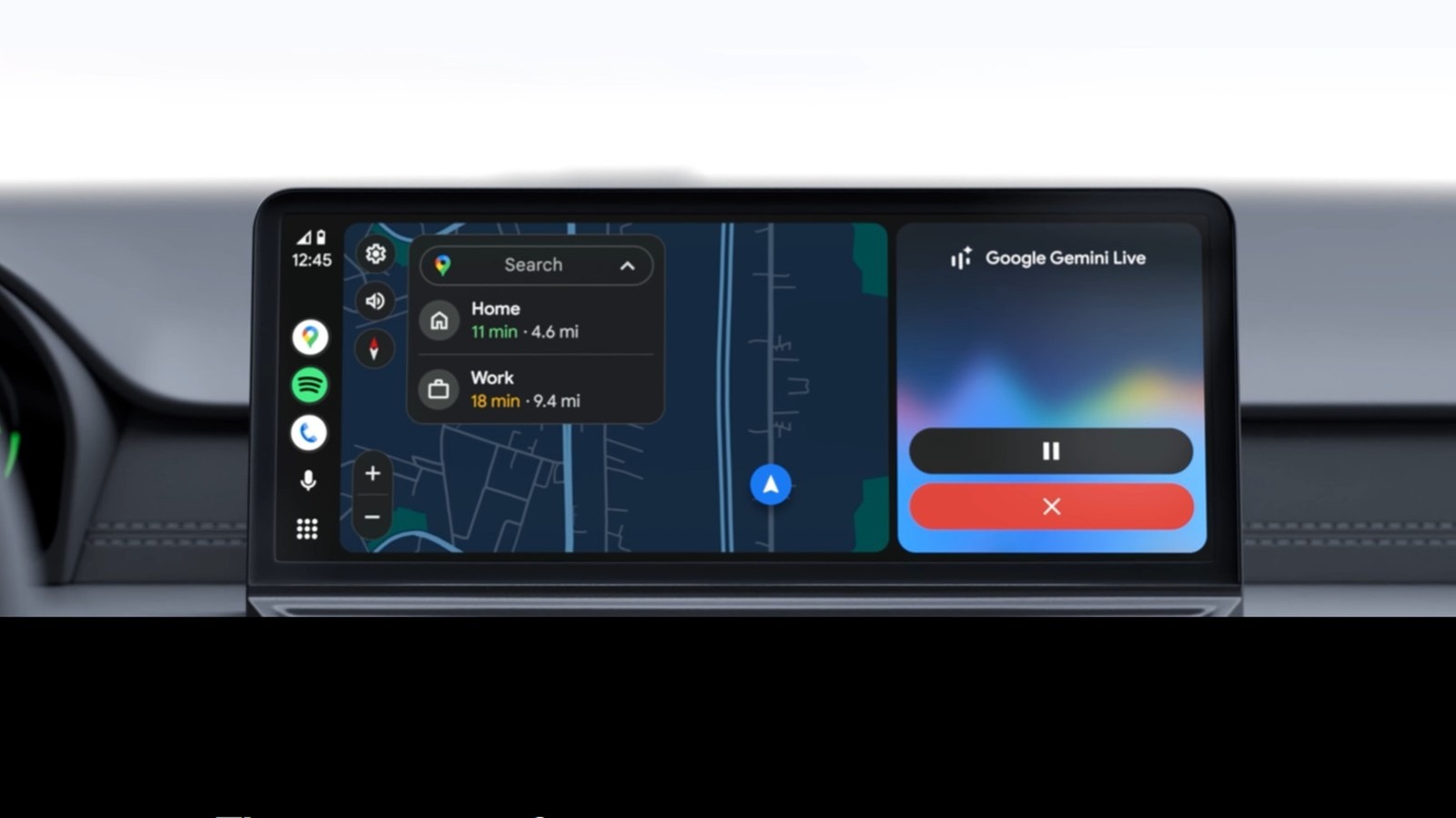
Ditching the cable can make life easier, but it does come with tradeoffs.
Wireless Android Auto is easily one of the most convenient things for drivers, especially if they rely on their phones for navigation, music and hands-free communication. As with any wireless technology, the appeal is obvious because there are no cables involved, there's no fumbling around to plug the cable into the phone's port and the connection establishes itself automatically whenever you start the car.
The shift from wired to wireless isn't without tradeoffs. Battery drain increases noticeably, heat buildup becomes a genuine concern on longer drives and the connection quality depends on your phone's hardware and your vehicle's capabilities. Compatibility requirements add another layer to the issue, especially if you have an older model.
Whether Android Auto is the right choice depends less on the feature itself and more on how you drive, what you're driving and what you're asking your phone to do while you're behind the wheel.
Wireless Android Auto, whether present in your car natively or with the help of an adapter, delivers on the promise of making your life easier most of the time. The automatic pairing works, the interface is responsive and the interior feels tidier without a cable running across the console. The real picture, however, is more nuanced.
Wireless Android Auto actually uses Bluetooth and Wi-Fi . When you start your vehicle, Bluetooth handles the initial handshake between phone and car, authenticating your smartphone and establishing credentials. Once that happens, the connection migrates to a Wi-Fi Direct network, which carries the data-heavy part: Maps, audio, touch input and voice commands.
Both connections run simultaneously for the entire drive, with Bluetooth taking on hands-free calling and Wi-Fi handling the rest of the data load. Disabling either one will drop the connection. The phone needs to run on Android 11 or later and come with 5GHz Wi-Fi Direct support. Newer cars support it natively, while older vehicles may require an Android Auto wireless adapter plugged into the existing USB port. Sometimes, you might need to toggle the wireless functionality on in the Android Auto developer menu if it hasn't been enabled already.
The list of pros is topped by the obvious fact that no cables are needed for the job. After a one-time Bluetooth pairing, your phone connects automatically every time. So, when you get in the car, you won't have to look around for the cable, dig out your phone from whatever pocket or bag you have, locate the port and plug the cable in. You can be on your way a lot faster, knowing your maps will load up in no time and your Spotify playlist can start playing without you having to do anything.
Read Full Story at Engadget →