These useful accessories help extend your HDMI setup on a budget
Need to send an HDMI signal further than one cable can handle? Try these options. One of the most frustrating aspects of any entertainment setup is organizing your space. If you're looking to carry …
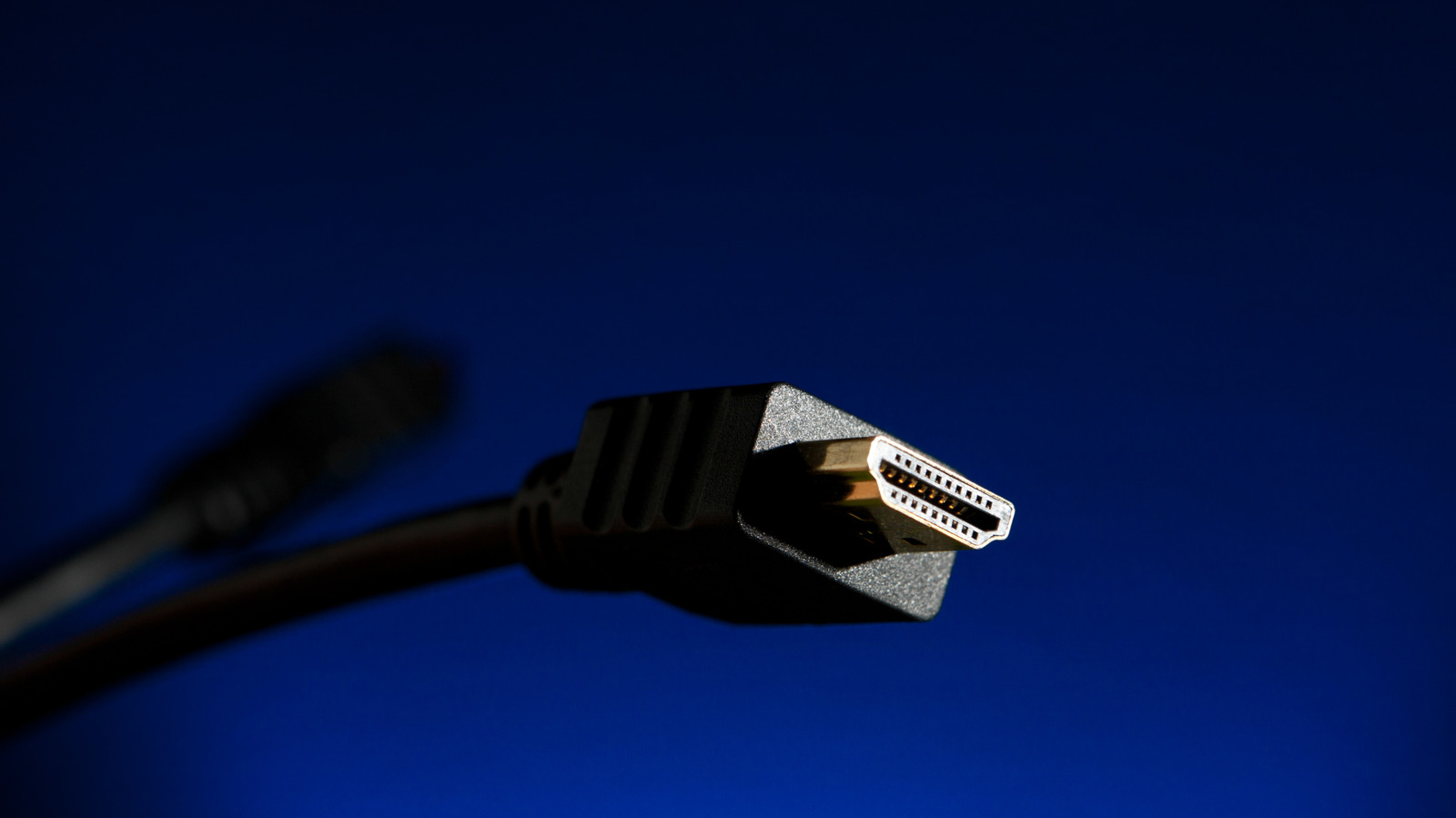
Need to send an HDMI signal further than one cable can handle? Try these options.
One of the most frustrating aspects of any entertainment setup is organizing your space. If you're looking to carry media signals across a large space, multiple rooms or even between floors, you may run into the problem of signal degradation. Due to a phenomenon known as attenuation, HDMI signals weaken as they travel. This is particularly noticeable if you run cables further than 25 feet, with long-distance HDMI setups commonly suffering from flickering or pixelated imagery and audio loss. In some cases, your signal can drop altogether.
Luckily, most home setups can comfortably get by without any risk of signal loss by using shorter, high quality cables. However, if you want to set up multiple screens, hook up a television on the back porch or broadcast meetings between conference rooms, you'll likely need to get creative with your HDMI cables to avoid degradation. Whether you're looking to upgrade your home theater setup or link multiple offices together, you can address these problems through a series of low-cost, easy-to-assemble HDMI accessories.
Let's start with HDMI couplers, which extend your setup by linking two HDMI cables together. These adapters look like a small box with two HDMI ports, or "female" sockets, on either end. To use a coupler, plug the "male" connector ends of two HDMI cables into the device's female sockets. Once connected, the HDMI coupler seamlessly carries your signal from one cord to the other.
HDMI couplers extend the reach of your HDMI connection without much data loss. They're less expensive than most long-distance cables, and many support 8K video and up to 48 Gbps of bandwidth — roughly the same specifications as HDMI 2.1. This option has been a godsend for my family's outdoor movie nights when I've needed to extend my outdoor projector's HDMI connection.
Unfortunately, couplers aren't infallible. Because HDMI signals weaken as they travel, relying on a coupler to relay a string of HDMI cables beyond 25 feet can still cause signal degradation. Replacing older HDMI cables with newer Ultra High Speed alternatives can create additional issues here, since newer cable standards have a shorter effective length and the coupler must support the newer standard. Thus, an HDMI coupler may be impractical if you prioritize speed and maximum quality.
If you're looking to extend your signal beyond the reach of a coupler, you may want to invest in a signal repeater. Like a coupler, a repeater is a small box with two female HDMI ports that you use to link two cables together. However, rather than simply carrying the same signal over to the next cable, the repeater refreshes the signal. In effect, it's as if the signal were created anew.
A typical repeater can extend an HDMI signal to around 100 feet. And although long chains may not be aesthetically pleasing, linking several HDMI cables together via repeaters can boost an HDMI signal across an office, classroom or outdoor patio.
Read Full Story at Engadget →