This Gemini Notebook upgrade could completely change how you use shared notebooks
One of the best things about Gemini Notebook (formerly NotebookLM) is being able to throw a bunch of information into one place and let Gemini make sense of it. The annoying part is when someone else…
Affiliate links on Android Authority may earn us a commission. Learn more.
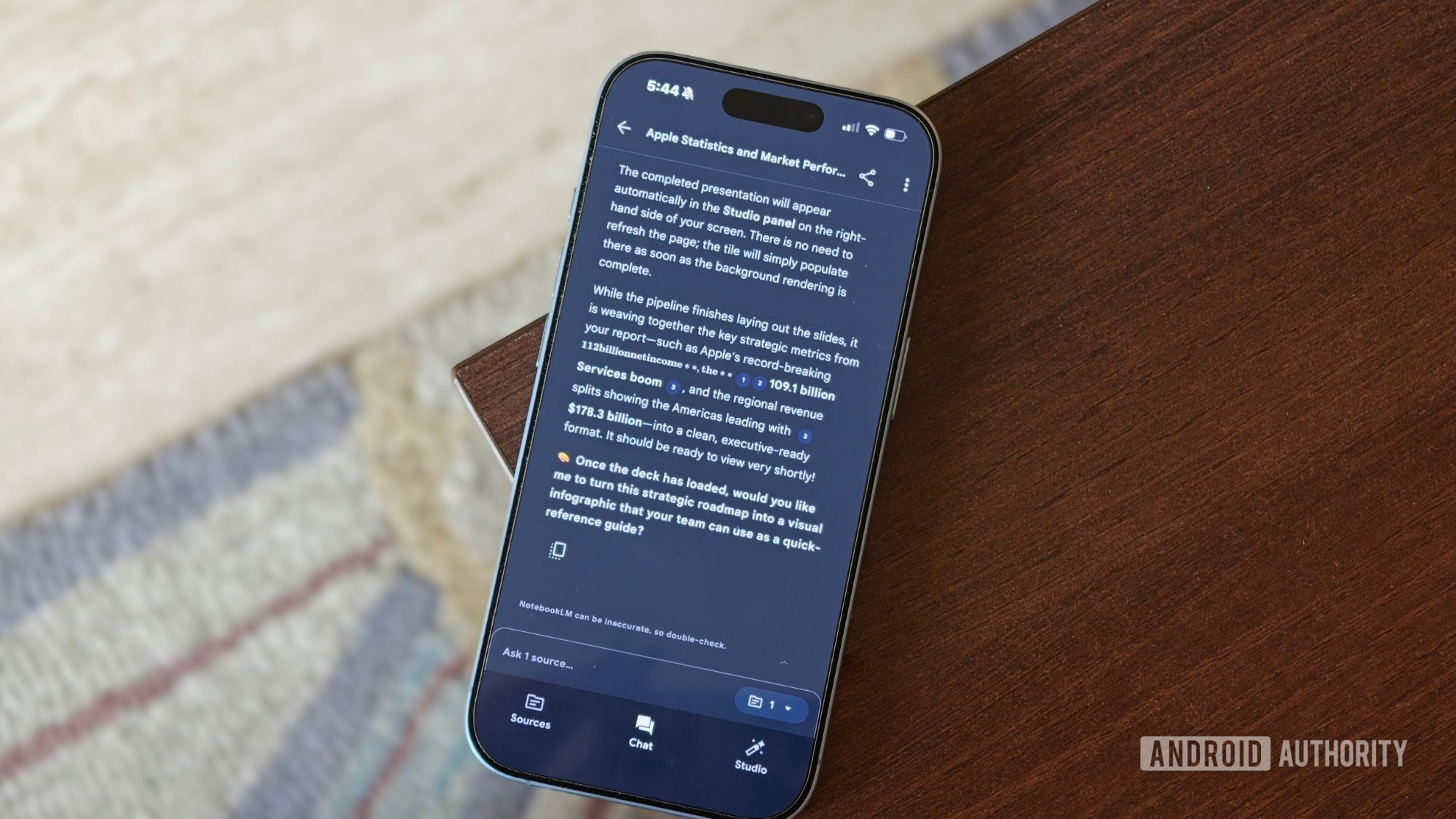
One of the best things about Gemini Notebook (formerly NotebookLM) is being able to throw a bunch of information into one place and let Gemini make sense of it. The annoying part is when someone else has already done all that work, and you want to take their notebook, build on it, and make it your own.
Google is finally making that possible — you can now copy a notebook along with its sources and Studio content, provided the original owner allows copying. The new notebook is then added to your own library, where you can take what was already built and make it your own.
For instance, a teacher could put together a notebook containing lecture material, PDFs, reading material, and other useful sources, then share it with the entire class. Instead of everyone starting with an empty notebook, students could make their own copies and build from there. The same idea is handy at work, as well.
And Google isn’t limiting copies to source material. Studio creations can come along for the ride, including Audio and Video Overviews, Study Guides, Flashcards, Quizzes, and Slide Decks. The prompts used to generate artifacts and custom chat configurations are copied as well.
Your personal stuff stays personal, though. Chat history and notes you’ve added yourself won’t follow the notebook when someone makes a copy, so those interactions remain with you. Google Drive sources work a little differently, too: they’ll only carry over if the person copying the notebook already has permission to access and copy the original files.
More importantly, the copy becomes independent of the original notebook. If the owner later changes or deletes something, those changes won’t automatically ripple into your version. That gives you room to tear it apart, add your own material, or take it in a completely different direction without worrying about affecting anyone else’s work. You can still choose whether others can copy your notebooks through the “Allow copies” option in sharing settings. Google says the option is enabled by default.
The feature is rolling out to Google Workspace customers and personal Google account users with access to Gemini Notebook, and it’s already available on my account. I can see this completely changing how people share and build on each other’s work. Instead of everyone starting from scratch, one good notebook can become the foundation for an entire class, team, or project, with everyone free to take it in their own direction.
Read Full Story at Android Authority →