What is the Retro app for and how do you use it?
The app offers a unique spin on modern social media. I enjoy doomscrolling reels and sharing them with my pals on Instagram as much as the next person, but every once in a while, I wonder how the pl…
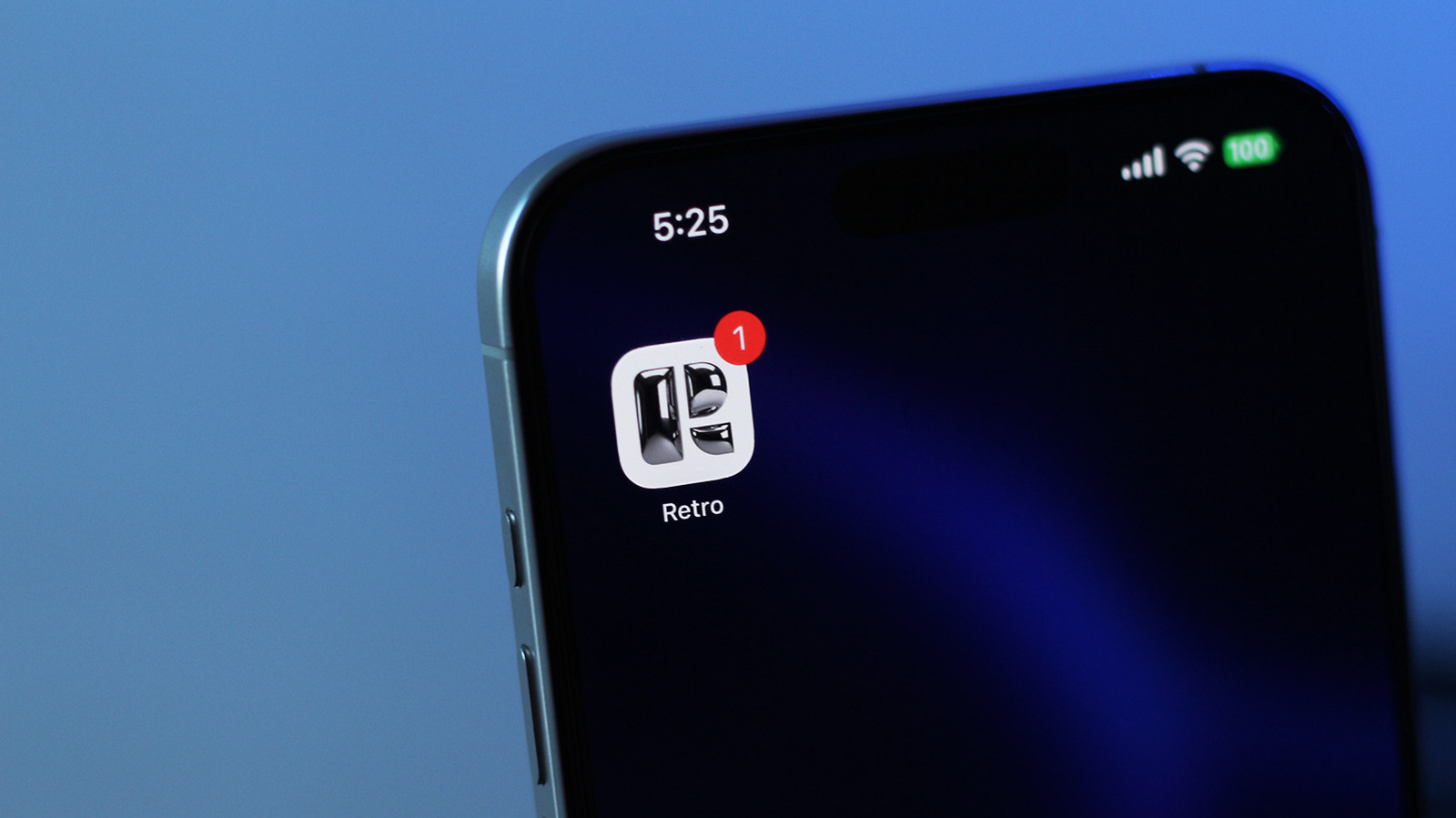
I enjoy doomscrolling reels and sharing them with my pals on Instagram as much as the next person, but every once in a while, I wonder how the platform went from being a place you'd go to check up on friends and family to the addictive maze of short-form videos it is today. Think about it: when's the last time you launched the app and saw a familiar face on the home page? Well, for those who yearn for the simpler times of social media, Retro has a solution that might be worth checking out.
Retro calls itself a "friends-only photo journal." The idea is to share at least one moment from your life every week, which is then displayed only to people who follow you. It's basically what Instagram was in its early days before it turned into an engagement-farming machine. Funnily enough, Retro was co-founded by Nathan Sharp, who happened to launch and lead the Stories feature on Instagram .
During initial setup, you can choose how frequently you wish to share photos on Retro — daily, weekly or monthly. The app will then nudge you to post at your chosen interval. The photo picker only lets you choose images you've captured during the same week, which I found helped with two things: decision fatigue and authenticity. The app pulls metadata out of your photos to determine when and where they were taken, both of which can be displayed alongside your uploads.
Once you've accumulated a handful of uploads, you can create albums to better organize your clicks. You can select a different font and add a cover image to make your albums feel more personal. You can then share them to your profile or decide to keep them private. The feature is best used when you have a few friends invited as collaborators to an album so you have memories to share together.
Friends you've added on Retro can head to your profile and view photos you've uploaded in the past four weeks. You can hand a "key" to someone, and this lets them scroll through your entire photo journal. You're going to have to demonstrate favoritism here, though, since you can only hand a key to one person, unless you're subscribed to Retro Premium — more on that later. There is a DMs section within the app, too.
The Memories tab was where I had the most fun. It's not a unique feature by any means — most social media apps let you go down memory lane these days, but Retro pulls images straight from your phone's camera roll. This works well, especially if you've only been on the app for a few weeks and don't have nearly enough photos to fill out a meaningful timeline. Also, instead of using the same old tap-and-swipe navigation that other platforms use, Retro lets you browse through your memories using a wheel you can rotate to jump back in time.
There are many things to like about Retro. It has a thoughtful design, knows what it is and doesn't overstimulate you with endless feeds driven by algorithms designed to keep your eyes glued to your screen. The platform is also devoid of any ads, which feels very refreshing — I can't think of many apps on my phone that don't try to sell me the same three things every time I open them. Retro, therefore, offers a paid tier to keep the lights on.
Retro Premium lets you upload photos to your journal as far back as you please. While the free tier has unlimited uploads too, your sharing privileges are restricted to photos captured during the current week. Premium users can also share short video clips in addition to photos. Like BeReal , Retro requires you to post at least one photo a week to see what your friends have also posted. Well, if you've got money, you can bypass this requirement.
Read Full Story at Engadget →