What's the USB trident symbol for? How to know what kind of port you have
USB ports and cables have tons of potential capabilities, but making sense of them can be tricky if you don't know where to look. USB is supposed to be a consistent connection. But as the connector …
USB ports and cables have tons of potential capabilities, but making sense of them can be tricky if you don't know where to look.
USB is supposed to be a consistent connection. But as the connector and underlying interfaces have evolved over the decades, it's more confusing than ever to know what a given USB port or cable is capable of. Some offer ultra-fast data transfers, while others can power an external display. Older USB ports are still fine for connecting devices that aren't reliant on speed. But unfortunately, the icons that represent these standards are rarely clear on their own.
While it's far too messy to dissect into every little update USB has seen, you can still make sense of it all using a few easy checks. Knowing what's underneath a connector or port gives you confidence when buying a new laptop or cable. It also helps you optimize which devices are plugged into which slots so you don't waste time on sub-optimal transfer times.
Next time you look at your USB devices, you'll know how to make sense of these identifiers.
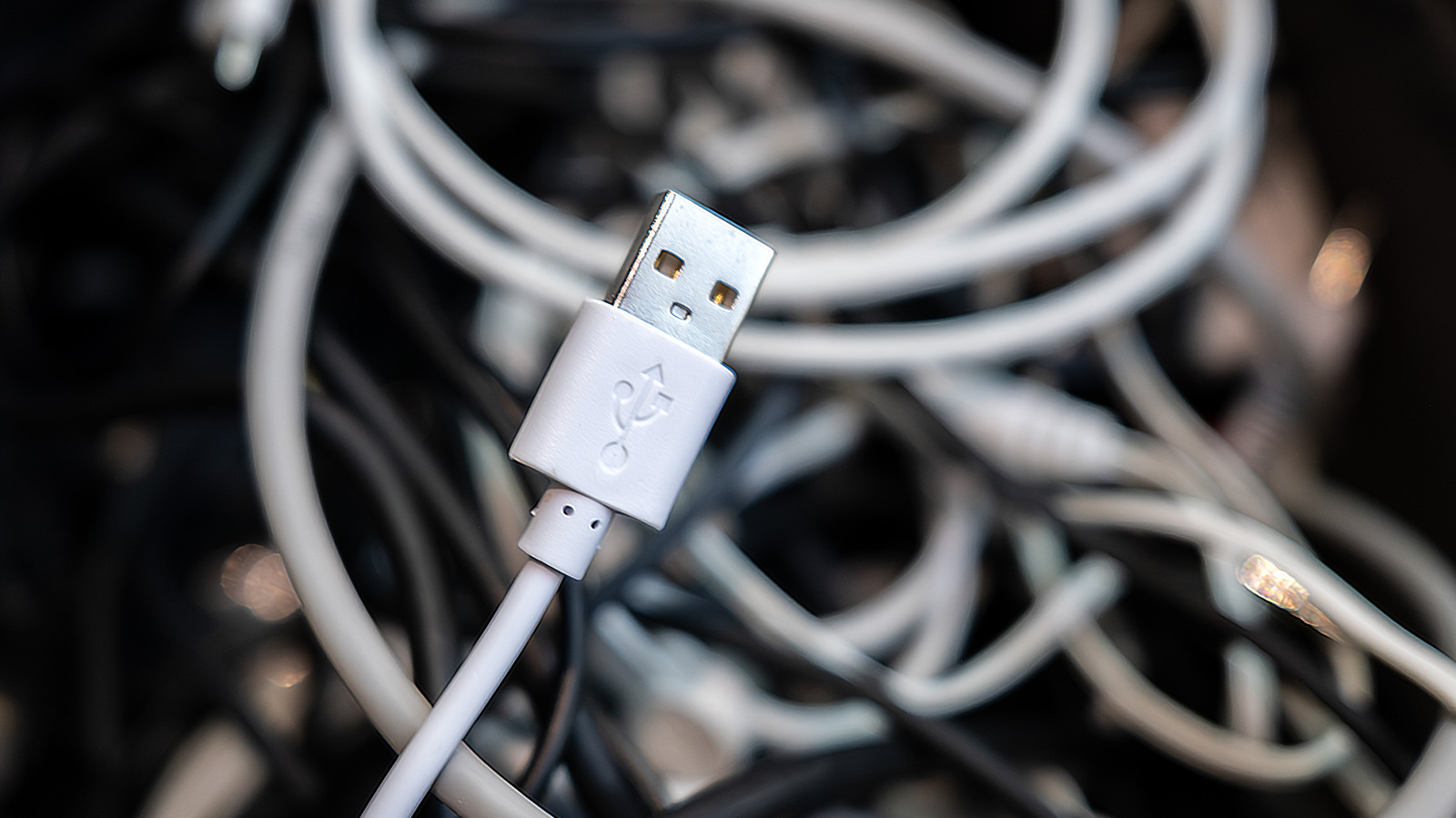
The USB trident logo has been used since the standard was introduced in the late 1990s. When seen alone, it usually denotes USB 2.0, which debuted in 2000 and is the oldest iteration still in use. While marketed as "High Speed" upon release, its 480Mbps bandwidth is slow by today's expectations. USB 2.0 ports and cables are only recommended for connecting devices like mice and keyboards that don't benefit from faster transfers.
The following revision, USB 3, went through several updates and name adjustments from the USB Implementers Forum (IF) group that manages the standard. Initially, USB 3.0 (5Gbps bandwidth) became available in 2008. Then USB 3.1 (10Gbps bandwidth) arrived in 2013, followed by USB 3.2 (20Gbps) rolling out in 2017. USB 3.0 was also called "SuperSpeed" (SS), with USB 3.1 adopting "SuperSpeed+" (SS+), and USB 3.2 going by the clunky "SuperSpeed USB 20Gbps." These generations' trident logo was accompanied by "SS" and the corresponding number showing its speed in gigabits/second.
As these evolutions occurred, the USB IF renamed them, adding more confusion. There were "gen" titles, like "USB 3.2 Gen 1x1" used for USB 3.0, which have thankfully since been retired. As of 2022, the naming has settled on USB 5Gbps , USB 10Gbps , and USB 20Gbps for what were originally 3.0, 3.1, and 3.2 respectively.
In addition to symbols, colors are sometimes used to denote different kinds of USB connections. Black or white is used for USB 2.0 connections. Otherwise, the only other official color, and thus the most frequently seen, is blue. Usually, blue signifies a USB 5Gbps (originally USB 3.0) connection, but some manufacturers use it for the later USB 3 generations.
Read Full Story at Engadget →