Why it's important to regularly restart your router
Just like rebooting your PC every so often, restarting your router has lots of benefits for how easy it is. Your router runs around the clock to manage the networking for all your household devices,…
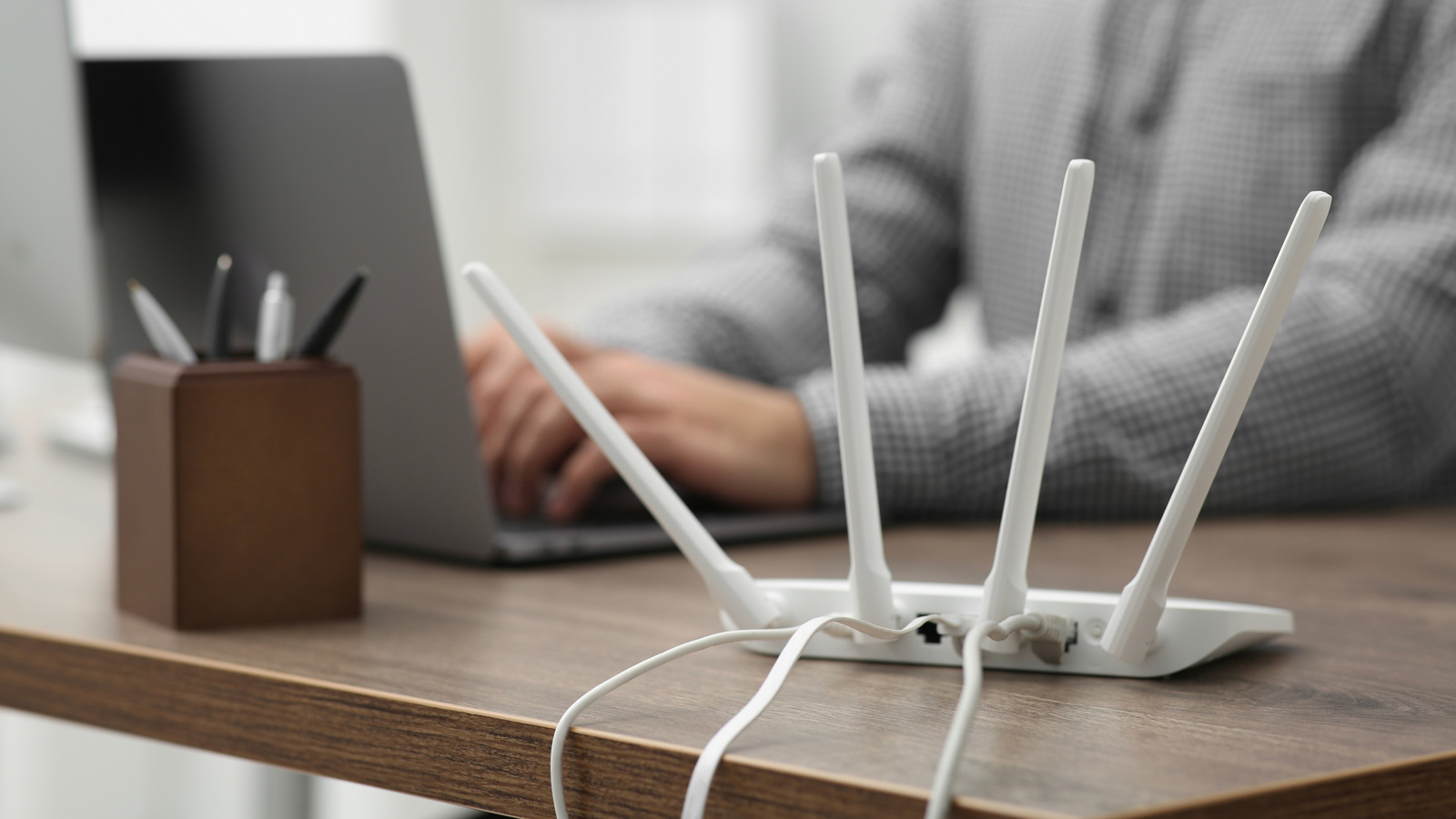
Just like rebooting your PC every so often, restarting your router has lots of benefits for how easy it is.
Your router runs around the clock to manage the networking for all your household devices, which is a big task these days. From phones to laptops to smart TVs, thermostats and so many smart gadgets, the router handles an enormous volume of data without taking a break.
Yet most people never give it a second thought until something goes wrong. The truth is that your router is a small but capable computer and, like any such device, it performs better when it's restarted regularly.
Rebooting your router once a month is one of the easiest steps you can take to maintain a fast and stable home network. The process clears accumulated memory and refreshes connections between your devices and your internet provider, while also giving your router a chance to select less congested Wi-Fi channels. The result is a smoother experience with fewer dropped connections, less buffering and more consistent speeds.
Security is another compelling reason to make this a monthly habit. Both the NSA and FBI recommend router reboots as a baseline security measure, since a restart can easily disrupt certain types of malware and clear suspicious temporary connections. Combine that with installing firmware updates and a strong network password, and you have a reliable way to protect your home network. Since it's a habit that takes roughly two minutes and requires no technical knowledge, it's easy to integrate into your routine.
A router is a computer, and as with any other, it has components like a processor and memory that juggle data every second of the day. Over time, that memory fills up, temporary files pile up and performance tends to dip. Restarting your router clears its memory and cache, fixing any temporary hiccups and giving the system a fresh start to work properly again. The benefits are similar to restarting your phone regularly .
That same reboot will also refresh your connections between your router, modem and internet provider, clearing up any communication problems. Furthermore, it forces the router to rescan Wi-Fi channels to select less crowded ones, which can boost your wireless speed . Additionally, it restarts security processes, which can disrupt certain types of malware and remove temporary connections that attackers might exploit.
One detail to know is that a reboot is not the same as a reset. A reboot is simply turning your router off and on again, keeping all your settings intact. A factory reset, on the other hand, wipes everything back to out-of-the-box defaults, including the network name and password. That's not something you'll need to do unless you're working through major troubleshooting or plan to give away the device.
Read Full Story at Engadget →