You can use DeX on the Galaxy Z Fold 8's inner screen with this trick
Launching a desktop mode on your Galaxy device is now pretty easy. Samsung DeX has long been a fan-favorite feature. Since 2017, it has quietly lived in the settings of flagship Samsung devices, alw…
Launching a desktop mode on your Galaxy device is now pretty easy.
Samsung DeX has long been a fan-favorite feature. Since 2017, it has quietly lived in the settings of flagship Samsung devices, always ready to save people in a pinch. If you don't know, Samsung DeX is an excellent tool that allows users to easily turn their Galaxy device into a full-on desktop. All you need to do is turn DeX on, connect it to an external display (wired or wirelessly) and you're ready to go. You can even connect peripherals like a USB dock, mouse and keyboard, and they will all work.
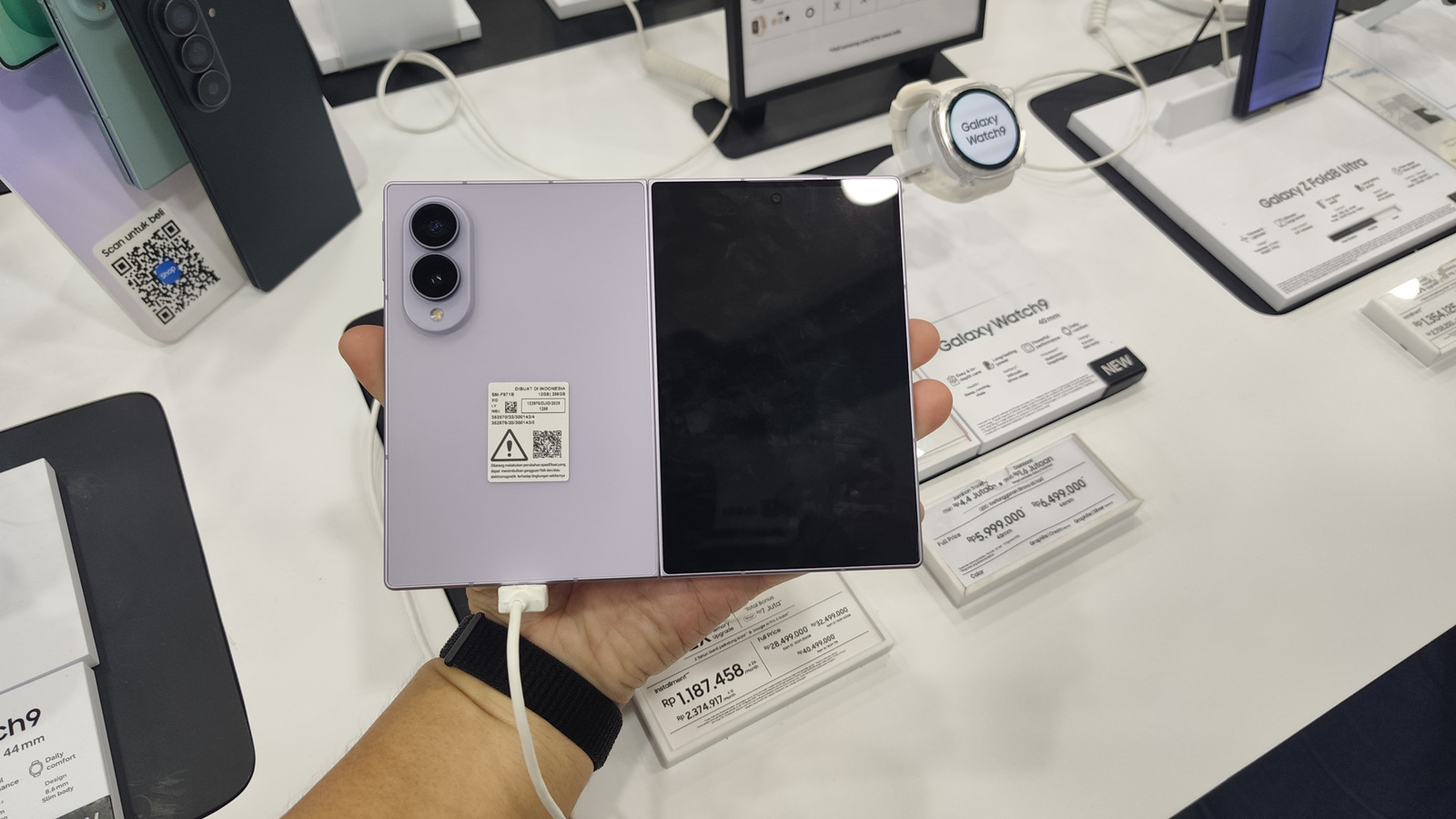
When DeX was first released, phone displays were way smaller, so it didn't make sense to try running a desktop interface on the phone itself. But that's no longer the case, especially with devices like the Z Fold 8 that sport a big 7.6-inch inner screen.
Thankfully, you can now use all of the features of DeX right on your Z Fold 8 directly. It's thanks to an app called Gadesk , which is currently available on the Play Store, so no shady websites or sideloading are involved.
As it's not a hack, it doesn't require rooting or other complicated software. Once the app is installed, it takes just a few minutes sorting out the settings before you can start using DeX on your Z Fold 8 alone — no monitor or external display needed.
If you haven't already, grab the app from the Play Store. Before going any further, turn off Auto Blocker by heading to Settings > Security and privacy > toggle off Auto Blocker. Leaving it on can disable steps needed to connect the app. Next, enable wireless debugging on your device through Developer options. To enable Developer options, in Settings, go to About phone > Software information > tap Build number seven times > enter your passcode > confirm. Inside Developer options, turn on Wireless debugging . You need to be connected to Wi-Fi, and you'll be prompted to always allow your chosen network for wireless debugging.
Once that's done, launch the app and select "Connect driver" then choose "First-time pairing." Allow notifications when prompted, and it should take you straight to Developer options. If not, go back into Developer options, then Wireless debugging and tap "Pair device with pairing code." Immediately, you'll see a code on your screen, note it down. Open your notifications, you'll see one titled "Pairing screen detected. Enter the code." Click "Enter pairing code" and write the code your device gave you. Once paired, "DeXprobe" should show up in the Wireless debugging menu, confirming the connection.
Finally, go back to the Gadesk app, and click "Allow Driver", then "Allow.". Next, tap "Enable accessibility" then "AGREE AND OPEN SETTINGS"; you'll be taken to your Z Fold 8's accessibility settings. In there tap Installed apps > find the Gadesk app > toggle on > Allow. Now go back to the app then tap "Start desktop."
Read Full Story at Engadget →