Your Wear OS smartwatch could soon show your workout route more accurately
Google has released a new version of Google Play Services , bringing a useful improvement to Wear OS smartwatches along with a bunch of developer-oriented features. The latest version of Google Play…
Affiliate links on Android Authority may earn us a commission. Learn more.
Google has released a new version of Google Play Services , bringing a useful improvement to Wear OS smartwatches along with a bunch of developer-oriented features.
The latest version of Google Play Services (v26.31) brings a feature that runners and cyclists will appreciate: Wear OS smartwatches can now process raw location data server-side. This could help improve the accuracy of workout routes displayed by users’ connected health apps. It’s a useful fitness feature for people who like running, walking, or cycling outdoors. It’s worth noting that Wear OS smartwatches without cellular connectivity will likely only be able to display more accurate workout routes once they are reconnected to Wi-Fi or to the user’s smartphone.
Google has also released a new Play Store v52.7 update, with improvements to the Play Store’s Top Charts page. Users will be able to open app details pages directly from the Top Charts page in the Play Store. The feature is limited to “large screens,” which likely means it will only be available on Android tablets and foldables.
There are also several developer-oriented features in the update. Google and third-party app developers can now add support for account management-related features within their apps. This will be available for both Android and Wear OS apps. The update also fixes bugs within developer services, as well as system management and diagnostic services.
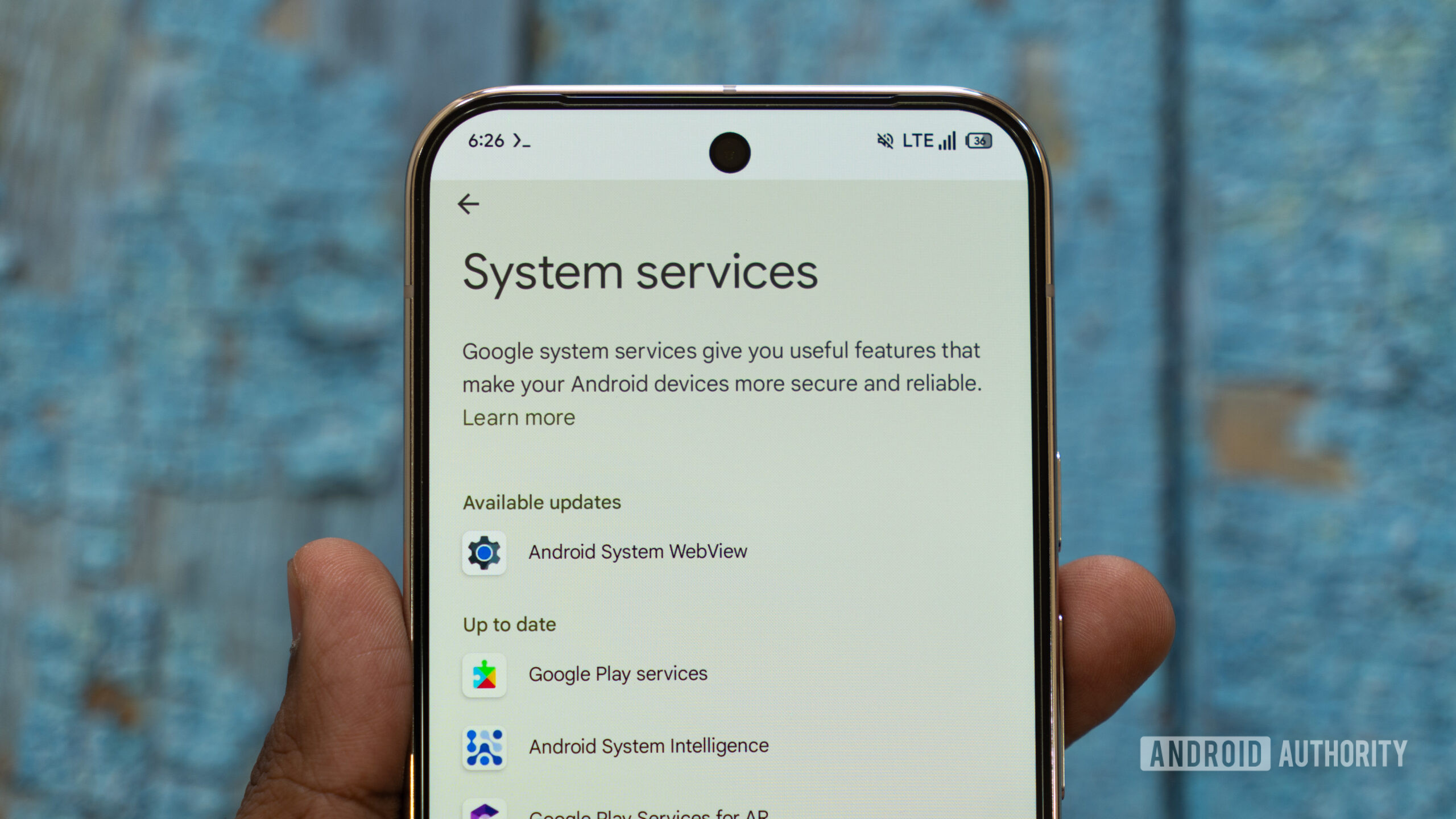
You can update your phone to the latest Google System Services by heading to Settings > Google Settings > All Services > Privacy and Security > System Service s. You can also enable automatic updates to ensure your phone is always running the latest version of Google System Services.
Thank you for being part of our community. Read our Comment Policy before posting.
Read Full Story at Android Authority →