Google could soon make it easier to ask Gemini to take a look at things
Google Gemini can already use your smartphone’s camera to tell you what’s in front of you — a feature called Guided Vision — but the problem can be getting to it quickly when you need it on the go. C…
Affiliate links on Android Authority may earn us a commission. Learn more.
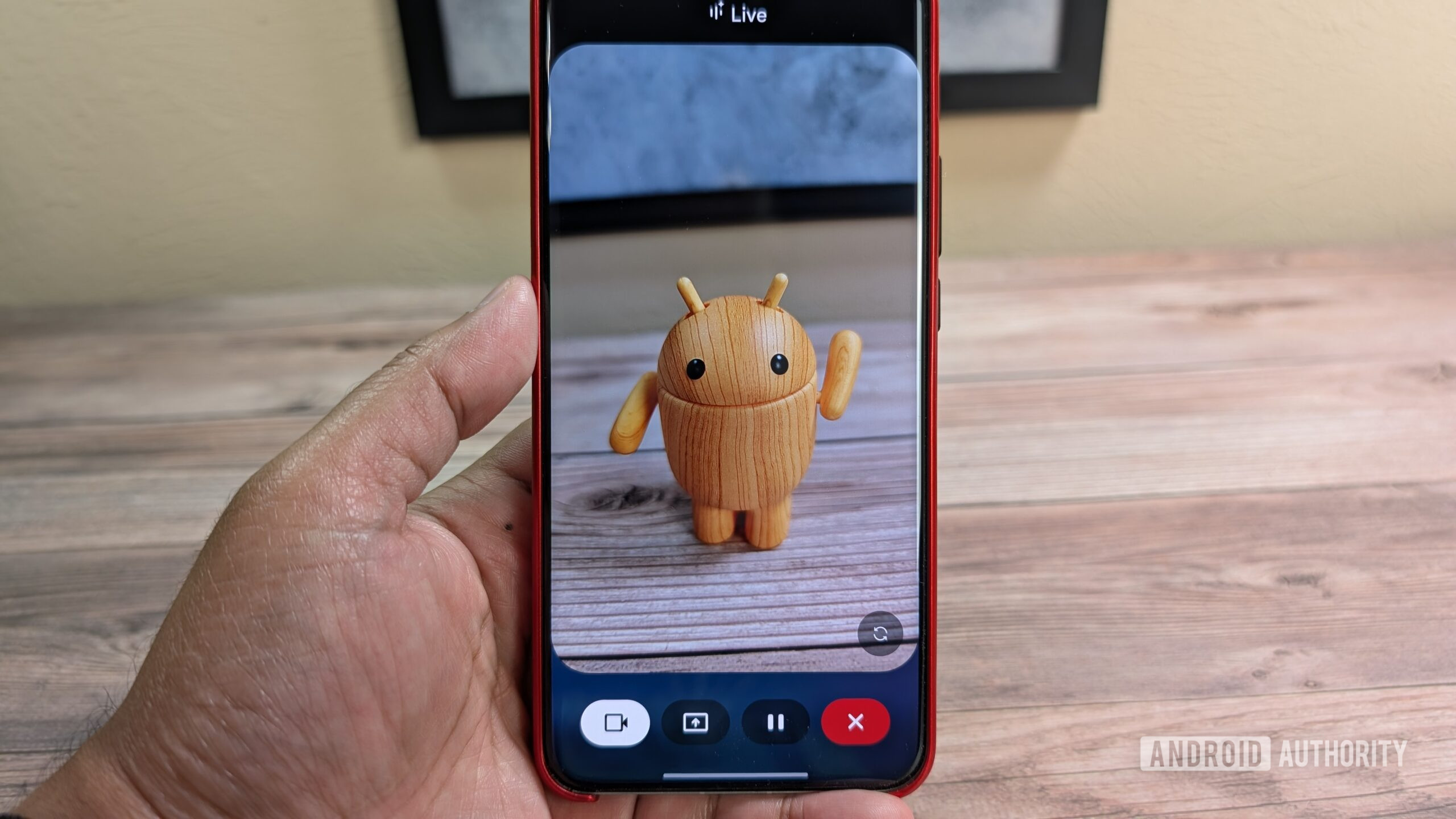
Google Gemini can already use your smartphone’s camera to tell you what’s in front of you — a feature called Guided Vision — but the problem can be getting to it quickly when you need it on the go. Currently, Google requires you to head to Gemini > Gemini Live > Camera mode to access it. That’s a lot of steps for something you might need quick access to, and Google likely knows that, as we’ve just spotted the tech giant working on a new accessibility shortcut.
For what it’s worth, there are ways to head straight to Gemini Live without having to open the Gemini app first. The Gemini widget can launch Live directly, but that still leaves you with the extra step of switching to Camera mode. Google’s in-development Guided Vision shortcut could take users straight to the Camera mode, which could be a significant accessibility boost, especially for those with limited vision.
You’re reading an Authority Insights story. Authority Insights brings you all the latest exclusive reports, app teardowns, leaks, and in-depth tech coverage from the Android Authority team that you won’t find anywhere else.
The shortcut ties in to our reporting from last month. Early in July, we found early work on a Guided Vision toggle in the Gemini app. It wasn’t immediately clear what the toggle would be for, beyond allowing users to enable or disable the feature. Now, after taking an early look at Google Gemini version 1.0.954677852, Google appears to be directly tying Guided Vision to Android’s accessibility shortcut system.
Google is working on a Guided Vision option for Android’s Accessibility settings page. Once enabled, the shortcut will place a small Gemini icon on the side of your Android phone’s screen.
Like other accessibility shortcuts, you’ll be able to move the icon around your screen. Alternatively, you’ll also be able to set up the shortcut to launch Guided Vision by pressing and holding both volume buttons, giving you a seamless option to trigger Guided Vision without having to navigate the screen at all.
It’s worth pointing out that neither the Guided Vision setting nor its accessibility shortcut are live yet. We haven’t been able to get the shortcut actually working, and can only show you these screens of how it’s likely to appear.
Read Full Story at Android Authority →