Google finds another way to push Search users to AI Mode
Google’s been working at making AI Mode a more prominent part of Search for some time. Now, it’s taken another step to that end: some AI Overview summaries are now showing up fully expanded, complete…
Affiliate links on Android Authority may earn us a commission. Learn more.
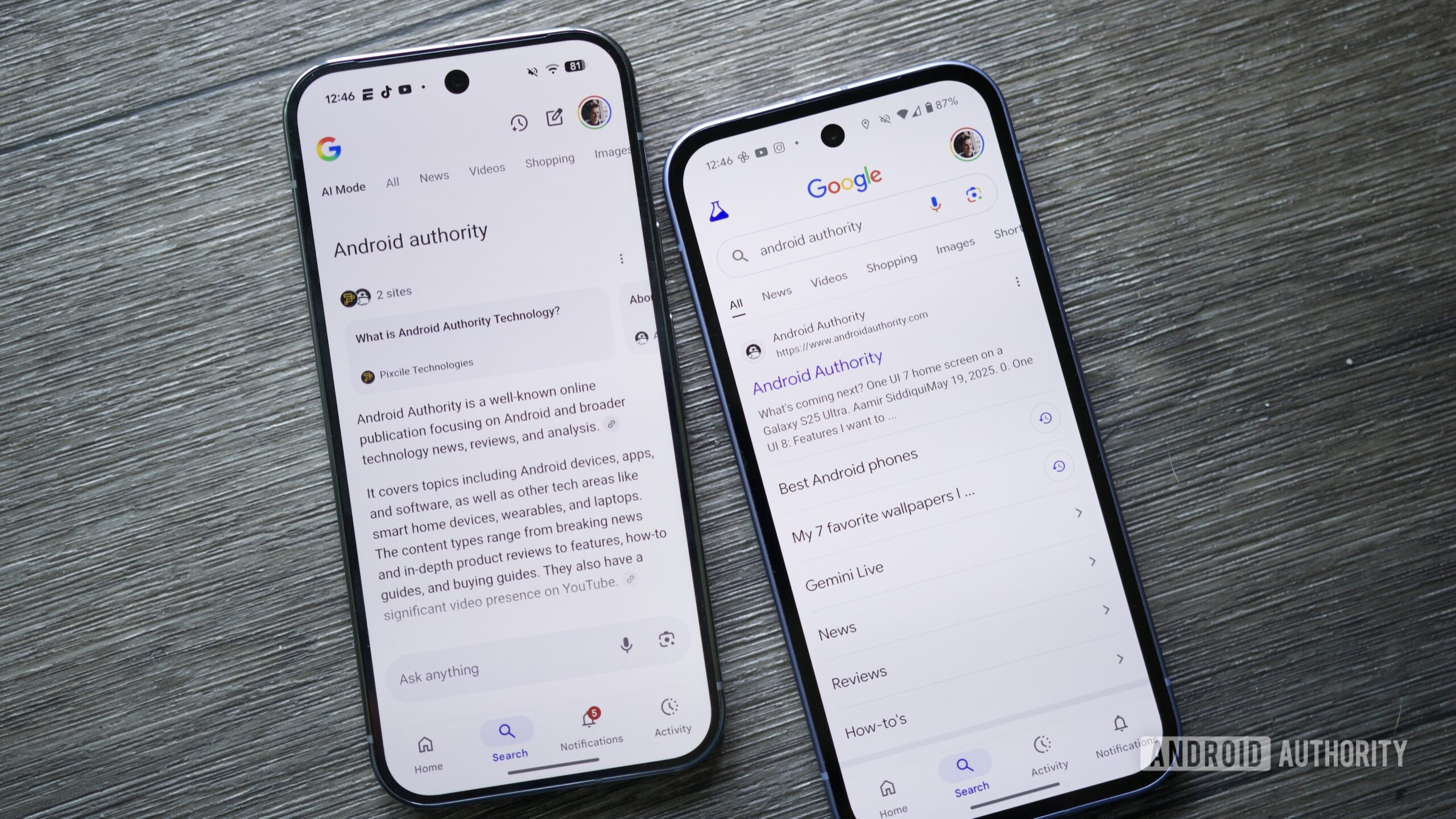
Google’s been working at making AI Mode a more prominent part of Search for some time. Now, it’s taken another step to that end: some AI Overview summaries are now showing up fully expanded, complete with a text box where you can type follow-up questions that’ll launch an AI Mode interaction. Previously, these text boxes only appeared when you clicked Show more at the bottom of an AI Overview.
This change hasn’t been officially announced, but was recently pointed by co-founder of SEO agency Nectiv Chris Long on X (via WinFuture ). Today, certain search terms return results that begin with an expanded AI Overview answer that takes up quite a bit of space, along with a box labeled Ask anything, inviting users to stay inside Google’s ecosystem rather than scrolling down to the websites it’s pulling information from.
Long’s tweet shows the Ask anything box appearing automatically when he searches for “algorithmic,” and it looks like the same happens with any AI Overview that defines a term on desktop. In my testing, asking the desktop version of Search to define something — anything — returns one of these fully expanded Overviews. For many of them, the AI Overview takes up my entire browser window so I have to scroll to see linked search results.
I’m currently only seeing this behavior on desktop; the same set of search terms still returns truncated AI Overview summaries on mobile, with the Ask anything box that launches AI Mode only appearing after I tap the See more button.
Thank you for being part of our community. Read our Comment Policy before posting.
Read Full Story at Android Authority →