This is a great place to store your old hard drives and keep them safe
Don't just throw your archived hard drives in the garage if you want them to last for a long time. We may receive a commission on purchases made from links. It's common to hold onto old hard drives…
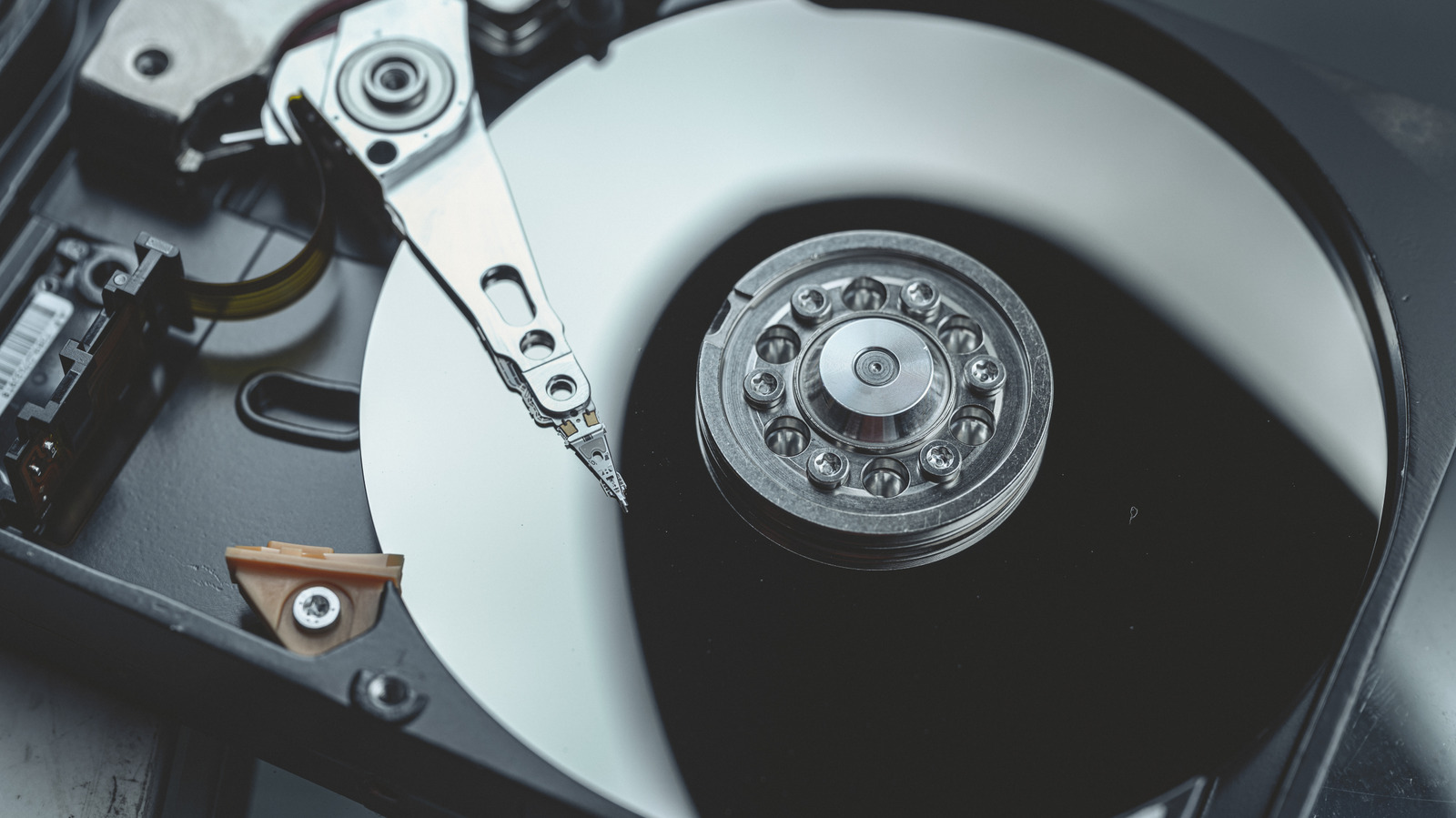
Don't just throw your archived hard drives in the garage if you want them to last for a long time.
It's common to hold onto old hard drives to keep computer backups or archives of family photos. But they tend to pile up in junk drawers and garage boxes, which is a problem if the data on the drives matters or you plan to reuse them.
Hard disk drives are more fragile than they look, and especially with how expensive storage is these days , it's important to keep your hard drives healthy . Factors like heat, humidity, static electricity and nearby magnets can shorten their lifespan or even cause outright failure. While your drive may seem fine sitting in a drawer today, it might not work in a year or two if it stays stored in the wrong conditions.
The good news is that keeping a hard drive safe in storage doesn't actually require much effort or expense; you just need to know what to do. A few simple habits can make a massive difference between data you can access in years and it being gone for good.
Hard drives contain lots of moving parts and delicate electronics, which means they're sensitive to their environment. Extreme heat can damage internal components and degrade the drive's lubricants, while humidity poses the risk of corrosion on circuit boards and connectors. Meanwhile, magnetic fields can interfere with the drive's platters and corrupt stored data.
Even when stored well and never touched, drives aren't 100 percent safe because mechanical components can seize up from long-term inactivity. Similarly, capacitors on the circuit board can simply degrade over time. That's why what you do with the drives matters along with the storage conditions.
Before a drive goes into storage, treat it as if it could fail the moment you put it away. While this is a grim way of looking at it, no storage method is completely foolproof. Copy any important files (especially irreplaceable ones like pictures and videos) to another location, and ideally, back them all up to a cloud solution. For any critical data, consider making a second physical backup copy and storing it somewhere else, like a safe deposit box or a family member's home. That way, the data is protected against natural disasters and theft. Test everything to confirm the data transferred correctly before you archive the drive.
While it's commonly cited, the 3-2-1 rule of backup is still helpful: three copies of your data, on two different storage mediums, with one of them offsite. Copying whatever is on your old drives to your current PC, then backing it all up with a cloud tool, is a decent way to satisfy this.
Read Full Story at Engadget →