Pixel Quick Tap feature streamlines tasks for users with customizable shortcuts
The Quick Tap feature on Pixel phones allows users to double-tap the back of their devices to execute customizable shortcuts, enhancing convenience and efficiency. Available on Pixel 4a (5G) and newe…

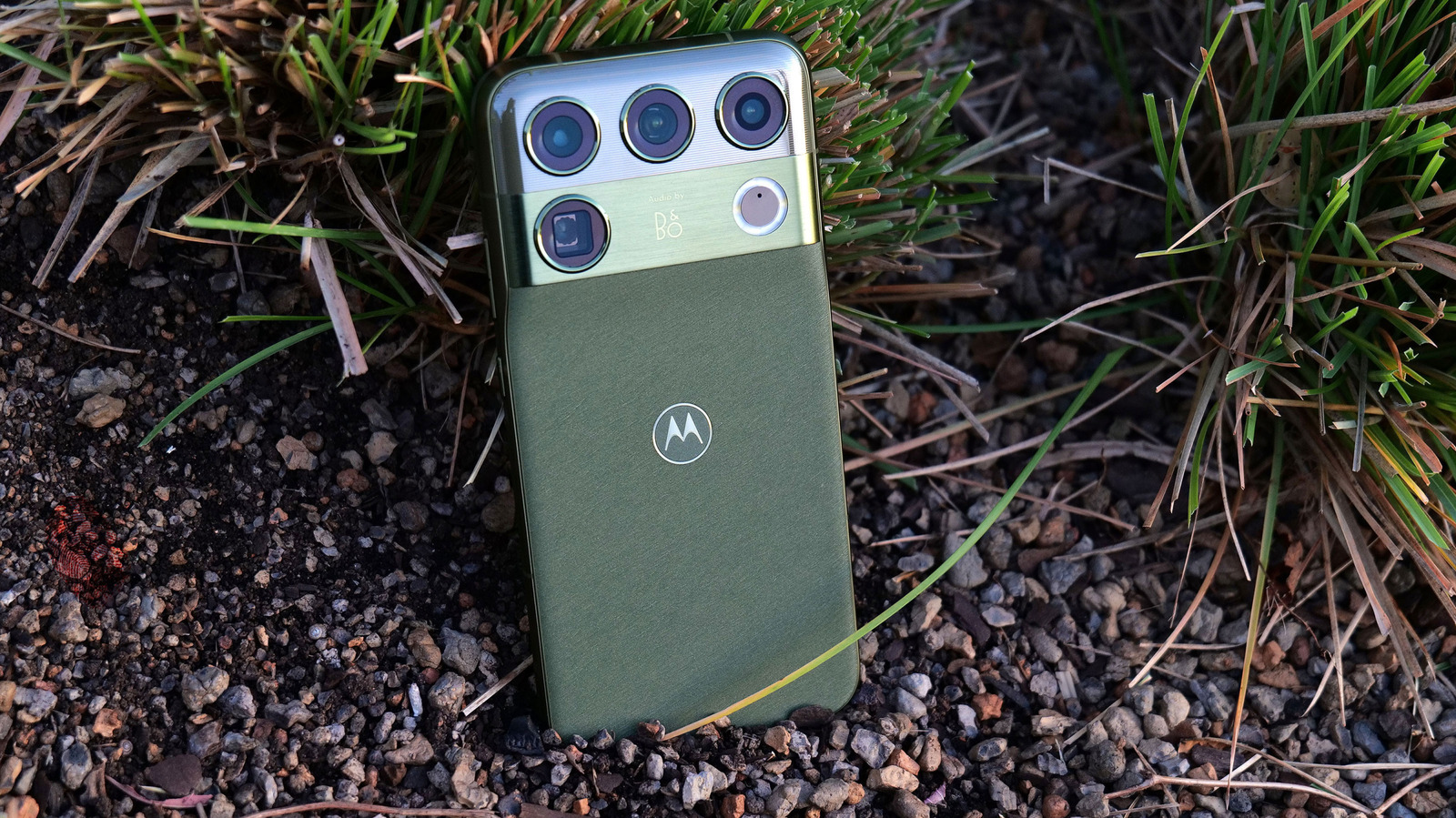
The Quick Tap feature on Pixel phones is gaining attention for its versatility and convenience, especially after recent updates. This feature allows users to double-tap the back of their devices to execute customizable shortcuts. It is available on all Pixel 4a (5G) and newer models, making it accessible for a wide range of users looking to streamline their smartphone experience.
Recent updates, including the Android 17 QPR2 and the November 2026 Pixel Drop, introduced several enhancements to Pixel devices, such as improved Pixel Search and new customizable icons. Amid these upgrades, Quick Tap stands out as an underrated tool that simplifies everyday tasks. By enabling Quick Tap, users can perform actions like turning on the flashlight, taking screenshots, or controlling media playback with just a double-tap. This can be particularly helpful in situations where one hand is occupied or when quick access to features is necessary.
To customize Quick Tap, users can navigate to the Settings app and select System, then Gestures, followed by Quick Tap. From there, they can assign a specific action for the double-tap gesture. Although Quick Tap can be a powerful feature, it is limited to one action at a time, so users should choose the function that best fits their routine. For instance, it can be set to launch commonly used apps or pull down notifications, enhancing the overall user experience without needing to unlock the phone or navigate through menus.
However, users should keep in mind that Quick Tap works best on phones without protective cases. Thicker cases may hinder the sensitivity needed to activate the feature effectively. For those experiencing issues, there is an option in the settings to require stronger taps, which may help in getting the feature to respond better. Quick Tap is a prime example of how seemingly simple features can significantly enhance the usability of smartphones, making daily tasks more accessible and efficient.
Read Full Story at Engadget →