Getting an 'iPhone Unavailable' message? Here's how to fix it
You'll need your old passcode or Apple Account password. Getting an "iPhone Unavailable" message on your lockscreen is never a welcome sight. The issue is a common one, caused by entering an incorre…
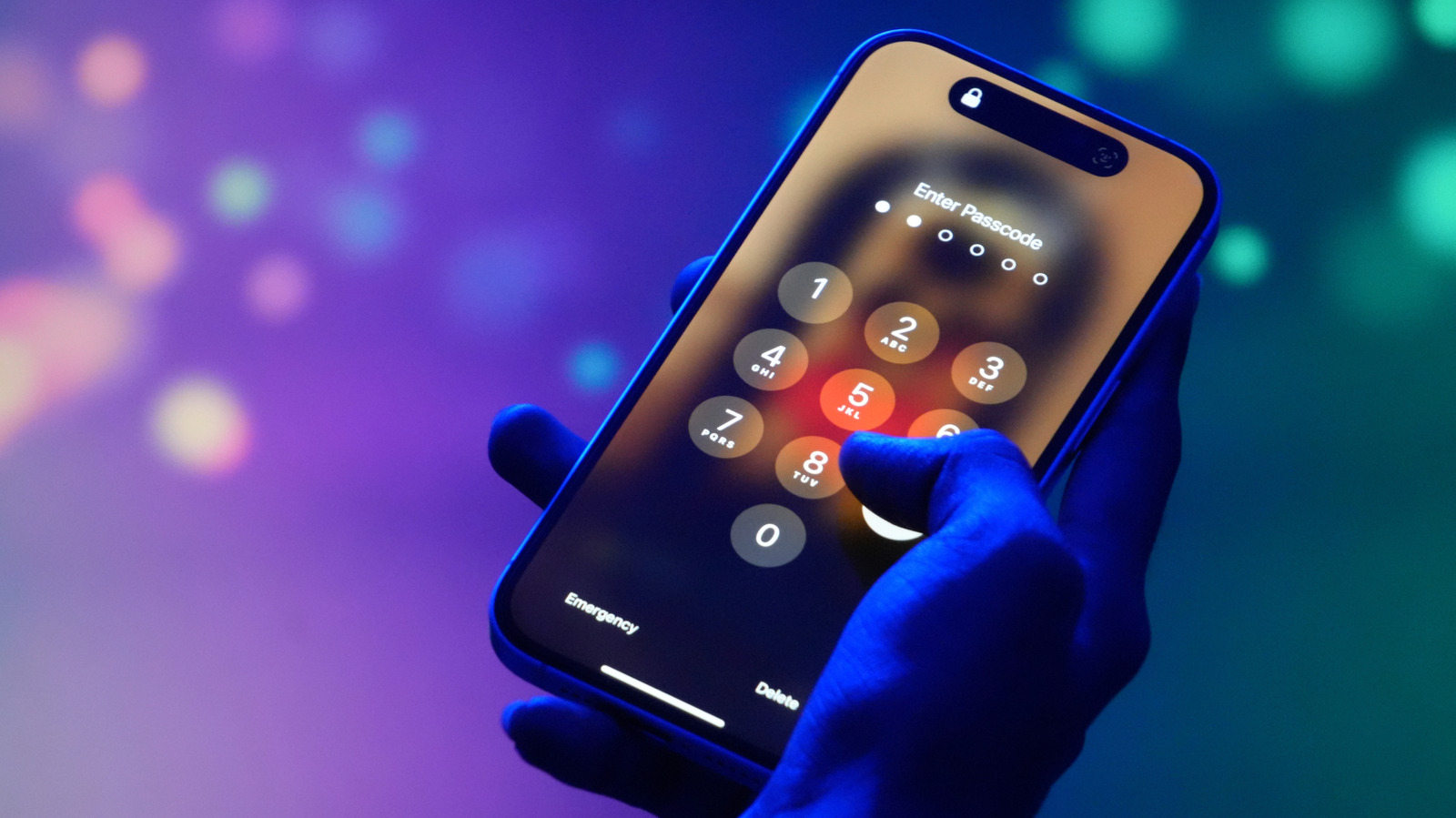
Getting an "iPhone Unavailable" message on your lockscreen is never a welcome sight. The issue is a common one, caused by entering an incorrect passcode too many times. It's a system meant as a safeguard against unwanted access , but it can just as easily be triggered by unintentional pocket presses or plain old forgetfulness. Thankfully, there are several ways to get access to your iPhone again, though some are a bit more labor-intensive, depending on the circumstances of your lockout.
Your options for an iPhone Unavailable error vary slightly depending on your iOS version , if you've changed your passcode recently and what other technology you have available.
If you're using iOS 17 or later and have reset your phone's passcode within the last 72 hours, you have the option to revert back to your old passcode to solve the issue.
After five incorrect passcode attempts, the iPhone Unavailable screen will appear, and you can select the Forgot Passcode option in the lower righthand corner
After entering your previous passcode and unlocking your phone, you'll immediately need to reset the passcode to a new number
To reset your iPhone without a computer, you'll need to be using iOS 15.2 or later, have Find My previously enabled, have an active cellular or Wi-Fi connection and know your Apple Account and password. Apple recommends that, if you're using an eSIM on iOS 16 or later, you should contact your carrier before following these steps, as they may be able to give you a QR code that allows you to set up your eSIM again.
Enter your Apple Account password to sign out of your account
Select Erase iPhone , which will delete all your data and settings. If you're using an eSIM and iOS 17 or later, you'll have the option to keep your eSIM but erase your data, or delete both your data and eSIM
Read Full Story at Engadget →