I use Google Chrome every day, and these are my 10 favorite tips and tricks
There are many popular web browsers for Android . Still, Chrome remains the go-to choice for many users, including me. It’s fast, offers universal web compatibility, and packs plenty of useful featur…
Affiliate links on Android Authority may earn us a commission. Learn more.
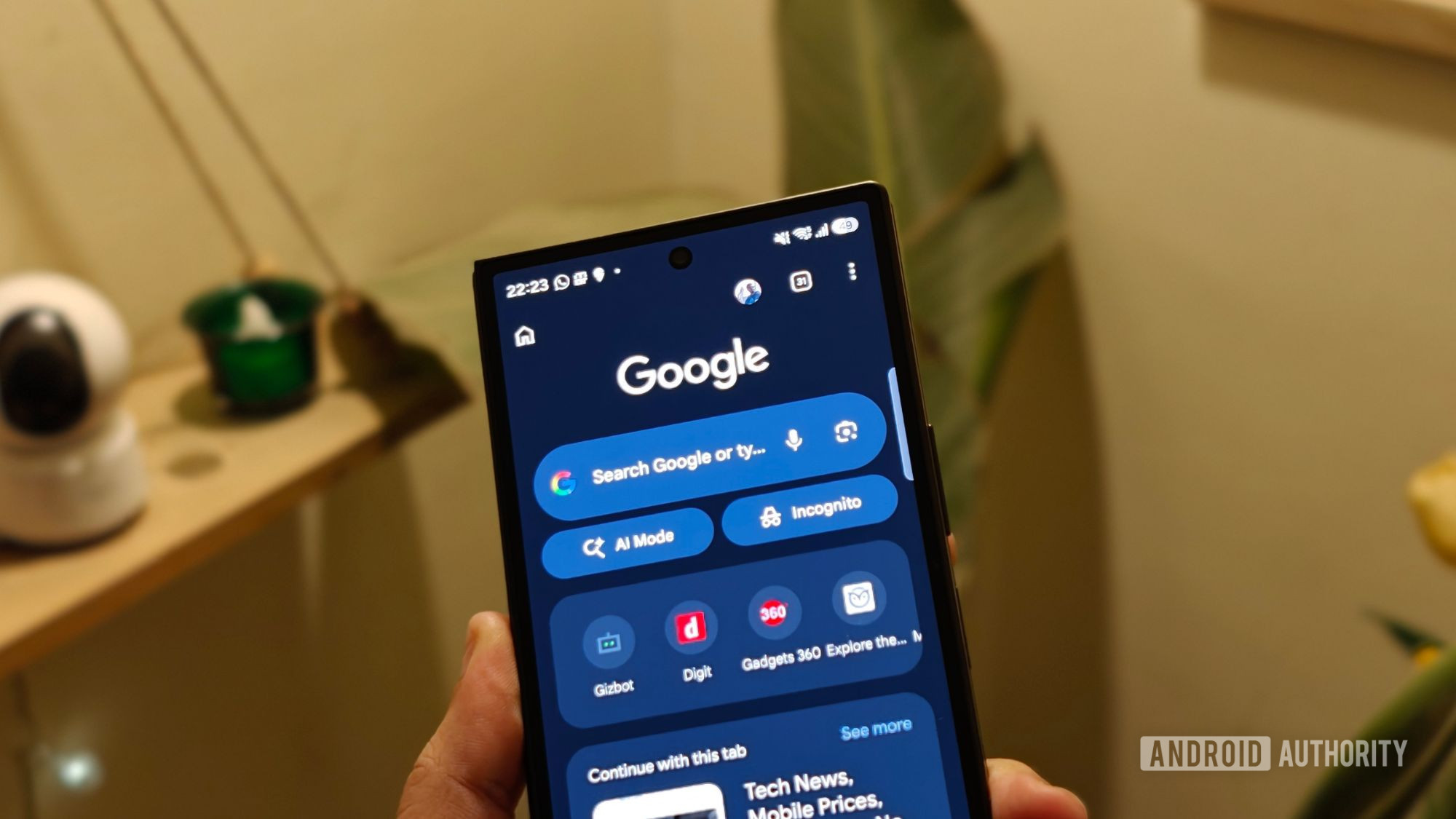
There are many popular web browsers for Android . Still, Chrome remains the go-to choice for many users, including me. It’s fast, offers universal web compatibility, and packs plenty of useful features you won’t find on other browsers.
As someone who’s been using Chrome for many years, I’ve picked up several tips and tricks that help me get things done more efficiently. If you use it on your Android phone, too, here are 10 of my favorite Chrome tips and tricks to help you with a range of tasks.
The first thing I do before I start using Chrome on my Android phone is configure the toolbar shortcut. It’s set to Ask Gemini by default, but I always replace it with the New tab shortcut to make opening new tabs quick and easy.
In Chrome, tap the three-dot menu in the upper-right corner and navigate to Settings > Appearance > Toolbar shortcut . Make sure the Toolbar shortcut toggle is switched on, and select New tab . Alternatively, you can choose any other shortcut or select Based on your usage to surface a relevant shortcut automatically.
Ever wanted to share a specific text snippet on a webpage? Well, Chrome lets you highlight any text on a webpage and generate and share a link to it. That way, when someone opens this link, it scrolls to and highlights the specific text you highlighted.
To do this, select the text and tap the Share button in the floating toolbar. Choose the app you want to send it through. Or tap a person’s name to share it directly with them. You can also copy this link by tapping the copy icon next to the link.
Many websites nowadays offer a dark theme. However, there are still some exceptions. In my case, these are mostly news portals and websites like Medium and Hacker News, which I visit multiple times a day. Thankfully, there’s a way to force such websites to open in dark mode without using dark mode extensions . Doing this involves enabling a Chrome flag. Chrome flags , for those unaware, are a way to tweak experimental features that Google hasn’t natively added to Chrome yet.
Read Full Story at Android Authority →