
Meet the Audio to Text Converter
Convert audio and video to text FREE with AI. Supports MP3, WAV, MP4, MOV and all formats.
- Free to use
- No signup
- Nothing to install
- Works in any modern browser
Illustration. Open the tool for the real thing.
See it in action
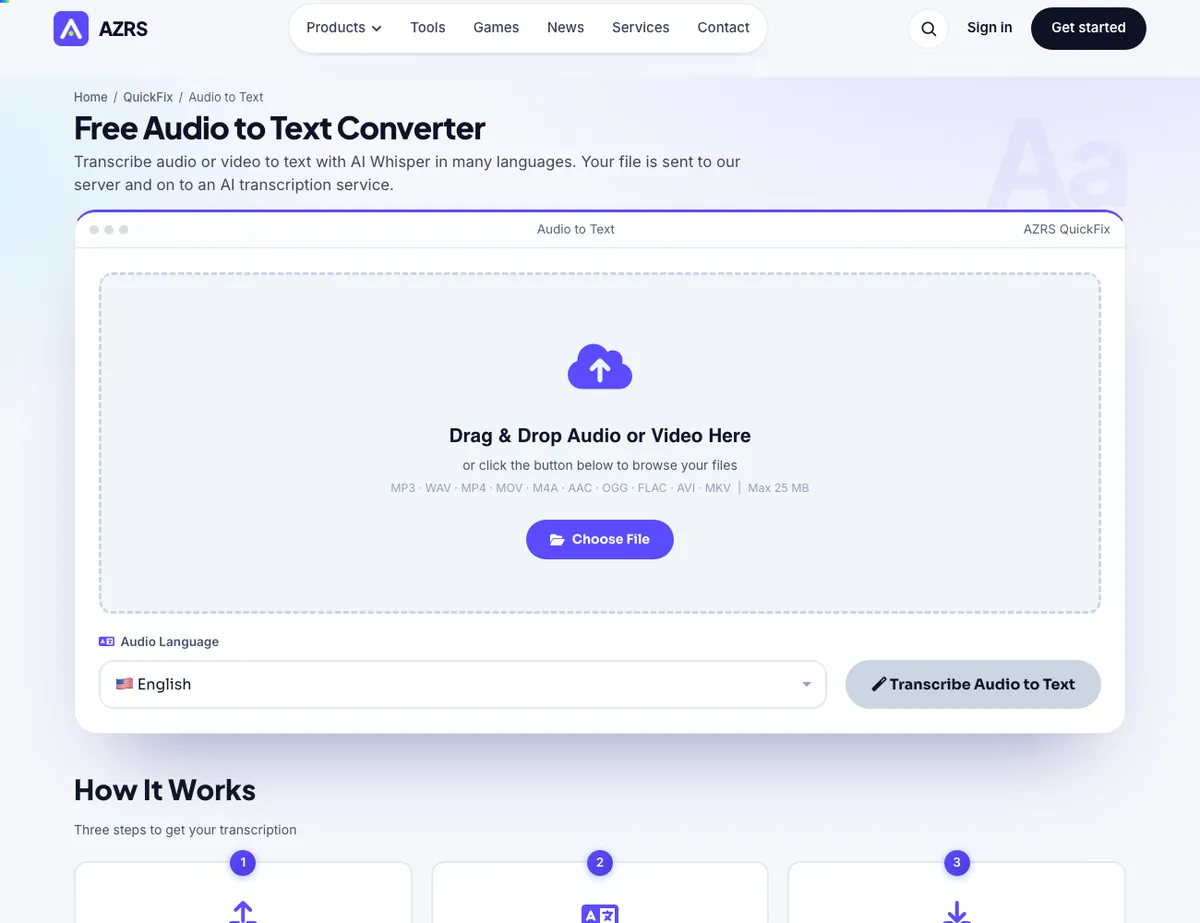
The Audio to Text Converter with sample data entered and the result showing.
What is the Audio to Text Converter?
Transcribe audio or video to text with AI Whisper.
Convert audio and video to text FREE with AI. Supports MP3, WAV, MP4, MOV and all formats. 150+ languages, auto-detect, PDF & TXT download. No signup, unlimited transcriptions. AZRS.
3 steps to your result
Open the tool and follow along. Nothing to install.
What you get
MP3, WAV, MP4, MOV, M4A, AAC, OGG, FLAC, AVI and MKV.
Copy the text or download TXT or PDF.
The page says the file is sent over HTTPS for transcription and is not saved on the server.
AZRS tools are free to open and use.
It opens in your browser, so there is nothing to download.
How it compares
A plain look at this tool next to the usual alternative.
| This text tool | Desktop software | |
|---|---|---|
| Install | Nothing to install | Usually an app or program to install |
| Account | No signup | Depends on the product |
| Cost | Free to use | Free or paid, depends on the product |
Questions people ask
Is the Audio to Text Converter free?
Yes. It is free to open and use on AZRS.
Do I need to install anything?
No. It runs in your browser.
How do I use the Audio to Text Converter?
1. Choose a file (MP3, WAV, MP4, MOV and more, up to 25 MB). 2. Pick the audio language. 3. Press Transcribe Audio to Text, then copy or download as TXT or PDF.
More free tools
Related to the Audio to Text Converter.
Try the Audio to Text Converter now
Transcribe audio or video to text with AI Whisper. Free to use.
Try it free