CSS Gradient Generator
Create linear, radial and conic gradients with CSS code · free, no signup
How CSS Gradient Generator works, step by step
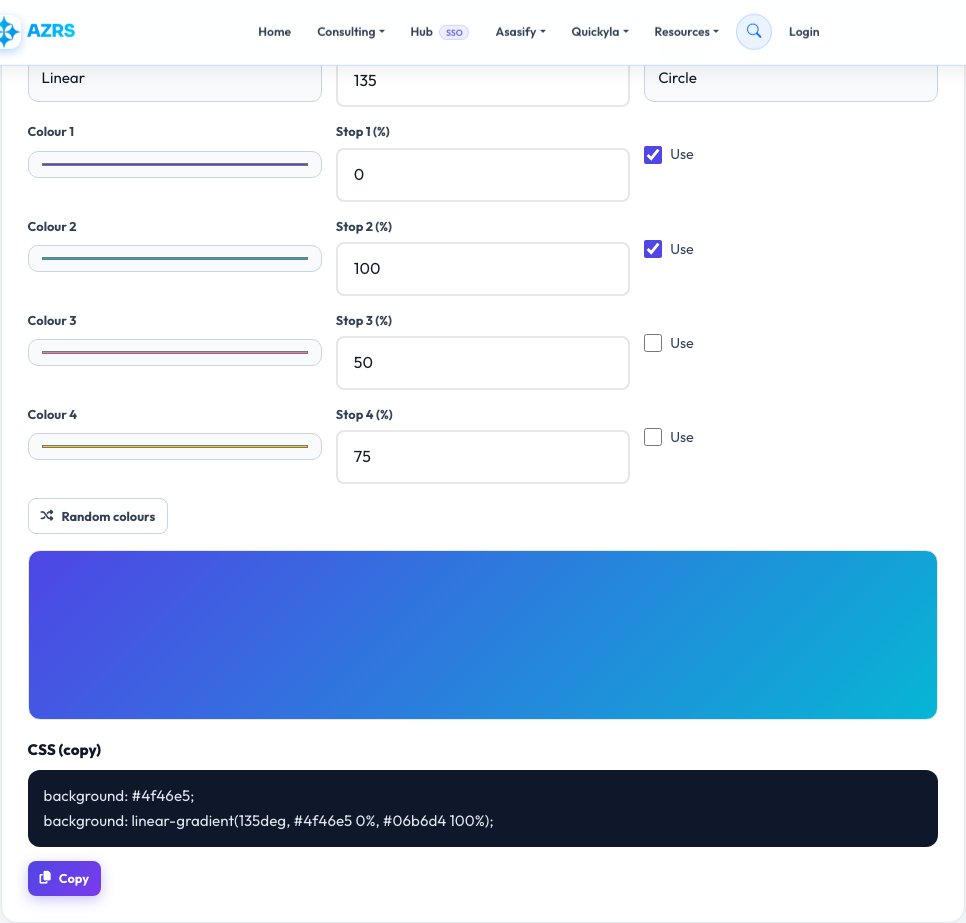
Choose the gradient type and angle.
 Download it
Pick your colours and stop positions.
Free CSS Gradient Generator — Linear, Radial and Conic Gradients
A CSS gradient is a smooth transition between two or more colours, drawn by the browser instead of loaded as an image. Gradients make backgrounds, buttons and cards look modern while keeping pages fast, because they are just a line of code. This generator lets you design them visually and copy the CSS.
Choose linear, radial or conic, set the angle or position, pick up to four colours with their stop positions and watch the live preview update. The tool outputs ready-to-paste CSS, including a plain fallback colour, so you can drop it straight into your stylesheet, Tailwind config or design tool.
Key features
Three gradient types
Linear, radial and conic with live preview.
Up to four colour stops
Each with its own position.
Copy-ready CSS
Includes a fallback background colour.
Random inspiration
One click generates a fresh combination.
How to use it
- Choose the gradient type and angle.
- Pick your colours and stop positions.
- Watch the live preview.
- Copy the CSS into your project.
Worked example
Example
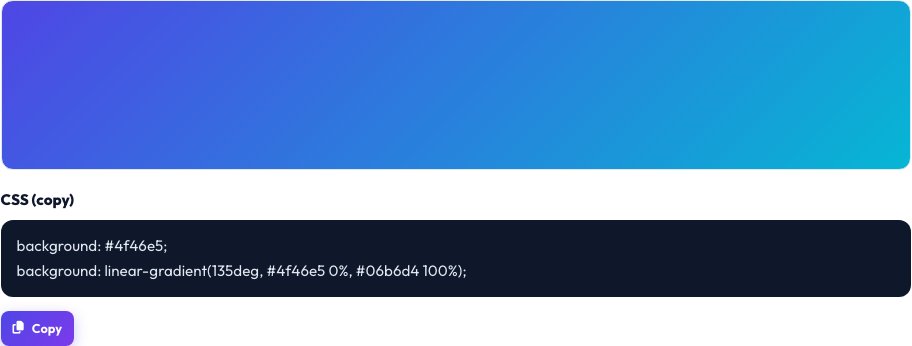
background: #4f46e5;
background: linear-gradient(135deg, #4f46e5 0%, #06b6d4 100%);
Who uses this tool
Web designers and developers
Create backgrounds without exporting images.
Marketers and bloggers
Style banners, buttons and hero sections.
Students
Learn how CSS gradients work.
Tips for the best results
- Use similar hues for a subtle, professional look.
- Ensure text on top of gradients still has enough contrast.
- Add a solid fallback colour for older browsers.
- Use 135° or 90° angles for a classic feel.
Common mistakes to avoid
- Choosing colours that clash and produce muddy middles.
- Putting light text on light parts of the gradient.
- Forgetting the fallback colour.
Why use AZRS QuickFix?
It is 100% free, needs no signup and has no watermark or usage limits. The tool runs in your browser, so what you type stays on your device, and it works on phones, tablets and desktops. New tools are added every week — bookmark this page or browse the full QuickFix toolbox.
Frequently asked questions
What is a CSS gradient?
A background image generated by the browser that transitions between colours.
What is the difference between linear and radial?
Linear runs along a line at an angle; radial spreads out from a centre point.
What is a conic gradient?
Colours rotate around a centre point, like a colour wheel or pie chart.
Does it work in all browsers?
Yes in all modern browsers; include the fallback for very old ones.
Can I use gradients on text?
Yes, with background-clip: text.
Is it free?
Yes.