Plank Timer with Form Check (Camera)
Times your plank and warns you when your hips sag or lift · free, no signup
Voice & sounds
See Plank Timer with Form Check (Camera) in action
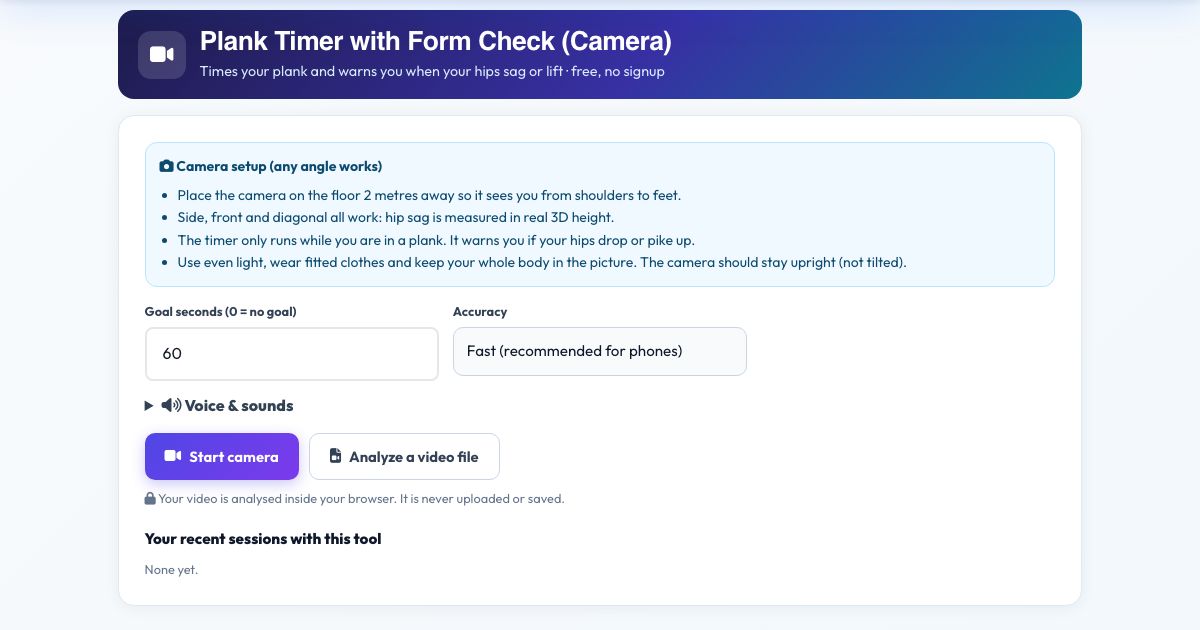
Plank Timer with Form Check (Camera)
Most plank timers just count down. This one watches your body through the camera, measures how straight your line is from shoulders to heels, and times how long you hold with good form. When your hips drop it says 'Hips too low', and if they rise it says 'Hips too high'.
It works from the side, front or diagonal because it measures hip height in real 3D. It announces your time at 10, 20 and 30 seconds and every minute, tracks the percentage of good form and remembers your best clean streak.
Key features
Form-checked timer
Counts total hold and good-form hold separately.
Spoken corrections
Hips too low or too high.
Milestone announcements
10, 20, 30 seconds and minutes.
Any camera angle
3D hip height measurement.
Private
No upload.
How to use it
- Place the camera on the floor 2 metres away, seeing you from shoulders to feet.
- Set a goal in seconds, press Start camera.
- Get into plank during the countdown. The timer starts when it sees you.
- Hold. Fix your hips when the coach says so. Press Finish & save.
Worked example
Example
Goal 60 seconds: at 38 seconds your hips sag and you hear 'Hips too low'. You fix them, the good-form timer resumes and the final summary says '1:00 hold, 88% good form'.
Who uses this tool
Core training
Know if your plank is actually good.
Plank challenges
Honest timing.
Rehab
Track progress safely.
Tips for the best results
- Elbow plank or high plank both work.
- Wear fitted clothes so hips are visible.
- Build time slowly. Quality beats duration.
Common mistakes to avoid
- Camera too close so feet are cut off.
- Holding past form breakdown.
Why use AZRS QuickFix?
It is 100% free, needs no signup and has no watermark or usage limits. The tool runs in your browser, so what you type stays on your device, and it works on phones, tablets and desktops. New tools are added every week — bookmark this page or browse the full QuickFix toolbox.
Frequently asked questions
Does the timer pause if my form breaks?
Total time keeps running while you are in plank position, but only good-form time counts for your clean streak and form score.
Does it work from any camera angle?
Yes. The tool measures your joints in 3D, so front, side and diagonal views all give the same angles. Keep the phone or laptop upright (not tilted on its side) and keep your whole body in the picture.
Is my video uploaded or saved?
No. The pose detection runs inside your browser on your own device. Nothing is recorded, uploaded or stored, and the camera stops when you finish.
What do I need?
Any phone, tablet or computer with a camera and a modern browser (Chrome, Edge, Safari, Firefox). The page must be opened over https for the camera to work.
Can I use a video instead of the live camera?
Yes. Press 'Analyze a video file' and pick a recorded workout; it is counted the same way.
The counter is not counting. What should I check?
Make sure your whole body is visible, the room is lit, and you start from the correct start position. The message under the picture tells you what the camera is missing.