GPS Run Tracker with Map
Track runs, walks and rides: distance, pace, splits, route map, GPX export · free, no signup
Voice
Your saved routes
See GPS Run Tracker with Map in action
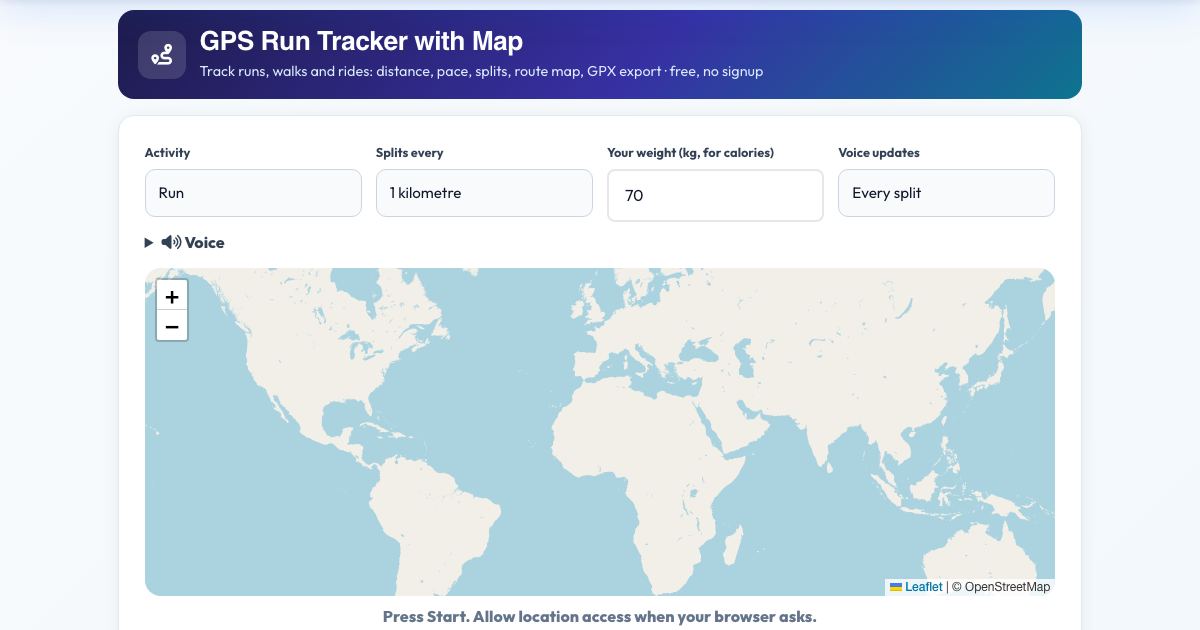
GPS Run Tracker with Map
Track a run, walk or ride right in your browser using your phone's GPS: live distance, time, current and average pace, elevation gain, calories and a route drawn on a map. A voice announces each kilometre or mile with your time and split.
Finished activities are saved on your device with a mini route preview, splits and best split highlighted, and can be exported as GPX. No app install and no account.
Key features
Live GPS tracking
Distance, pace, elevation.
Route on a map
OpenStreetMap.
Voice split announcements
Every km or mile.
Saved routes and totals
On your device.
GPX export
Use anywhere.
Manual entry
For treadmill runs.
How to use it
- Choose run, walk or ride and your units.
- Press Start and allow location access.
- Run. Listen for split announcements.
- Press Finish & save.
Worked example
Example
5.2 km in 28:40, average 5:31 /km, splits per km with your fastest marked, and a GPX file for your watch app.
Who uses this tool
Runners and walkers
Simple tracking.
Cyclists
Distance and speed.
Anyone without an app
Browser only.
Tips for the best results
- Start outdoors with a clear sky.
- Keep the screen on.
- Charge your phone first.
Common mistakes to avoid
- Starting inside, where GPS is weak.
Why use AZRS QuickFix?
It is 100% free, needs no signup and has no watermark or usage limits. The tool runs in your browser, so what you type stays on your device, and it works on phones, tablets and desktops. New tools are added every week — bookmark this page or browse the full QuickFix toolbox.
Frequently asked questions
Does it work with the screen off?
Browsers can pause GPS when the screen is off, so keep the page open and the screen on.
Is it free and private?
Yes. It is free with no signup. Everything runs in your browser and anything saved stays on your own device.