Grade Calculator
Weighted course grade, the score you need on the final, and what-if scenarios.
Quick Start Templates
Grade Categories
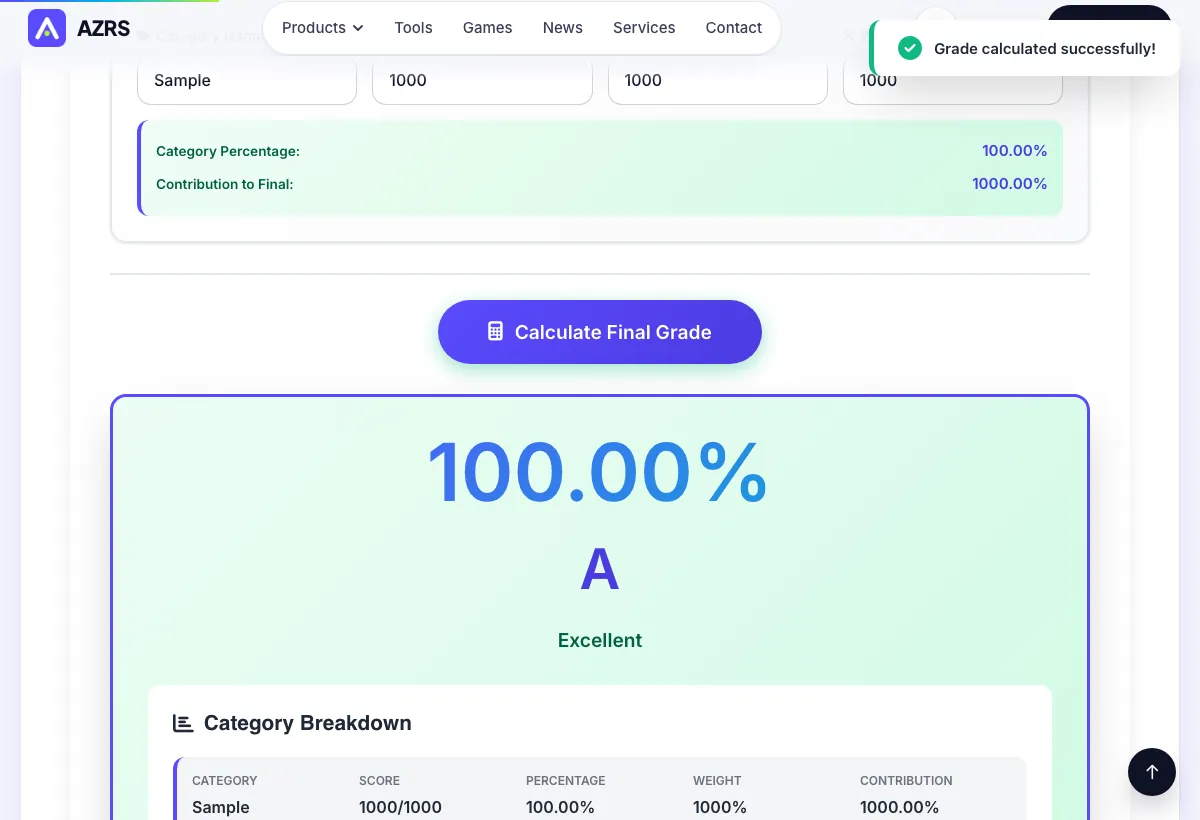
Category Breakdown
Grade Predictor
Calculate what grade you need on remaining assignments to achieve your target grade.
Target Final Grade (%)
What-If Analysis
See how hypothetical grades on upcoming assignments would affect your final grade.
Add categories in the Calculator tab first, then come back here to run What-If scenarios!
Check how your school or teacher calculates grades. Their method comes first.
About the Grade Calculator
Enter your assignments with their scores and weights and the calculator returns your current course grade. It can also work out the score you need on the final exam to reach a target grade.
Use the what-if view to see how one more good or bad result would change the grade. Always confirm the weights in your syllabus.
A weighted grade reflects the fact that a final exam usually counts for more than a homework set. Enter each category with its score and weight, and the calculator combines them into a current course grade. The predictor then asks the opposite question: given the weight left and the grade you want, what score do you need? The what-if view lets you change one result at a time and see the effect, which helps you decide where to spend study time.
How to use it
Add assignments. Name, score and weight for each.
Set a target. The course grade you want.
Read the result. Current grade and the score needed on the final.
Worked example
So far: 0.2 x 90 + 0.3 x 80 = 42 points of 50 weight
Final at 50% weight, target 85:
needed = (85 - 42) / 0.5 = 86
Tips for good results
- Weights should add up to 100 percent including the final.
- Run a best and worst case for the final.
- Keep a copy of the syllabus weights next to you.
Common mistakes
- Entering points instead of percentages without checking the page.
- Weights that do not add up to 100.
Common questions
How is a weighted grade calculated?
Each score is multiplied by its weight, and the products are added.
Can I see the score I need?
Yes. Set the final weight and a target.
Does it save my courses?
Only if you choose to sign in and save. Using it does not need an account.
More calculators
Check how your school or teacher calculates grades. Their method comes first.