Is Website Down? Website Status Checker
Check if a website is up, its response time, IP and security headers · free, no signup
See Is Website Down? Website Status Checker in action
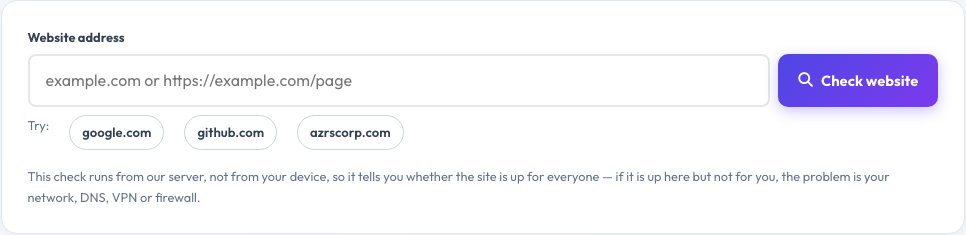
Is This Website Down? Free Website Status and HTTP Header Checker
When a website will not load, the first question is whether it is down for everyone or only for you. This checker requests the site from our server and reports the real HTTP status code, whether the site is up, how long each step took (DNS lookup, connection, TLS handshake and waiting for the first byte) and the server's IP address.
It notes how many redirects the site made, shows all response headers, highlights the server, caching and compression details, and grades six key security headers (HSTS, Content-Security-Policy, X-Frame-Options, X-Content-Type-Options, Referrer-Policy and Permissions-Policy). Site owners can use it as a quick health, redirect and security check; visitors can use it to find out if a site is really down.
Key features
Up or down verdict
Real HTTP status from a public server, explained in plain English.
Timing breakdown
DNS, connect, TLS and time-to-first-byte.
Redirect summary
How many redirects and where they end — with a link to our Redirect Chain Visualizer for the full trace.
Header and security grade
All headers plus an A+ to F security-header score.
How to use it
- Type a domain or full URL and press Check website.
- Read the verdict and status code.
- Check timings, redirects and security headers.
- If it is up here but not for you, check your connection, DNS or VPN.
Worked example
Example
http://example.com → 301 to https://example.com → 200 OK in 180 ms.
A 503 response means the server is overloaded or down for everyone.
Who uses this tool
Visitors
Find out whether a site is down for everyone or just you.
Site owners and developers
Check status, redirects, TLS and headers quickly.
SEO specialists
Audit redirect chains and response times.
Tips for the best results
- Check the exact URL a visitor would type, with and without www.
- Aim for under 800 ms total response time.
- Keep redirects to a single hop.
- Add HSTS, X-Content-Type-Options and a Content-Security-Policy to improve your grade.
Common mistakes to avoid
- Assuming a 403 or 429 means the site is down — it may be blocking automated checks.
- Testing only the homepage.
- Ignoring long redirect chains that slow every visit.
Why use AZRS QuickFix?
It is 100% free, needs no signup and has no watermark or usage limits. The tool runs in your browser, so what you type stays on your device, and it works on phones, tablets and desktops. New tools are added every week — bookmark this page or browse the full QuickFix toolbox.
Frequently asked questions
How does the checker work?
Our server connects to the site, sends a normal web request, follows redirects and measures every step, then shows the result.
What do HTTP status codes mean?
2xx means success, 3xx a redirect, 4xx a problem with the request (404 not found, 403 forbidden) and 5xx a server error.
The site is up here but not on my device — why?
Likely your internet, DNS, VPN, firewall or browser cache. Try another network or flush your DNS.
Why does it show 403 or 429?
Some sites block automated requests. The server is up, but it refused our checker.
Can it check private or internal addresses?
No. For security, only public websites can be checked.
Is there a limit?
To prevent abuse there is a limit of 20 checks per minute per visitor.