Camera High Knees & Mountain Climber Counter (AI)
Counts high knees or mountain climbers with the camera.
Voice & sounds
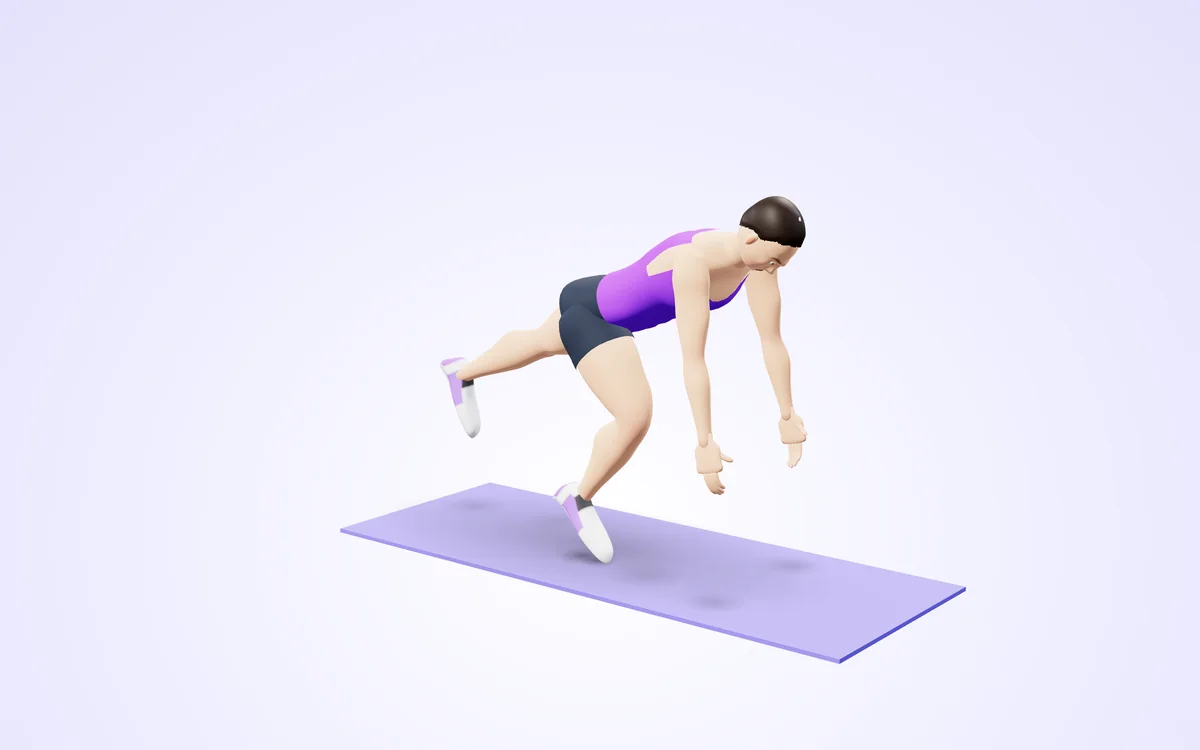
Watch it in 3DSee the exact form before you start. Drag to look from any angle.
Demo only. Move at a pace that feels safe and stop if anything hurts.
More free tools
See Camera High Knees & Mountain Climber Counter (AI) in action
Camera High Knees & Mountain Climber Counter (AI)
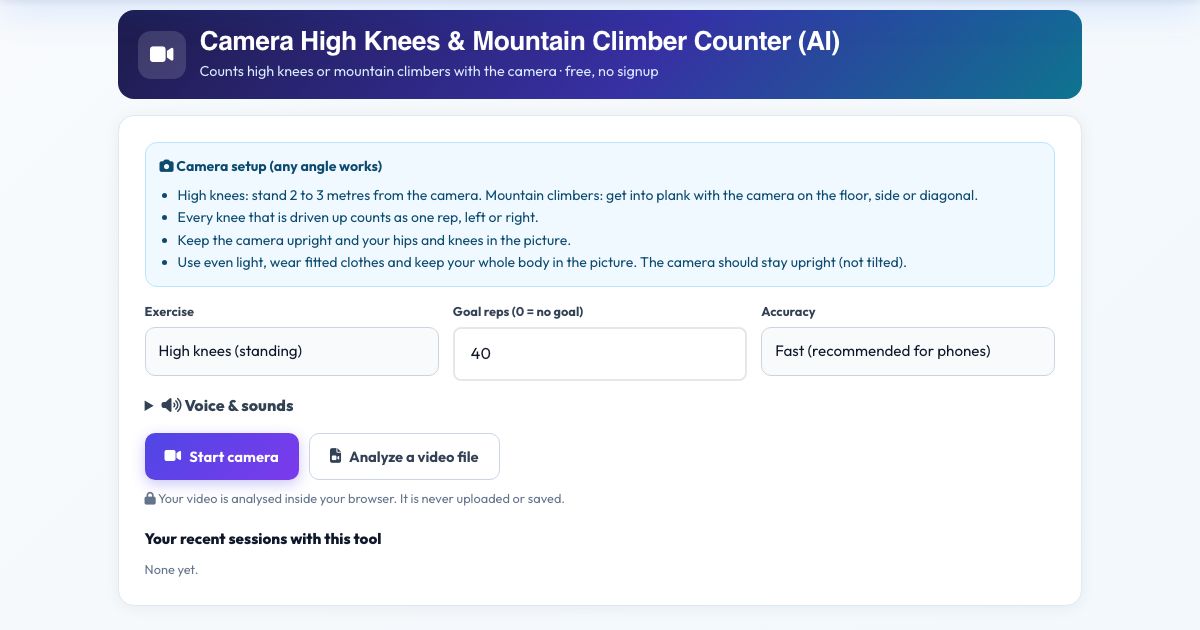
Choose High knees or Mountain climbers and let the camera count. In high knees the counter measures how high each thigh is lifted; in mountain climbers it needs you in plank and counts every time a knee is driven toward your chest. Left and right both count.
3D thigh and body angles mean any camera angle works. Voice counts help during fast interval rounds.
Use it in 4 steps
Pick the exercise and set a goal.
Press Start camera. High knees: stand 2 to 3 m away. Climbers: get into plank.
Go. Every knee drive adds one.
Press Finish & save.
Key features
Two exercises
Standing high knees and plank mountain climbers.
Counts each knee
Left and right.
Any camera angle
3D thigh angle.
Voice counts
Hands-free.
A real example, step by step
High knees, goal 60: every time a thigh passes about 70 degrees from vertical you get a count.
Who uses this tool
HIIT
Count fast rounds.
Warm-ups
A quick tally.
Tips for the best results
- Drive knees at least hip height for high knees.
- Keep hips low in climbers.
- Camera on the floor for climbers.
Common mistakes to avoid
- Not visible hips and knees.
- Standing too close.
Frequently asked questions
Is each knee one rep?
Yes. 40 counts means 20 each side.
Does it work from any camera angle?
Yes, any angle works with Camera High Knees & Mountain Climber Counter (AI). High knees: stand 2 to 3 metres from the camera. Mountain climbers: get into plank with the camera on the floor, side or diagonal. Every knee that is driven up counts as one rep, left or right.
Is my video uploaded or saved?
No. Camera High Knees & Mountain Climber Counter (AI) does its rep counting on your device. Nothing is recorded, uploaded or stored and the camera stops when you finish. Every knee that is driven up counts as one rep, left or right.
What do I need?
Any phone, tablet or computer with a camera will do, over https. For Camera High Knees & Mountain Climber Counter (AI): High knees: stand 2 to 3 metres from the camera. Mountain climbers: get into plank with the camera on the floor, side or diagonal. Every knee that is driven up counts as one rep, left or right.
Can I use a video instead of the live camera?
Yes, a recorded knees session works. Use 'Analyze a video file' in Camera High Knees & Mountain Climber Counter (AI) and choose the clip. High knees: stand 2 to 3 metres from the camera. Mountain climbers: get into plank with the camera on the floor, side or diagonal. Every knee that is driven up counts as one rep, left or right.
The counter is not counting. What should I check?
Make sure you are fully in view and the room is lit. This tool waits for the "Ready" position before it counts "Knee up". The message under the picture names whatever is missing.
Free, fast and private by design
No signup, no watermark. New AZRS tools are added every week.