AMRAP & EMOM Workout Timer
AMRAP, EMOM and For Time with voice, round counter and movements · free, no signup
Voice
See AMRAP & EMOM Workout Timer in action
AMRAP & EMOM Workout Timer
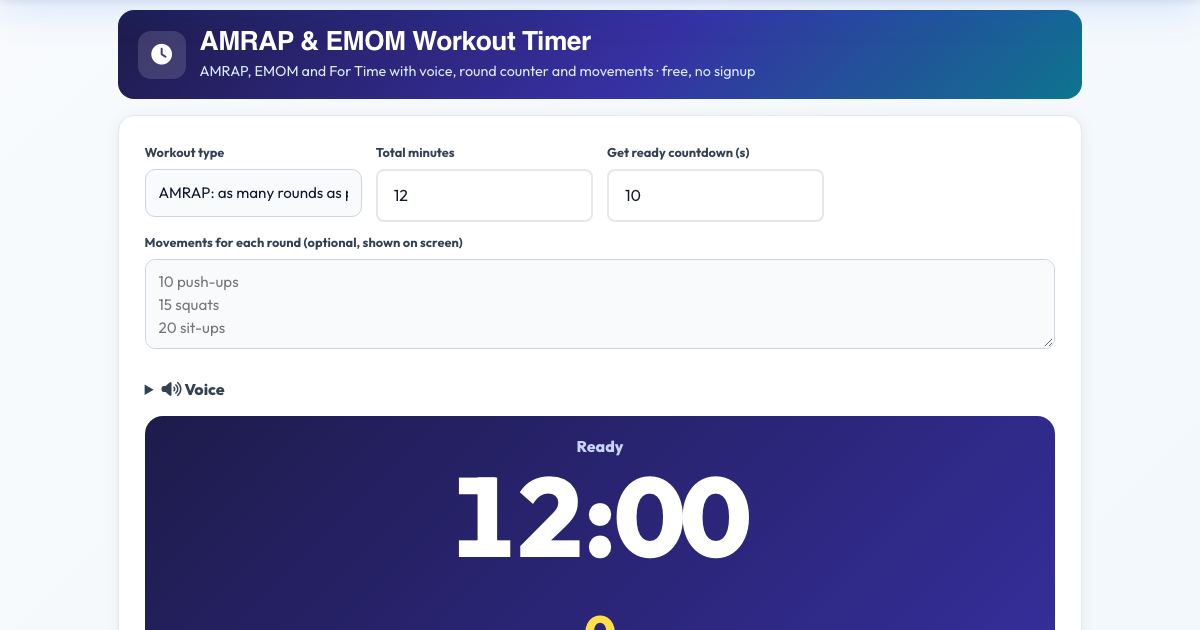
Run the CrossFit-style formats with a voice timer: AMRAP (as many rounds as possible) with a round counter and minute-mark calls, EMOM (every minute on the minute, or every 2 or 3) with the movements listed per interval, and For Time with a cap and lap button.
Enter your movements, press Start and the timer announces the intervals, counts the last seconds and logs the result.
Key features
AMRAP with round counter
Voice at minute marks.
EMOM and E2MOM
Spoken interval and movement.
For Time with cap and laps
Stopwatch.
Natural Kokoro voice
Or device voice.
Logs results
In your workout log.
How to use it
- Choose AMRAP, EMOM or For Time.
- Set the minutes and list your movements.
- Press Start.
- Tap Round done during AMRAP.
Worked example
Example
AMRAP 12: 10 push-ups, 15 squats, 20 sit-ups. You tap 7 rounds: 'Time! 7 rounds'.
Who uses this tool
CrossFit and HIIT fans
Hands-free timing.
Home trainers
Structured sessions.
Tips for the best results
- Pick a pace you can sustain.
- Write movements first.
Common mistakes to avoid
- Setting EMOM work that takes the full minute.
Why use AZRS QuickFix?
It is 100% free, needs no signup and has no watermark or usage limits. The tool runs in your browser, so what you type stays on your device, and it works on phones, tablets and desktops. New tools are added every week — bookmark this page or browse the full QuickFix toolbox.
Frequently asked questions
What is an EMOM?
Every Minute On the Minute: do a set at the start of each minute and rest for what is left.
Is it free and private?
Yes. It is free with no signup. Everything runs in your browser and anything saved stays on your own device.