Interactive Muscle Map
Tap a muscle to see what it does and the best exercises for it · free, no signup
Tap a muscle
See Interactive Muscle Map in action
Interactive Muscle Map
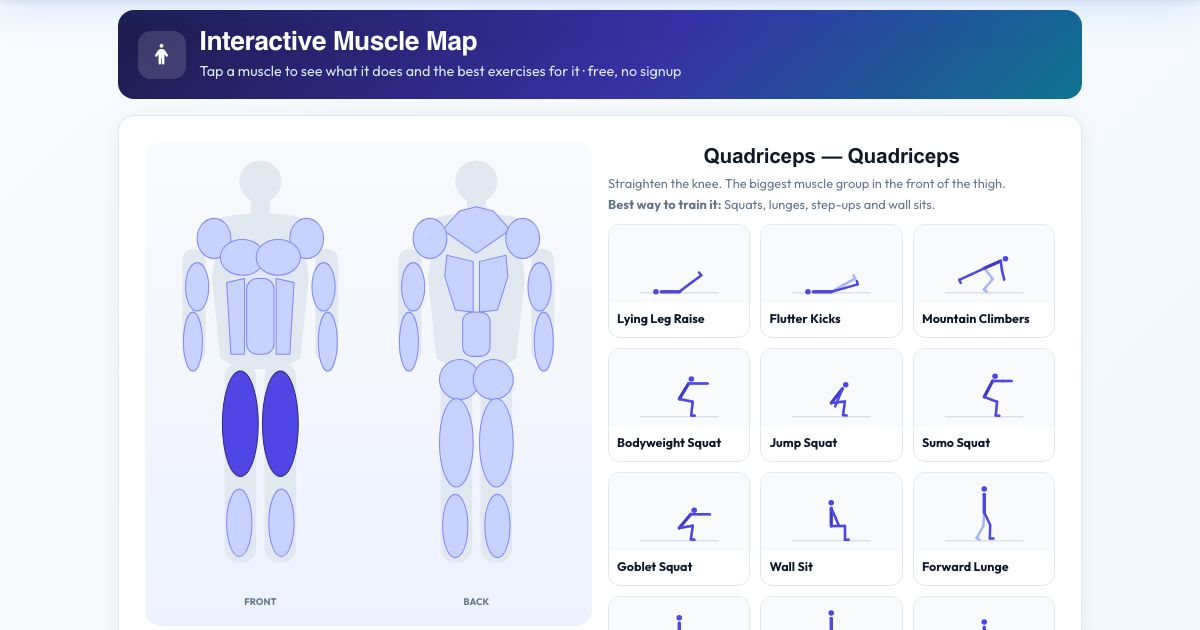
Tap any of fourteen muscle groups on the body diagram (chest, shoulders, biceps, triceps, forearms, abs, obliques, quads, calves, traps, lats, lower back, glutes and hamstrings) to see its proper name, what it does and the best way to train it.
Below the diagram you get animated exercises that train the muscle, plus stretches for it. Each opens in the Exercise Library, and you can jump to the workout builder to create a workout.
Key features
Front and back view
14 muscles.
What each muscle does
Plain English.
Best exercises
With animations.
Matching stretches
Included.
Deep link per muscle
Share it.
How to use it
- Tap a muscle on the body.
- Read what it does and how to train it.
- Browse exercises for it.
- Open one in the library or builder.
Worked example
Example
Tap Glutes: 'Gluteus maximus – extends the hip', then bridges, hip thrusts, squats and lunges appear with animations.
Who uses this tool
Beginners
Understand your body.
Lifters
Balance training.
Students
Quick anatomy review.
Tips for the best results
- Train opposing muscles (chest and back, quads and hamstrings) evenly.
Common mistakes to avoid
- Only training the muscles you can see in the mirror.
Why use AZRS QuickFix?
It is 100% free, needs no signup and has no watermark or usage limits. The tool runs in your browser, so what you type stays on your device, and it works on phones, tablets and desktops. New tools are added every week — bookmark this page or browse the full QuickFix toolbox.
Frequently asked questions
Is this a medical diagram?
No. It is a simplified educational map.
Is it free and private?
Yes. It is free with no signup, and everything is saved only in your own browser on this device.