
Use the Minesweeper
Play the classic Minesweeper! 4 difficulty modes, custom grids, hint system, and high score tracking.
- Free to use
- No signup
- Nothing to install
- Works in any modern browser
Illustration. Open the tool for the real thing.
See it in action
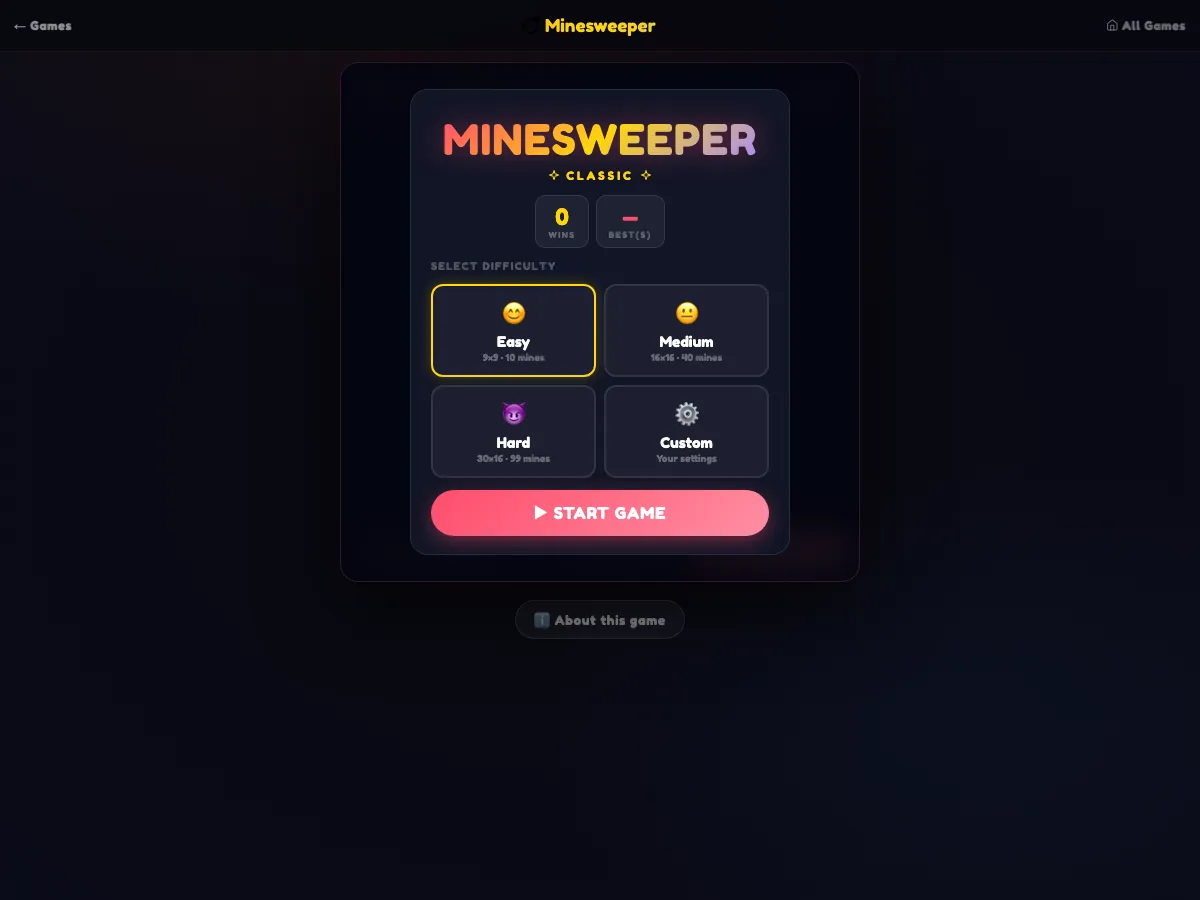
Shown during play after pressing ▶ START GAME
What is the Minesweeper?
10 ⏱0:00 🚩0 EASY Difficulty Hint ↺ New MINESWEEPER CLASSIC 0Wins —Best(s) Select Difficulty 😊Easy9×9 · 10 mines 😐Medium16×16 · 40 mines 😈Hard30×16 · 99 mines ⚙️CustomYour settings ROWS COLS MINES ▶ START GAME 💥 BOOM! 0sTime 0Flags 0Revealed 0%Safe % ↺ Play Again Change Difficulty ℹ️ About this game About Minesweeper The timeless classic — clear the minefield without detonating a single bomb. Choose from Easy, Medium, Hard, or build your own Custom grid. Right-click or long-press on mobile to flag mines. Your first click is always safe.
3 steps to your result
Open the tool and follow along. Nothing to install.
What you get
Play the classic Minesweeper!
4 difficulty modes, custom grids, hint system, and high score tracking.
No download — play free in your browser instantly.
AZRS tools are free to open and use.
It opens in your browser, so there is nothing to download.
How it compares
A plain look at this tool next to the usual alternative.
| This game | Desktop software | |
|---|---|---|
| Install | Nothing to install | Usually an app or program to install |
| Account | No signup | Depends on the product |
| Cost | Free to use | Free or paid, depends on the product |
Questions people ask
Is Minesweeper free?
Yes. It is free to play in your browser on AZRS.
Do I need to download Minesweeper?
No. It runs in your browser, so there is nothing to install.
How do I use the Minesweeper?
1. Open Minesweeper in your browser. 2. Read the on-screen how-to or controls, then start playing. 3. Play again and try to improve on your last result.
More free tools
Related to the Minesweeper.