
Use the Online Tone Generator
Generate sine, square, triangle and sawtooth tones at any frequency. Free online, no download, on AZRS.
- Free to use
- No signup
- Nothing to install
- Works in any modern browser
Illustration. Open the tool for the real thing.
See it in action
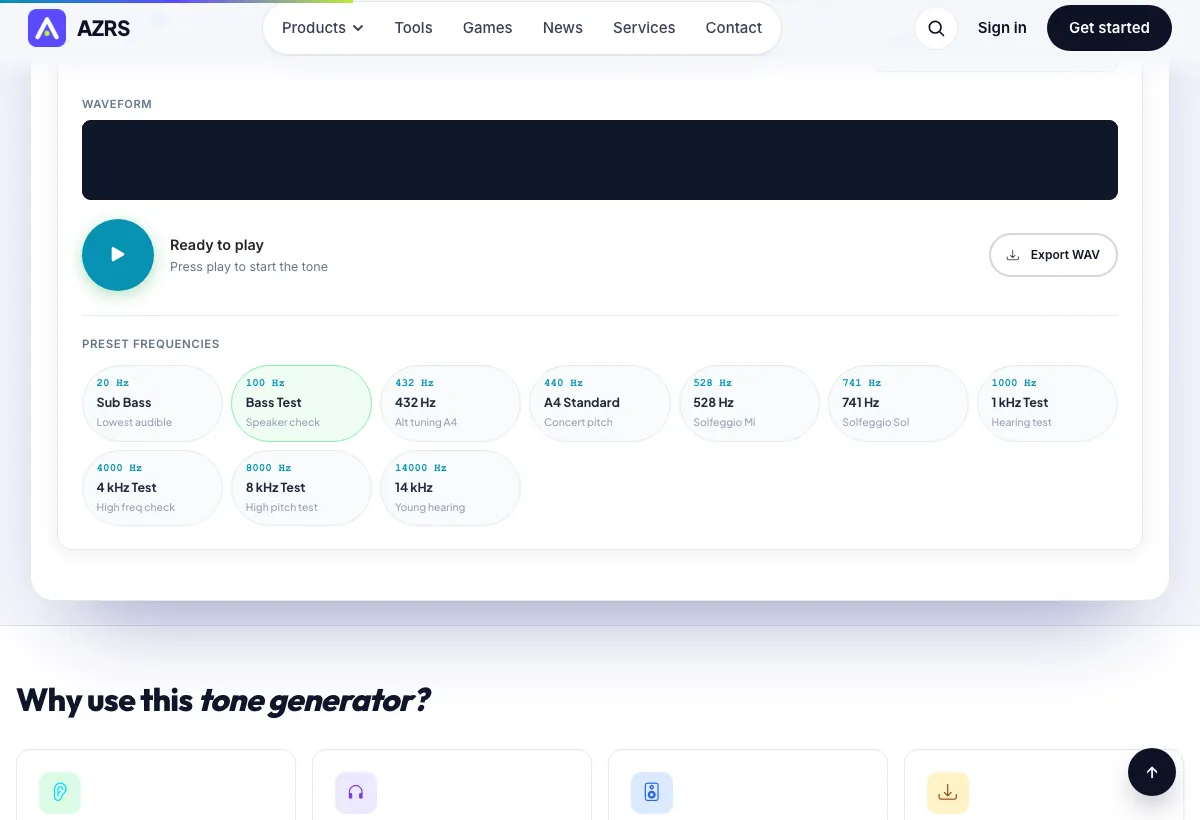
Sample input: Frequency = 440. Pressed 100 Hz Bass Test Speaker check.
What is the Online Tone Generator?
Generate sine, square, triangle and sawtooth tones at any frequency.
Generate sine, square, triangle and sawtooth tones at any frequency. Free online, no download, on AZRS.
3 steps to your result
Open the tool and follow along. Nothing to install.
What you get
Single Tone, Binaural Beats and Frequency Sweep.
Sine, square, triangle and sawtooth.
Quick presets such as 20 Hz, 100 Hz, 432 Hz and 440 Hz.
Save the tone as a WAV file.
AZRS tools are free to open and use.
It opens in your browser, so there is nothing to download.
How it compares
A plain look at this tool next to the usual alternative.
| This utility | Desktop software | |
|---|---|---|
| Install | Nothing to install | Usually an app or program to install |
| Account | No signup | Depends on the product |
| Cost | Free to use | Free or paid, depends on the product |
Questions people ask
Is the Online Tone Generator free?
Yes. It is free to open and use on AZRS.
Do I need to install anything?
No. It runs in your browser.
How do I use the Online Tone Generator?
1. Choose Single Tone, Binaural Beats or Frequency Sweep. 2. Pick a waveform and a frequency, or a preset such as 440 Hz. 3. Play it, and export a WAV file if you want to keep it.
More free tools
Related to the Online Tone Generator.
Try the Online Tone Generator now
Generate sine, square, triangle and sawtooth tones at any frequency. Free to use.
Try it free