
Use the Wheel of Names
Spin a wheel to pick a random name, winner or option. Good for classrooms, raffles, teams and games.
- Free to use
- No signup
- Nothing to install
- Works in any modern browser
Illustration. Open the tool for the real thing.
See it in action
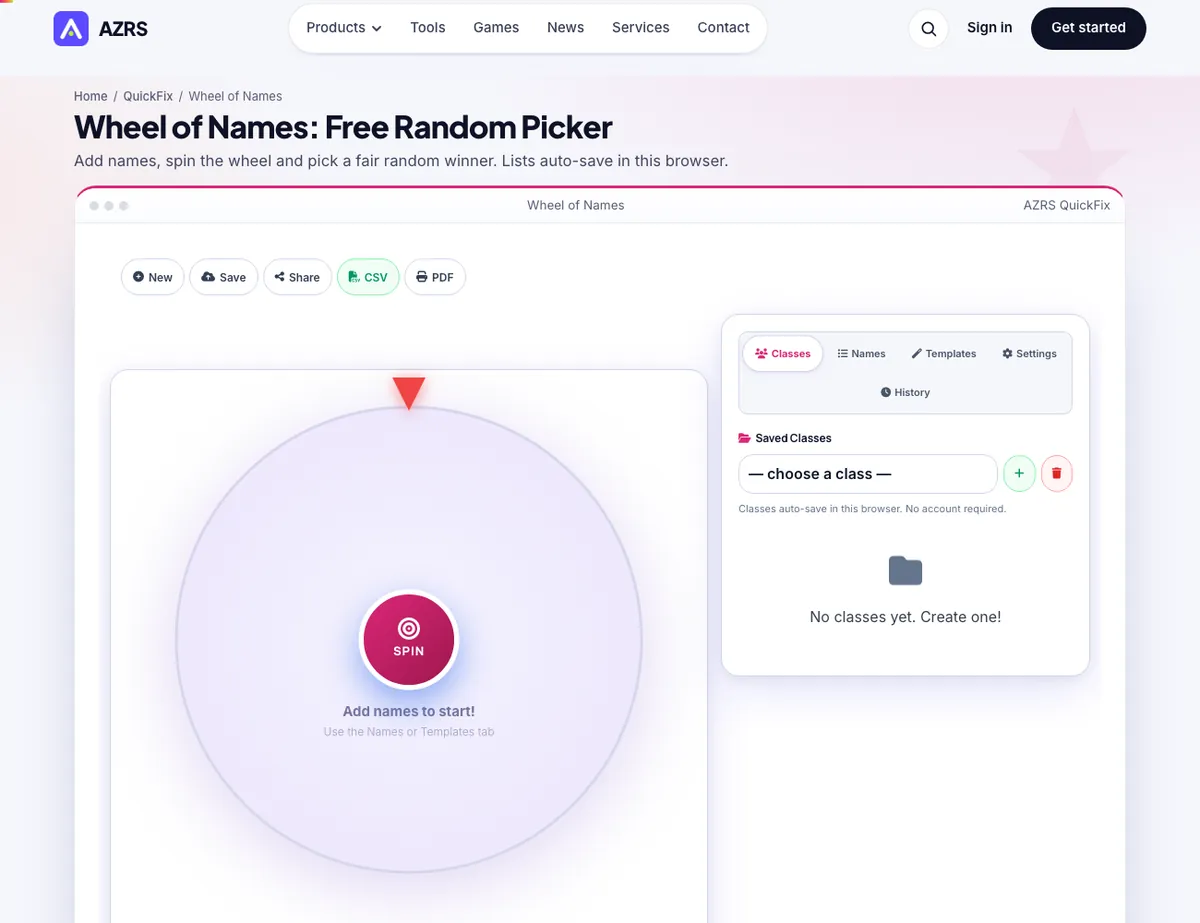
The Wheel of Names with sample data entered and the result showing.
What is the Wheel of Names?
Add names, spin the wheel and pick a fair random winner.
Spin a wheel to pick a random name, winner or option. Good for classrooms, raffles, teams and games. Save wheels and share them. Free, no signup.
3 steps to your result
Open the tool and follow along. Nothing to install.
What you get
Add names and press SPIN to pick one.
Shuffle, Sort A-Z, Sort Z-A, No Dupes, Uppercase, Lowercase and Reverse buttons clean up the list.
The page says lists auto-save in this browser.
AZRS tools are free to open and use.
It opens in your browser, so there is nothing to download.
How it compares
A plain look at this tool next to the usual alternative.
| This fun tool | Desktop software | |
|---|---|---|
| Install | Nothing to install | Usually an app or program to install |
| Account | No signup | Depends on the product |
| Cost | Free to use | Free or paid, depends on the product |
Questions people ask
Is the Wheel of Names free?
Yes. It is free to open and use on AZRS.
Do I need to install anything?
No. It runs in your browser.
How do I use the Wheel of Names?
1. Type your names into the Names box. 2. Press SPIN. 3. Read the winner; shuffle, sort or remove duplicates when you need to.
More free tools
Related to the Wheel of Names.
Try the Wheel of Names now
Add names, spin the wheel and pick a fair random winner. Free to use.
Try it free