All file converters
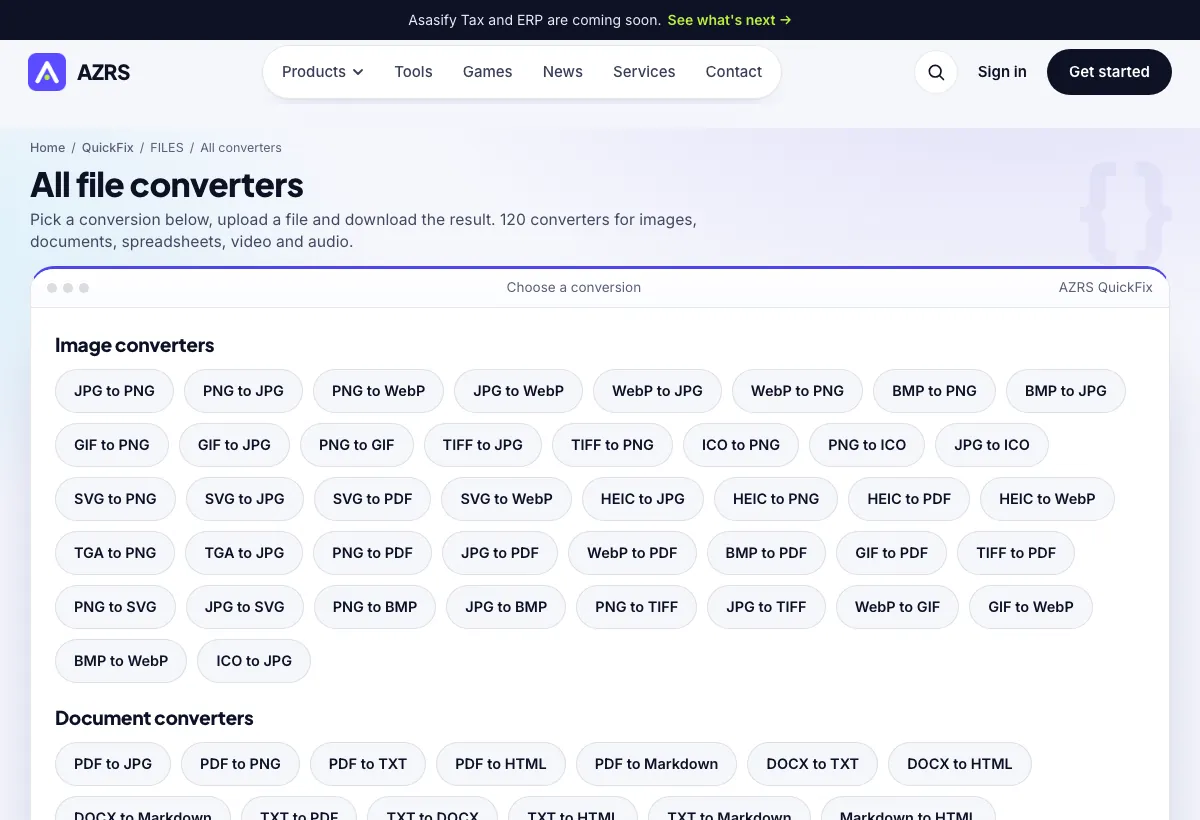
Pick a conversion below, upload a file and download the result. 120 converters for images, documents, spreadsheets, video and audio.
Image converters
Document converters
Presentation converters
Spreadsheet & data converters
Video converters
Audio converters
All Free File Converters: Images, Documents, Spreadsheets, Video and Audio
This page lists every conversion pair available in the AZRS file converter, grouped by type: image converters such as JPG to PNG, PNG to WebP and HEIC to JPG, document converters such as PDF to TXT and DOCX to HTML, plus spreadsheet, audio and video pairs. Each pair links to its own page with the right upload box and accepted file types already set.
If you do not see the exact pair you want, open the full file converter: it has a search box and lets you choose the output format after you upload your file.
Use it in 4 steps
Find your source and target format in the lists above, for example JPG to PNG.
Open that page and drop your file into the upload box.
Press the convert button and wait for the result.
Download the converted file.
How to pick the right converter
Images
Use PNG for sharp graphics and transparency, JPG for photos, WebP for smaller web images, and PDF when you need a printable page.
Documents
Convert PDF to text or HTML to reuse the content, or Word and Markdown files to PDF for sharing.
Spreadsheets
Move tabular data between CSV, TSV and XLSX when another program needs a different format.
Audio and video
Pull audio out of a video or change container formats such as MOV to MP4 for wider playback support.
A real example, step by step
You have a HEIC photo from an iPhone that a form will not accept. Open the HEIC to JPG page, upload the photo, convert, and download a JPG that the form can read.
Who uses this tool
Phone users
Turn HEIC or MOV files into formats every device opens.
Office workers
Convert documents and spreadsheets between the formats colleagues use.
Web publishers
Shrink images to WebP or convert SVG logos to PNG for platforms that need raster files.
Tips for the best results
- Converting JPG to PNG does not restore detail already lost to JPG compression; it only changes the container.
- Keep your original file. Some conversions, such as PDF to text, drop layout.
- Use the search box on the full converter if you are unsure which pair name to look for.
Common mistakes to avoid
- Expecting a PDF to TXT conversion to read text out of a scanned page. Scans are pictures and need OCR instead.
- Converting a transparent PNG to JPG and expecting transparency to survive. JPG has none, so the background fills in.
- Uploading a file larger than the per-file limit shown on the upload box.
Frequently asked questions
Are the converters free?
Yes, with no signup.
How many conversions are there?
More than a hundred pairs, listed by group on this page.
Where does the conversion happen?
Files are processed by the converter service; the converter page notes the per-file size limit and that files are deleted after processing.
Can I convert several files at once?
The full file converter accepts multiple files in one go.
What if my format is missing?
Open the full file converter and search by name, or check the formats list at the bottom of that page.
Free, fast and private by design
No signup, no watermark. New AZRS tools are added every week.