Bible Timeline Explorer
Pick an era, a testament and a focus to see events, people and prophecies in order.
Explore the Biblical Story
Timelines are written by an AI from general knowledge. Dates before the first century are approximate and scholars disagree on many of them. Check references against your own Bible.
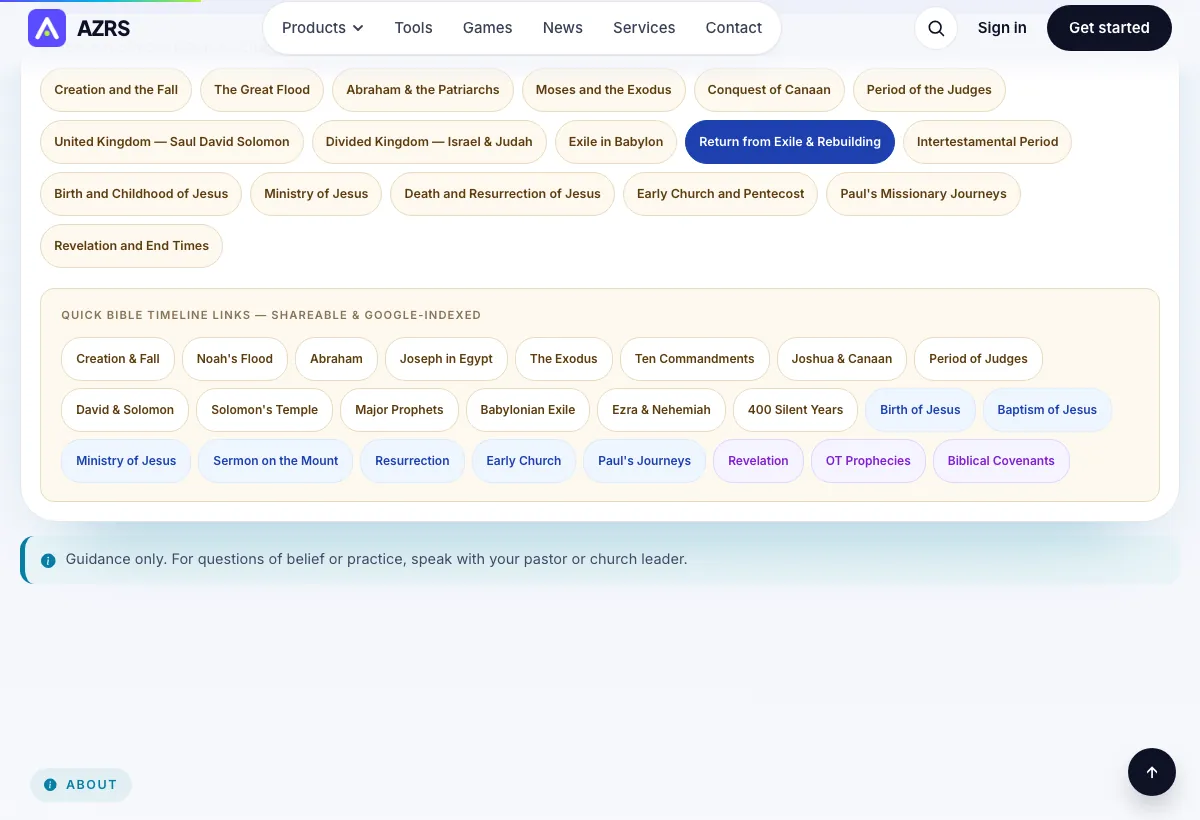
Quick Bible Timeline Links — Shareable & Google-Indexed
Guidance only. For questions of belief or practice, speak with your pastor or church leader.
About the Bible Timeline tool
The Bible covers many centuries and many places, and it can be hard to hold the order of events in your head. The Bible Timeline Explorer lays an era out as a list of dated entries, each with a title, a scripture reference, a category and a short note on why it matters.
You can leave the era blank for a wide view, or choose one of the era buttons, such as Moses and the Exodus, the Exile in Babylon or the Ministry of Jesus. Two menus narrow the view: the testament (both, Old or New) and the focus (events, people, prophecies, covenants, kings or miracles).
The entries are written by an AI from general knowledge. Dates before the first century are approximate, and scholars disagree about many of them. Use the timeline to get your bearings and then read the passages named in the references. For how a passage is understood in your church, speak with your pastor.
How to use it
Choose an era or leave it blank. Tap an era button, or type your own, such as the Judges or Early Church. A blank box gives a broad view.
Choose testament and focus. Set Both, Old or New Testament, then pick events, people, prophecies, covenants, kings or miracles.
Press Explore Timeline. The entries appear in order with dates, references and categories.
Open the references. Read the passages named in the entries in your own Bible, and treat early dates as approximate.
A simple example
Entries appear in order with a date range and a reference such as Exodus 12
Each entry names a category such as Event or Covenant
Early dates are shown as approximate ranges
Tips for good results
- Start with one era at a time. A narrow era gives a clearer list than the whole Bible.
- Switch the focus to people when you want to know who lived in the same period.
- Use the Copy button to keep a timeline for a study group.
- Compare dates with a study Bible, since early dates differ between scholars.
Common mistakes
- Treating the dates as settled. Many early dates are estimates and scholars disagree.
- Skipping the scripture references. They are the part to check first.
- Choosing a very wide era and expecting a short list.
- Using the timeline as a replacement for reading the passages themselves.
Common questions
Who writes the timeline entries?
An AI writes them from general knowledge each time you search. They can contain mistakes, so check the references against your own Bible.
Why are some dates given as a range?
For events before the first century, exact years are uncertain, so the tool gives approximate ranges. Scholars hold different views on early dates.
What does the focus menu do?
It changes what the list highlights: events, people, prophecies, covenants, kings or miracles.
Can I explore only the New Testament?
Yes. Set the testament menu to New Testament and choose an era such as the Ministry of Jesus or the Early Church.
Is this a substitute for a study Bible?
No. It is a quick overview. A study Bible or your pastor can give fuller background and the range of views.